Tired of your primary inbox being flooded with spam after every online sign-up? A temp mail verification code is your secret weapon. It provides a disposable email address to receive one-time verification links and codes, shielding your personal information from data harvesters and unwanted marketers. This simple tool offers instant privacy, cuts through digital clutter, and is incredibly easy to use, making it the best friend for anyone navigating the modern web securely and conveniently.
Key Takeaways
- Primary Defense Against Spam: Temp mail verification codes intercept promotional and tracking emails, keeping your permanent inbox clean and organized.
- Enhanced Privacy & Security: They prevent companies from linking your online activity to your primary email address and personal identity, reducing data profiling and phishing risks.
- Effortless & Instant: Generating a temporary email and receiving a verification code takes seconds, with no complex setup or password required.
- Not for Critical Accounts: Avoid using temporary emails for essential services like banking, primary cloud storage, or official government portals where account recovery is vital.
- Service Reliability Varies: The effectiveness depends on the temp mail provider; some sites block known disposable email domains, requiring you to try a different service.
- Ephemeral by Design: Understand that temporary inboxes and their contents are typically deleted after a short period (hours or days), so never rely on them for long-term communication.
- Empowers Controlled Exploration: It allows you to test new platforms, download resources, or access gated content without commitment or exposing your core digital identity.
📑 Table of Contents
- Your Inbox, Under Siege: The Modern Sign-Up Struggle
- What Exactly *Is* a Temp Mail Verification Code? (It’s Simpler Than You Think)
- Why It Truly Is Your Best Friend: The Triple Threat of Benefits
- How It Works: A Step-by-Step Guide to Seamless Verification
- Real-World Scenarios: Where Temp Mail Verification Codes Shine
- The Other Side of the Coin: Drawbacks and How to Navigate Them
- Pro-Tips & Best Practices: Using Your New Superpower Wisely
- The Bigger Picture: Temp Mail as a Cornerstone of Digital Hygiene
- Conclusion: Your Inbox, Your Rules
Your Inbox, Under Siege: The Modern Sign-Up Struggle
Let’s paint a familiar picture. You’re excited to try a new productivity app, download a free ebook, or access a webinar. You click “Sign Up,” enter your name, and then—the email field. You hesitate. You know exactly what happens next. That company, and likely dozens of partners it sells data to, will add your address to their promotional list. Your primary inbox, the one you use for family, friends, and work, will slowly but surely become a dumping ground for newsletters you never read, “exclusive offers” you don’t want, and the occasional phishing attempt disguised as a receipt. It feels like a necessary evil, a tax on accessing the digital world. But what if I told you there’s a simple, elegant solution? A way to get that verification code, complete the sign-up, and walk away without leaving a trail back to your most precious digital asset? Enter the humble, powerful temp mail verification code.
This isn’t just about avoiding clutter; it’s about reclaiming your privacy and your peace of mind. In this deep dive, we’ll explore why a temporary email address for verification purposes isn’t just a handy trick—it’s genuinely your best friend in the battle for a cleaner, safer, and more controlled online experience. We’ll move beyond the basics to understand the mechanics, master the best use cases, acknowledge the limitations, and equip you with pro strategies to use this tool like a seasoned digital privacy advocate.
What Exactly *Is* a Temp Mail Verification Code? (It’s Simpler Than You Think)
At its core, a temp mail verification code is a two-part system working in perfect harmony. Let’s break it down.
Visual guide about Why Temp Mail Verification Code is Your Best Friend
Image source: tailwindtap.com
The Disposable Email Address: Your Digital Burner Phone
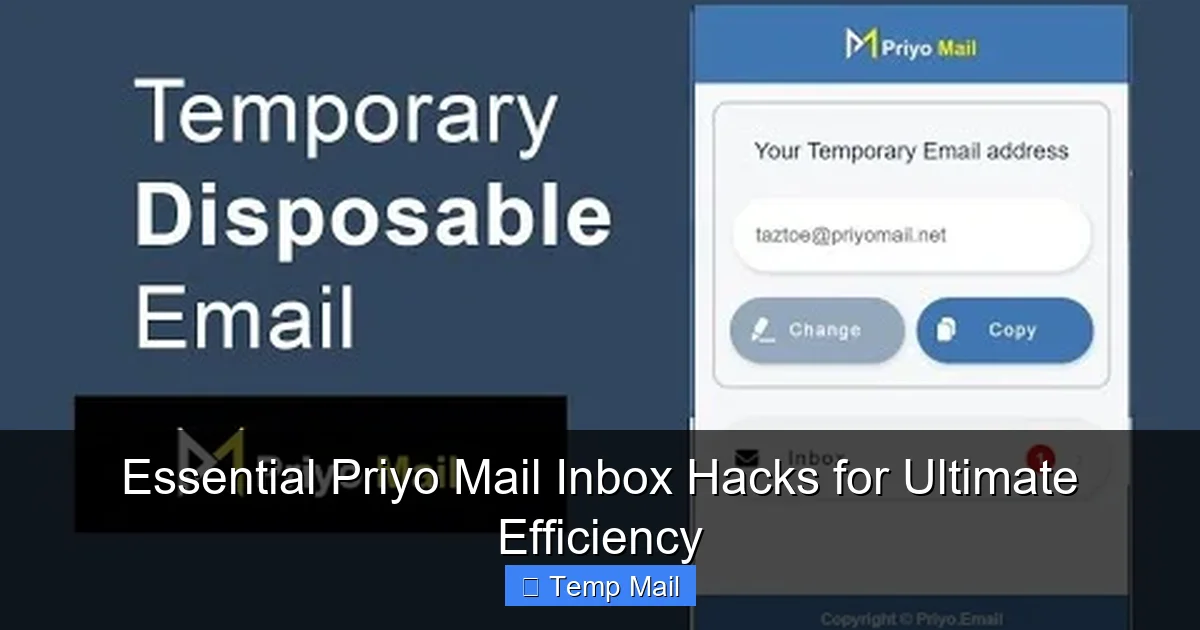
First, you use a temporary email service (like Temp-Mail, 10MinuteMail, or Guerrilla Mail). These services generate a random, unique email address for you—something like [email protected]. This address exists for a limited time, usually anywhere from 10 minutes to 48 hours, and has no connection to your real identity. You don’t create a password; you simply copy the address and use it.
The Verification Code: The One-Time Key
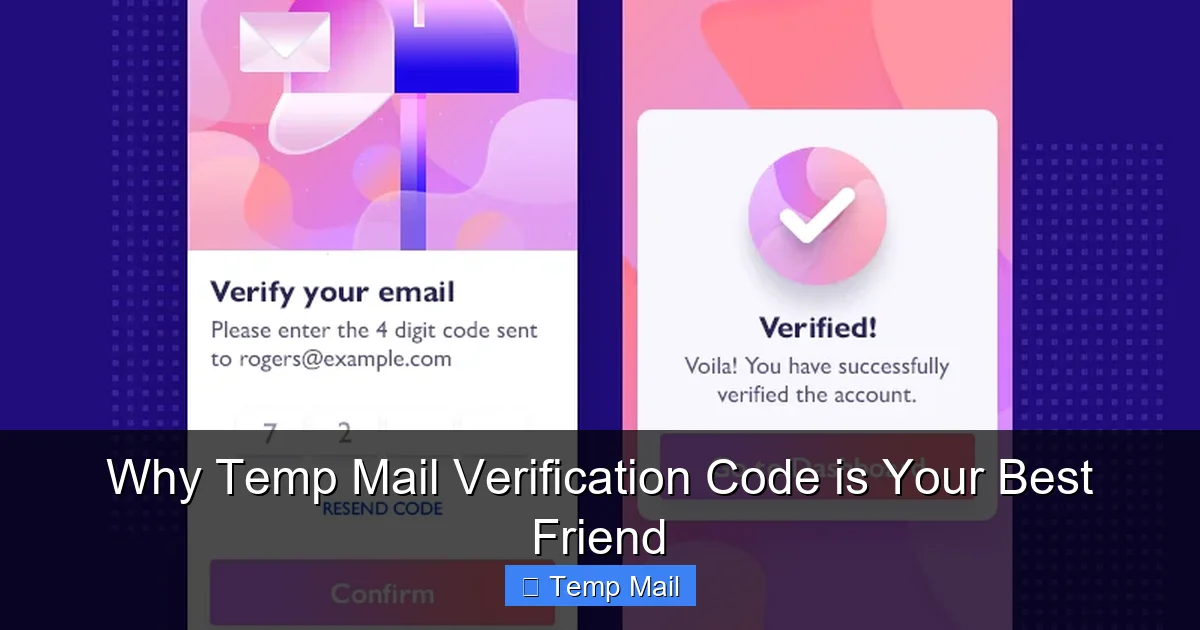
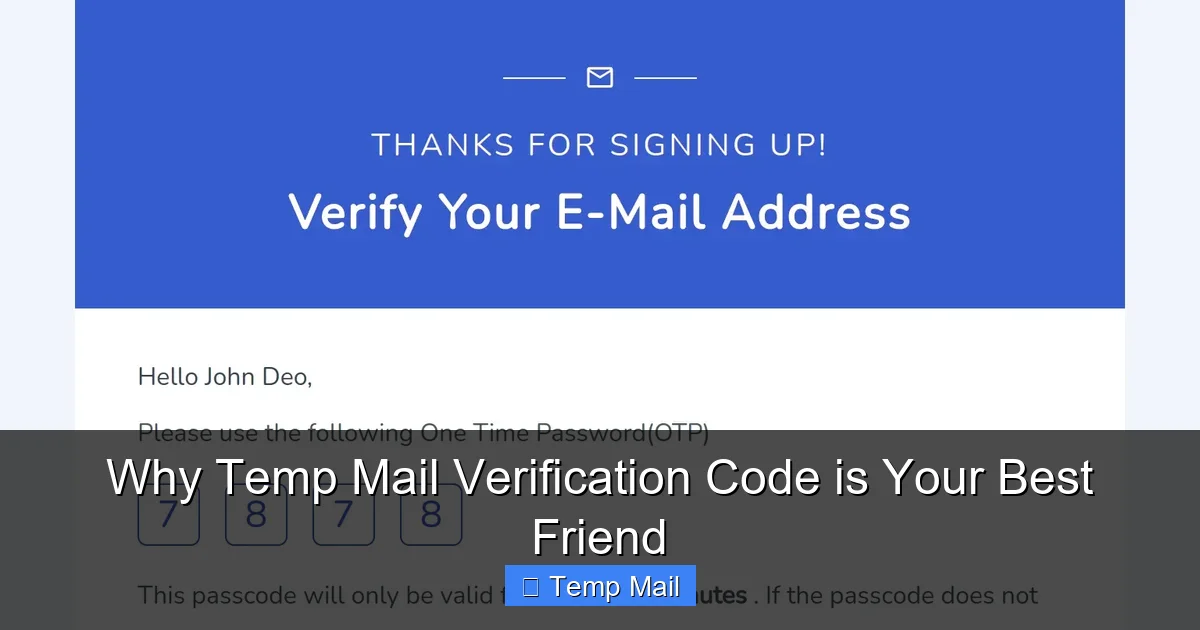
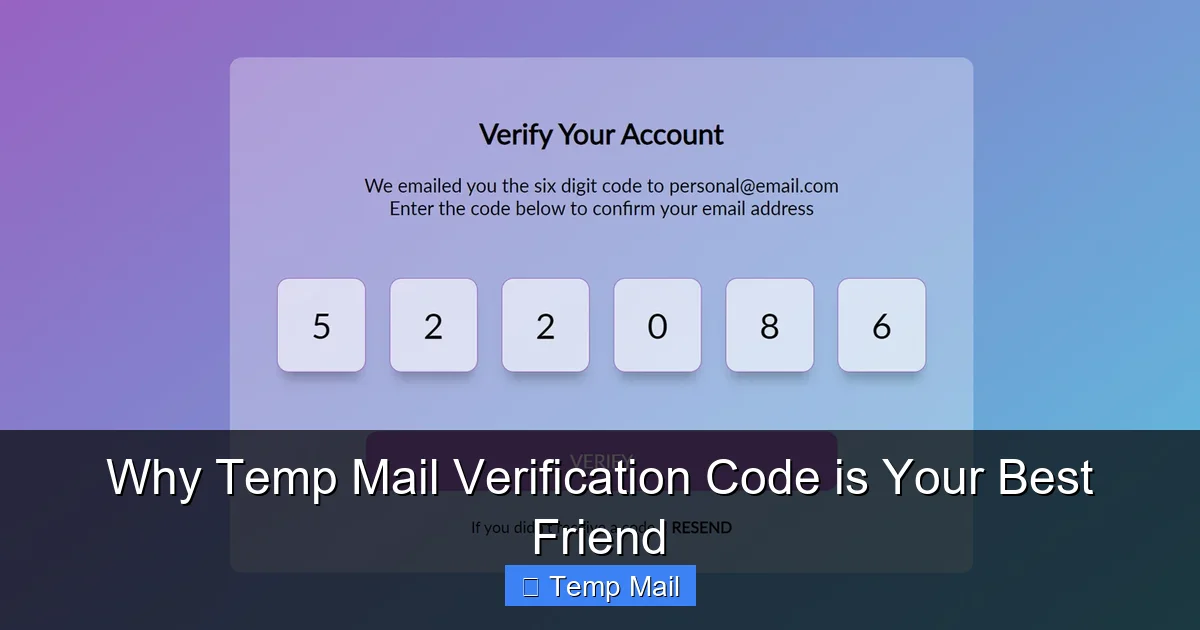
Second, you use that disposable address to sign up for a website or service. The service sends a verification email containing a unique code or a verification link *to that temporary address*. You then switch back to the temp mail service’s inbox (which updates in real-time), open that email, and copy the code or click the link to complete your sign-up. That code is the temp mail verification code in action—the single-use key that unlocks access while the disposable address acts as your shield.
Think of it like using a prepaid, anonymous SIM card to receive a single text message. Once the message is received and used, the SIM (the temp email) is discarded. The sender has no way to contact you again or tie that interaction to your permanent number (your real email).
Why It Truly Is Your Best Friend: The Triple Threat of Benefits
So, why the glowing recommendation? Because a temp mail verification code delivers on three fundamental promises that directly combat the pain points of modern web use.
Visual guide about Why Temp Mail Verification Code is Your Best Friend
Image source: user-images.githubusercontent.com
Benefit 1: Unmatched Spam Prevention & Inbox Sanity
This is the most obvious and immediate win. Every promotional email, every “update” newsletter, every partner offer is funneled into the temporary address. When that address expires and is deleted, so is all that spam. It gets incinerated before it ever touches your primary inbox. You are not just filtering spam; you are preventing its creation at the source. Your primary inbox remains a sanctuary for important communications. This benefit alone saves countless hours of mental energy and sorting frustration over time.
Benefit 2: Fort Knox-Level Privacy & Data Minimization
Your email address is a golden key. It’s a primary identifier used to track your behavior across websites, build a profile of your interests, and often, to locate other accounts you own (through data breaches or “find my account” features). By using a temp mail, you practice data minimization. You give the new service only the data it absolutely needs to function at that moment: a way to send a code. You withhold your permanent digital identity. This breaks the chain of data aggregation. Advertisers can’t add your activity on that new forum to your profile. Data brokers get a dead-end. You become a ghost in their machine, which is exactly how it should be for casual, non-essential interactions.
Benefit 3: The Ultimate Convenience & Frictionless Exploration
No more creating yet another password you’ll forget. No more debating whether to use a password manager for a site you might never visit again. No more guilt about abandoning a free trial because you don’t want to deal with the unsubscribe hassle later. A temp mail verification code removes all psychological and practical barriers. It enables zero-commitment exploration. Want to check out that sketchy but intriguing online tool? Go ahead. Need to download a template from a site that requires an email? No problem. Want to enter a contest you have no real hope of winning? Why not? The cost is zero, and the cleanup is automatic. It empowers you to use the internet on your terms, sampling and browsing without long-term baggage.
How It Works: A Step-by-Step Guide to Seamless Verification
Understanding the process is key to using it effectively. Here’s your playbook.

Visual guide about Why Temp Mail Verification Code is Your Best Friend
Image source: android-ios-data-recovery.com
Step 1: Choose and Open Your Temp Mail Service
Navigate to a reputable temporary email provider. You’ll immediately be assigned a random email address and shown a basic, live-updating inbox. No registration needed. Pro Tip: Bookmark your preferred service for even faster access next time.
Step 2: Copy the Disposable Address
With one click, copy the generated email address to your clipboard. It’s usually prominently displayed on the page.
Step 3: Paste and Sign Up
Paste that address into the email field of the website or app you’re registering for. Fill out any other required fields and submit the form.
Step 4: Wait and Refresh
Switch back to your temp mail tab. Within seconds to a minute (sometimes longer), the verification email will appear in the disposable inbox. If it doesn’t appear, hit the “Refresh” button on the temp mail site. Important: Keep the tab open! Some services have short auto-refresh intervals, but manual refresh is often necessary.
Step 5: Retrieve and Use the Code
Open the email. The verification code or link will be clearly visible. Copy the code and paste it into the verification field on the original site, or simply click the verification link (which may automatically log you in or complete the process).
Step 6: Close the Tab and Forget
Once your access is granted, you can close the temp mail tab. The address and its entire inbox history will self-destruct according to the provider’s timer. There’s nothing to delete, no account to close. You’re done.
Real-World Scenarios: Where Temp Mail Verification Codes Shine
Let’s move from theory to practice. Here are the prime situations where this tool is indispensable.
Scenario 1: Accessing Gated Content & Lead Magnets
That “free PDF guide” or “industry report” that requires an email? Use temp mail. You get the resource instantly, and the company gets a dead-end address. No follow-up sales sequence cluttering your real inbox. It’s a fair, low-commitment exchange.
Scenario 2: Testing New Apps & Services (The “Try Before You Commit” Phase)
Found a new project management tool, photo editor, or note-taking app? Before you create a permanent account with your real email and integrate it into your workflow, use a temp mail to test the core features. This lets you evaluate the app’s usability and value without polluting your digital identity or worrying about a complex cancellation later.
Scenario 3: Downloading Software from Third-Party Sites
Many freeware or shareware download sites require an email address to send a download link, often then sending bloatware offers. A temp mail is perfect here. You get your clean download link, and the temporary inbox catches all the subsequent “special offer” emails that would otherwise spam you.
Scenario 4: Bypassing “Email Wall” for Forum Access
Some online forums or communities require email verification to post. If you just want to browse or ask a single question, a temp mail gets you past that gate without you having to trust the forum with your primary contact information.
Scenario 5: Registering for One-Time Events or Webinars
Attending a single webinar or virtual event? The organizer will almost certainly add you to their mailing list. Use a temp mail for the registration to get the event link, and then vanish from their list once the event is over.
The Other Side of the Coin: Drawbacks and How to Navigate Them
A best friend is honest. A temp mail verification code is incredibly useful, but it’s not a universal tool. Knowing its limits is crucial for safe and effective use.
Drawback 1: Blocked by Security-Conscious Services
Many platforms, especially in finance (PayPal, online banking), primary cloud storage, social media giants (Facebook, Twitter/X), and official government sites, actively block domains from known temporary email providers. They see these as high-risk for fraud and abuse. If you try to sign up with a temp mail on these sites, you’ll likely get an error message. Solution: This is a feature, not a bug. These are exactly the services you should not be using a temp mail for, as they require a secure, recoverable account.
Drawback 2: No Account Recovery, Ever
If you forget your password for an account created with a temp mail, you are permanently locked out. The “forgot password” link will send a reset email to an inbox that no longer exists. Solution: The rule is simple: Never use a temp mail for any account where losing access would be a disaster. Stick to casual, non-critical platforms.
Drawback 3: Potential for Abuse and Reputation
Because they are anonymous, temp mail addresses are sometimes used for malicious sign-ups, spam, or abuse. This can lead some smaller websites to be wary of any disposable email, potentially blocking all of them. Solution: If a site blocks your temp mail, try a different provider. Sometimes switching from @tempmail.demo to @guerrillamail.com works.
Drawback 4: Limited Timeframe
If the verification email takes a long time to arrive (e.g., the service has a 10-minute delay), your temporary inbox might expire before you get it. Solution: Choose a temp mail service that offers a longer lifespan (e.g., 24 or 48 hours) if you anticipate delays. Refresh the inbox frequently during the wait.
Pro-Tips & Best Practices: Using Your New Superpower Wisely
To graduate from casual user to expert, follow these guidelines.
- Have a Go-To List of 2-3 Services: Don’t rely on just one. Keep bookmarks for 2-3 reputable temp mail sites. If one is blocked or down, you have an instant backup.
- Check the Inbox Lifespan: Before you commit to a sign-up, glance at the countdown timer on your temp mail inbox. Ensure it gives you enough buffer time to receive the verification email (30+ minutes is a safe bet for most services).
- Use It for Downloads, Not Subscriptions: The ideal use is a one-time action: get the file, get the code, get the access. Avoid using it for recurring subscriptions (like a monthly SaaS tool) where you might need ongoing communication or invoices.
- Never Use for Primary Identity Hubs: Reiterating the golden rule: no email for password managers, no email for your main cloud storage, no email for critical financial or medical portals. Your primary email is your digital anchor; protect it accordingly.
- Be Wary of “Verify to Comment” Traps: Some blogs use email verification solely to build their mailing list, with no real need for it. If the only purpose is to comment, using a temp mail is perfectly acceptable ethical behavior against an anti-privacy practice.
- Clear Your Browser Cache/Cookies After: For maximum anonymity, after you’ve completed your sign-up using a temp mail, consider clearing your browser’s cache and cookies for that site. This severs the session and further decouples the temporary action from your browsing profile.
The Bigger Picture: Temp Mail as a Cornerstone of Digital Hygiene
Using a temp mail verification code is more than a neat trick; it’s a fundamental practice of good digital hygiene. It’s part of a larger toolkit that includes using a password manager, enabling two-factor authentication (on important accounts!), employing a VPN, and being mindful of app permissions. It represents a conscious choice to stop giving away your primary email address—a piece of your identity—as freely as you might hand out business cards at a crowded convention. Each time you use a temp mail for a low-stakes sign-up, you are making a small but significant deposit into your long-term privacy and security bank. You are reducing your “attack surface” for data breaches and phishing. You are taking back control from the default model of the internet, which assumes you will trade your contact information for access. You are choosing quality over quantity in your own inbox. That’s not the behavior of a casual surfer; that’s the behavior of a savvy digital citizen.
Conclusion: Your Inbox, Your Rules
The next time you face that email field during a sign-up, pause. Remember the anxiety of the spam that follows. Remember the clutter. Now, remember the solution. A temp mail verification code is the simple, powerful, and free tool that turns that moment of hesitation into an act of empowerment. It is your best friend because it asks for nothing in return, requires no maintenance, and delivers pure, tangible value: a cleaner inbox, stronger privacy, and the unshackled freedom to explore the web without consequence. It’s not about being paranoid; it’s about being prudent. It’s about treating your primary email address with the respect it deserves as a key to your most important digital relationships. So, go ahead. Bookmark that temp mail site. Use it for the next ebook download, the next app trial, the next webinar. Reclaim your inbox. Your future self, staring at a spam-free primary email, will thank you. That’s not just a friend; that’s a best friend.
Frequently Asked Questions
Is using a temp mail verification code legal?
Yes, using temporary email services is completely legal in virtually all jurisdictions. They are legitimate tools for privacy protection. The legality only becomes an issue if the temporary address is used for fraudulent activities, which is true of any communication tool.
Is it safe to use a temp mail verification code?
For the intended purpose of receiving a single verification code, it is very safe. You are not providing a password or financial info to the temp mail service itself. The primary risk is using it for important accounts where you might later need account recovery, which is a practice to avoid, not an inherent safety flaw in the tool.
Can I use a temp mail verification code for social media or banking?
You should not. Major platforms like Facebook, Twitter, Instagram, and all banking/financial services explicitly prohibit disposable emails in their terms of service and will block them. More importantly, you would permanently lose access if you ever needed to reset your password, as the reset email would go to an expired inbox.
What should I do if a website blocks my temp mail address?
First, try a different temporary email provider—switch to a different domain. If that fails, the site has likely blacklisted all disposable email services. At that point, you must decide if the service is important enough to warrant using your real email, or if you’re willing to forgo that particular sign-up.
How long does a temp mail inbox and its verification code last?
3It varies by provider, but typical lifespans range from 10 minutes to 48 hours. Always check the countdown timer on your chosen service. Most verification emails arrive within 5-15 minutes, so a 30-60 minute window is usually sufficient for standard sign-ups.
Is my activity with a temp mail truly anonymous?
For the website you’re signing up with, yes. They only see the disposable address. However, the temp mail service provider itself can see your IP address and the emails you receive while using their service. For extreme anonymity, using a VPN in conjunction with a temp mail adds an extra layer. For most users, the service provider’s access is a negligible privacy trade-off compared to giving your real email to the signing-up website.