Opening a temporary email inbox is your first step toward a cleaner, more private online experience. This guide shows you exactly how to generate and access a disposable email address in seconds, with no registration required. You’ll discover the simple steps to open temp mail inbox on any device and learn why this tool is essential for safeguarding your primary email from spam and data breaches. Follow these practical tips to take control of your digital footprint today.
Key Takeaways
- Temp mail is a disposable email service: It provides a temporary, anonymous inbox that auto-deletes after a short period, typically 10 minutes to 24 hours.
- Opening an inbox requires no setup: You simply visit a provider’s site, generate an address, and the inbox is ready to receive mail immediately.
- Primary benefit is spam protection: Use a temp address for sign-ups, downloads, or forums to keep your real email free from promotional and malicious emails.
- Security has limits: While it hides your identity, the inbox content is not encrypted and is publicly accessible on the provider’s server.
- Ideal for specific, low-stakes tasks: Perfect for one-time verification, accessing gated content, or testing website forms without commitment.
- You cannot send emails from most temp addresses: Their primary function is receiving; sending capabilities are rare and often restricted.
- Choose a service based on your needs: Consider inbox lifespan, domain options, and whether you need browser extensions or mobile apps.
📑 Table of Contents
- Introduction: Why You Need to Open a Temp Mail Inbox Today
- What Exactly is a Temporary Email Inbox?
- How to Open a Temp Mail Inbox: A Step-by-Step Guide
- The Undeniable Benefits of Using a Temp Mail Inbox
- Common and Practical Use Cases for Your Temp Inbox
- Security and Limitations: What You Must Know Before You Open
- Choosing the Right Service: Features to Look For
- Conclusion: Embrace the Disposable Inbox
Introduction: Why You Need to Open a Temp Mail Inbox Today
Ever signed up for a free webinar, a discount code, or a basic online tool and immediately felt that sinking feeling? You know the one—where you hand over your primary email address and instantly wonder what kind of spam avalanche is headed your way. Your inbox, once a peaceful place, becomes a battlefield for promotions, newsletters you never asked for, and potential phishing attempts. What if you could hand out a “burner” email instead? This is where knowing how to open temp mail inbox becomes a superpower for your digital life.
Temporary email services are like digital bodyguards. They stand between your personal, work, or important email accounts and the vast, often messy, world of the internet. They are incredibly simple to use, require zero personal information, and give you a functional inbox for a short, defined period. In this comprehensive guide, we will walk you through everything—from the absolute basics of what temp mail is to the nuanced tips that help you use it effectively and safely. By the end, you’ll be a confident user, ready to protect your online identity one disposable address at a time.
What Exactly is a Temporary Email Inbox?
Before we dive into the “how,” let’s solidify the “what.” A temporary email inbox is a service that provides you with a random, unique email address that exists for a very short time—usually anywhere from 10 minutes to 24 hours, sometimes longer. The key word is temporary. This inbox is designed for a single purpose: to receive an email (like a verification link or a download file) and then vanish without a trace.
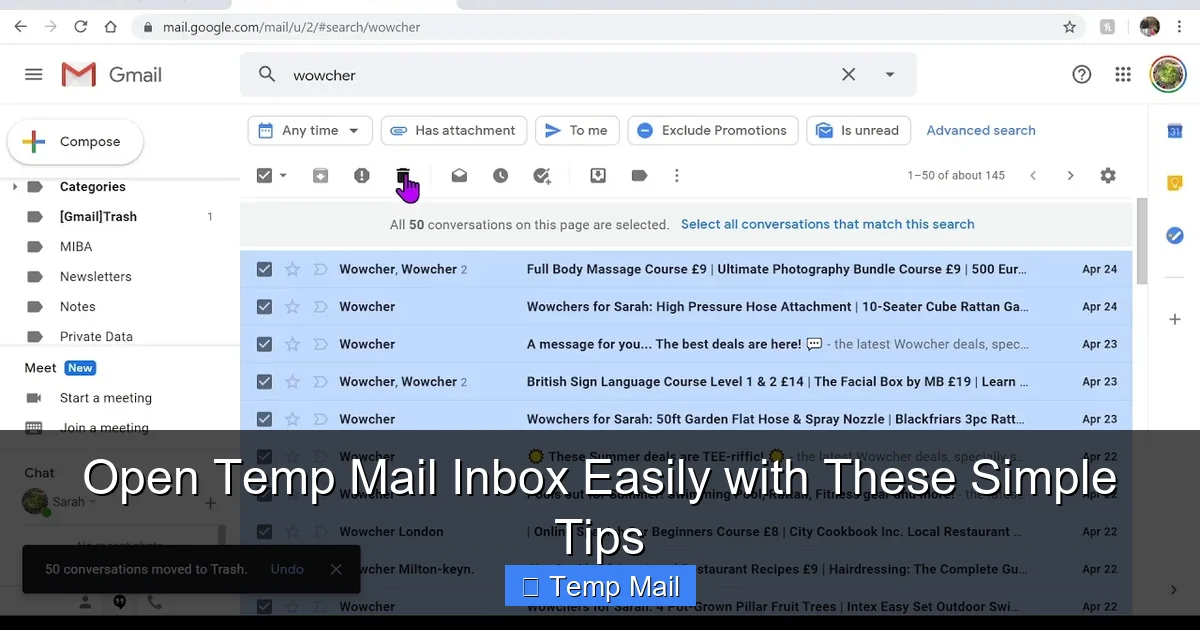
Visual guide about Open Temp Mail Inbox Easily with These Simple Tips
Image source: i.ytimg.com
How It Works Under the Hood
When you visit a temp mail website like Temp-Mail, 10MinuteMail, or Guerrilla Mail, the system automatically generates a random email address for you. This address is tied to a random inbox on their server. Any email sent to that address is captured and displayed in a simple, web-based inbox interface that you can view right on the site. There is no password, no username to remember—just the random address. After the time limit expires, the address and all its emails are permanently deleted from the server, making it impossible for anyone to ever access that inbox again.
Key Characteristics of a Temp Inbox
- No Registration: You never create an account. The inbox is assigned to you upon page load.
- Anonymity: The generated address contains no personal identifiers linked to you.
- Ephemeral: It has a built-in expiration timer.
- Receive-Only (Mostly): The standard model allows receiving emails but not sending them from the temp address.
- Publicly Accessible: Anyone who knows the specific random address could technically view the inbox if they visited the site at the same time, though this is highly unlikely.
How to Open a Temp Mail Inbox: A Step-by-Step Guide
The beauty of temp mail is its breathtaking simplicity. You can open temp mail inbox and have a working address in under 15 seconds. Here is the universal process, broken down into crystal-clear steps.
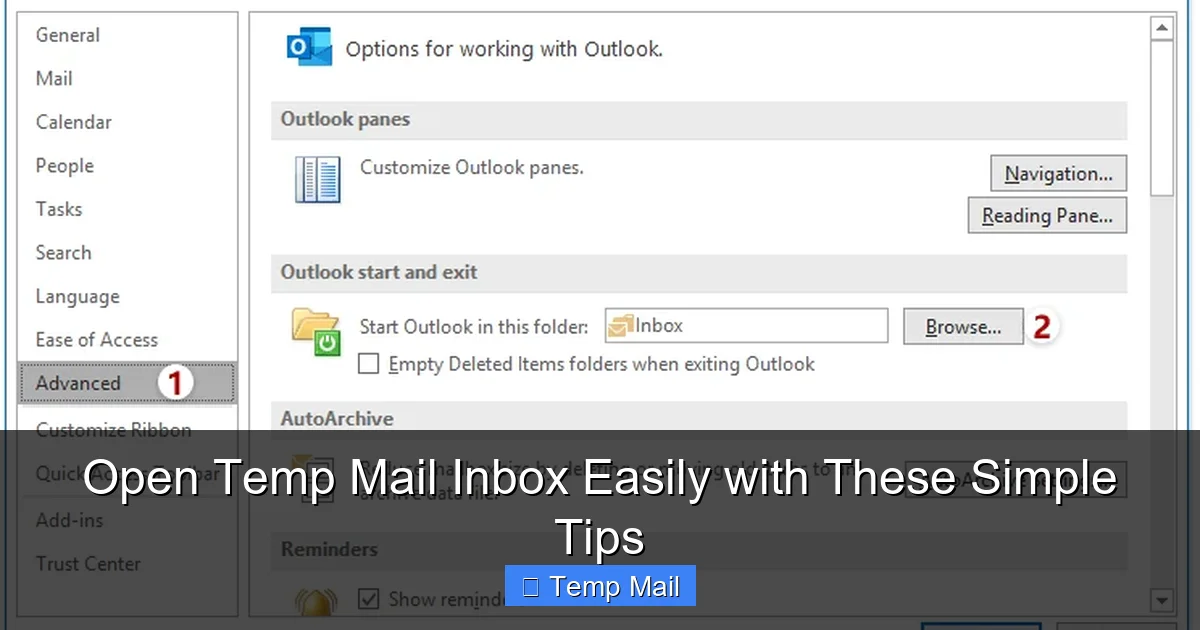
Visual guide about Open Temp Mail Inbox Easily with These Simple Tips
Image source: cdn.extendoffice.com
Step 1: Choose a Reputable Provider
A quick web search for “temp mail” or “disposable email” will yield dozens of options. Popular and reliable ones include Temp-Mail.org, 10MinuteMail.com, Maildrop.cc, and Getnada.io. For this guide, we’ll use the general process that applies to almost all of them. Look for a site with a clean interface, clear countdown timers, and minimal aggressive ads.
Step 2: Generate Your Address
Navigate to the provider’s homepage. You will almost immediately see a large, bold email address displayed. This is your temporary inbox. For example: [email protected]. On some sites, you might need to click a button that says “Generate,” “New Email,” or “Refresh.” The system creates a random local part (the part before the @) and pairs it with the provider’s domain.
Step 3: Access Your Inbox
That’s it. The inbox is already open. On the same page, you will see an empty message list or a message saying “Your inbox is empty.” This is your active temp mail inbox. The page itself is your inbox interface. You don’t need to log in. The unique URL might contain a session ID, or the site may use browser cookies to remember which inbox is yours during that visit.
Step 4: Copy the Address and Use It
Highlight the displayed email address and copy it (Ctrl+C / Cmd+C). Paste it (Ctrl+V / Cmd+V) into any website, form, or sign-up field that asks for your email. You are now using your disposable identity.
Step 5: Wait for and Check Your Inbox
After you’ve submitted the temp address, return to the provider’s tab or window. Keep it open. The site will automatically check for new mail every few seconds. When an email arrives, it will pop into the list. Click on it to view the content. Often, you’ll see a “Refresh” button you can click manually if needed.
Step 6: Let It Expire or Manually Delete
A countdown timer on the page will show you exactly how much time is left before the inbox self-destructs. Once it hits zero, the address and all contained emails are purged. Some providers also offer a “Delete” or “Forget this address” button for immediate cleanup.
Practical Example: Signing Up for a File Download
Let’s say you want to download a free ebook from a site that requires an email sign-up. You go to Temp-Mail.org, copy the address [email protected], paste it into the sign-up form, and submit. The site sends a confirmation email. Within 10 seconds, you see that email appear in your temp inbox on the provider’s site. You open it, click the verification link (which may open in a new tab), and the ebook downloads. You close the tabs. In 10 minutes, the temp inbox vanishes. Your real email address received nothing.
The Undeniable Benefits of Using a Temp Mail Inbox
Why go through this extra step? The advantages are significant for anyone who values their online privacy and sanity.
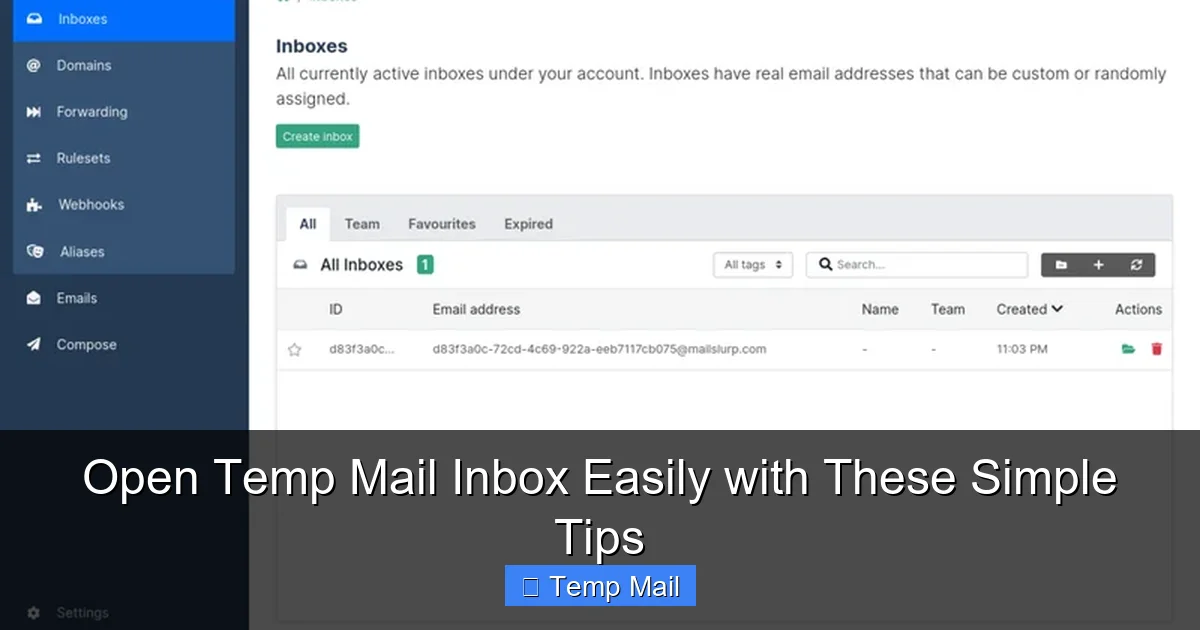
Visual guide about Open Temp Mail Inbox Easily with These Simple Tips
Image source: mailslurp.com
1. Ultimate Spam Shield
This is the number one reason people use temp mail. By using a disposable address for any non-critical interaction, you create a perfect firewall. Newsletters, marketing drip campaigns, and data breaches that leak email lists will only ever hit your temp address, which will soon cease to exist. Your primary inbox remains pristine, reserved for family, friends, and essential communications.
2. Zero Commitment, Zero Risk
You can explore a service, download a resource, or enter a contest without giving a single piece of personal information. There’s no long-term relationship. If you don’t like the service or suspect it’s spammy, you simply walk away. The temp address becomes useless to them after a short time.
3. Bypass Registration Walls
Many useful websites and tools hide their content behind an “enter your email to continue” wall. A temp mail inbox lets you gracefully bypass this without compromising your identity. It’s perfect for quickly accessing a whitepaper, a software trial, or a forum thread.
4. Test and Develop
For developers and QA testers, temp mail is invaluable. You can test email verification flows, password reset functions, or newsletter sign-up integrations without flooding a real inbox or managing multiple test accounts.
5. Protect Your Identity and Data
In an era of data mining, every email you provide is a data point that can be sold, profiled, and used to target you. Using a temp address minimizes your digital footprint and makes it harder for companies to build a profile based on your email activity across different sites.
Common and Practical Use Cases for Your Temp Inbox
Knowing the theory is good, but seeing real-world applications will help you integrate this tool seamlessly into your routine.
For the Casual Browser: Gated Content & One-Time Offers
You’re reading a fantastic blog post that ends with “Download our free checklist by entering your email.” Instead of hesitating, pop open a temp mail tab, generate an address, and get your download instantly. The same goes for limited-time discount codes, webinar registrations, or sample requests.
For the Online Shopper: Store Accounts and Promotions
Creating an account on a new e-commerce site for a one-time purchase? Use temp mail. You’ll still get your order confirmation (though some sites may block disposable domains, so have a backup plan), but you won’t be added to their relentless promotional email list for years to come.
For the Social Media User: Account Creation
Some platforms require email verification. If you’re trying out a new social network or forum and are unsure about its longevity or privacy policy, a temp address is a perfect low-stakes way to get started.
For the Privacy Advocate: Avoiding Data Harvesting
When you suspect a website’s primary goal is to collect emails for marketing or data sale, use your disposable address. It sends a clear message: you want the content or tool, but you do not consent to a long-term marketing relationship.
For the Developer/Tester: Email Flow Verification
Need to test if your website’s “forgot password” email is being sent and formatted correctly? Use a temp address to receive the test email and inspect the HTML and links without any risk.
Security and Limitations: What You Must Know Before You Open
Temp mail is a powerful tool, but it’s not a magic bullet. Understanding its limitations and security profile is crucial for using it wisely and avoiding pitfalls.
The Illusion of Security: It’s Anonymous, Not Private
This is the most critical point. While the temp mail inbox does not reveal your identity to the sender, the inbox itself is not private. The content of the emails is stored in plain text on the temp mail provider’s server. Anyone with the exact random email address could, in theory, visit the provider’s site and view that inbox while it exists. Therefore:
- NEVER use temp mail for sensitive information: bank statements, password resets for important accounts, medical records, or private documents.
- NEVER use it for any account recovery. If you forget your password for a service signed up with a temp email, you will be permanently locked out.
- The provider can, in theory, read any email that passes through their system. You are trusting them not to, which is why choosing a reputable provider with a clear privacy policy matters.
Inbox Lifespan is Short
You have a very limited window to check your inbox. If you need an email for something that might take hours (like a delayed support response), a temp inbox with a 10-minute lifespan will fail you. Always check the provider’s stated inbox duration. Some offer “extend” buttons to add more time.
Not All Websites Accept Them
Many major platforms (like Gmail, Outlook, Facebook, Twitter, major banks) actively block known disposable email domains. They do this to prevent abuse and spam. If a site rejects your temp address, you’ll need to use a real one. This is a good thing—it’s a security measure for those platforms.
Sending is Almost Always Prohibited
Do not expect to be able to send emails from your @tempmail.com address. The “reply-to” function in received emails is usually disabled or routed through the provider’s system in a limited way. Temp mail is a one-way street: you receive, you do not send.
Choosing the Right Service: Features to Look For
Not all temp mail providers are created equal. When deciding where to open temp mail inbox, consider these factors:
Inbox Longevity
Do you need 10 minutes, 1 hour, or 24 hours? Some providers like Guerrilla Mail let you extend the time manually. Others, like 10MinuteMail, are strictly short-term. Match the tool to your task’s required timeframe.
Domain Variety
Some services offer multiple domain options (e.g., @temp-mail.org, @mailinator.com, @getnada.com). This can be useful if a particular domain is blocked on a site you’re trying to register for.
User Interface and Usability
A clean, uncluttered interface makes checking your inbox easier. Look for clear timers, large email previews, and easy-to-click links. Avoid sites buried under pop-up ads and misleading download buttons.
Browser Extensions and Mobile Apps
For power users, services like Temp-Mail offer browser extensions (Chrome, Firefox) that put a temp mail generator right in your toolbar. Some also have mobile apps. This convenience can be a major plus if you use temp mail frequently.
Privacy Policy
Take 30 seconds to skim the provider’s privacy policy. Does it state they do not log IP addresses? Do they claim not to share email content? A transparent policy is a good sign. Avoid providers that are vague about data handling.
My Top Recommendation for Beginners
For most users starting out, Temp-Mail.org is an excellent choice. It has a simple interface, a reliable 24-hour inbox (with extend option), multiple domains, and a good reputation. It perfectly demonstrates the core function of being able to quickly open temp mail inbox and get to work.
Conclusion: Embrace the Disposable Inbox
Learning to open temp mail inbox is a small skill with an outsized impact on your digital hygiene. It’s not about being paranoid; it’s about being proactive. You wouldn’t give your home address to every stranger on the street, so why give your permanent email address to every website? By using a temporary inbox for the vast majority of your online interactions that require an email but don’t warrant a real one, you take back control. You reduce clutter, dodge spam, and shrink your attack surface for data breaches. The process is fast, free, and requires no technical knowledge. Start today. The next time a site asks for your email, pause, open a new tab, generate a temp address, and proceed with confidence. Your future, less-spammed self will thank you.
Frequently Asked Questions
Is using a temp mail inbox safe?
It is safe for its intended purpose of receiving non-sensitive emails like verification links or download files. However, it is not private or secure for sensitive communications, as the inbox content is accessible to the provider and anyone who knows the address.
How long does a temp mail inbox last?
It varies by provider, but common lifespans are 10 minutes, 1 hour, or 24 hours. Some services allow you to manually extend the time. Always check the countdown timer displayed on your inbox page.
Can I send emails from a temp mail address?
Almost never. Temporary email services are designed primarily for receiving messages. Sending functionality is extremely rare and usually heavily restricted or non-functional.
Is it legal to use a disposable email?
Yes, using temp mail is perfectly legal. However, using it to create accounts on platforms that explicitly prohibit disposable emails in their Terms of Service may result in those accounts being suspended.
What’s the difference between temp mail and a regular email?
The core difference is permanence and purpose. A regular email (Gmail, Outlook) is a persistent, secure, and feature-rich account tied to your identity for long-term use. Temp mail is a short-lived, anonymous, receive-only tool for single-use scenarios.
What should I do if an important email is sent to my temp inbox?
You should not use temp mail for any account recovery or important, long-term communications. If you realize an important email (like a password reset) was sent to a temp address that has expired, you will likely need to go through the full account recovery process with the service, which may require additional verification.