In today’s data-driven world, your email address is a prime target for spam, scams, and data brokers. A fake email generator, or temporary email service, provides a disposable inbox that shields your primary identity. It’s a simple, essential tool for signing up to websites, downloading files, or accessing content without sacrificing your privacy or cluttering your main mailbox.
Think about your email address for a second. It’s more than just a digital mailbox; it’s a key that unlocks your online identity. It’s tied to your bank accounts, your social media, your professional network, and your shopping history. Every time you type it into a website, you’re handing over a piece of your digital self. In an era of rampant data harvesting, relentless spam campaigns, and sophisticated phishing attacks, is that a risk you want to take every single time? What if there was a way to say “no” to sharing your real email, without missing out on that free e-book or that handy online tool? Enter the humble, powerful, and often misunderstood fake email generator.
Also known as a temp mail or disposable email service, this tool is your first line of defense in the battle for online privacy. It’s not about doing anything shady; it’s about being smart and proactive. It’s the digital equivalent of using a burner phone for a single, anonymous call. In this guide, we’ll dive deep into why a fake email generator is absolutely essential for anyone who values their privacy, sanity, and inbox security online. We’ll separate the myths from the realities, walk through practical use cases, and give you the knowledge to use these tools effectively and safely.
Key Takeaways
- What it is: A fake email generator creates a temporary, random email address and inbox that self-destructs after a short time or use.
- Core Purpose: Its primary function is to act as a privacy shield, preventing your real email from being collected, sold, or misused online.
- Key Benefit: It effectively eliminates spam and phishing attempts from ever reaching your primary, personal, or work email accounts.
- Ideal For: One-time sign-ups, downloading gated content (e-books, software), accessing forum content, or testing online services.
- Not For: Important accounts (banking, main cloud storage, social media logins) or any service requiring long-term access and recovery options.
- How it Works: You use the generated address on a third-party site; any sent mail appears in a public, web-based inbox linked to that temporary address.
- Choosing a Service: Look for providers with no registration, decent inbox lifespan (1-24 hours), and a simple, ad-light interface for the best experience.
📑 Table of Contents
- The Invisible Threat: Why Your Email Address is a Target
- What Exactly is a Fake Email Generator (Temp Mail)?
- The Core Benefits: More Than Just Avoiding Spam
- Practical Use Cases: When and How to Use a Fake Email Generator
- Choosing the Right Fake Email Generator Service
- Critical Best Practices and Important Limitations
- The Future of Privacy: A Shift in Mindset
- Conclusion: Your Inbox, Your Rules
The Invisible Threat: Why Your Email Address is a Target
Before we champion the solution, we must fully understand the problem. Your primary email address is a goldmine for malicious actors and data-hungry corporations alike. Let’s break down the threats.
The Spam Tsunami
You sign up for a one-time discount at an online store. A month later, your inbox is flooded with “exclusive offers” from ten different brands you’ve never heard of. This isn’t accidental; it’s business as usual. Many companies sell or share their email lists with “partner” networks. Once your address is out there, it propagates like a virus. A fake email generator stops this at the source. The spam goes to the disposable address, which vanishes before it can bother you.
The Phishing Hook
Phishing emails are getting eerily sophisticated, mimicking your bank, your cloud storage provider, or even your boss. Their goal is to trick you into clicking a malicious link or entering your credentials on a fake site. The more places your email exists, the higher the statistical chance you’ll be targeted. By using a temporary email for low-stakes interactions, you drastically reduce the number of data breaches and lists where your real address appears, making you a less attractive and less visible target.
The Data Broker Bazaar
Data brokers are companies that collect personal information—including your email—from hundreds of sources, compile it into profiles, and sell it to advertisers, insurers, employers, and others. You have almost no control over this shadowy industry. Every new website you sign up for with your real email is another data point added to your for-sale profile. Using a temporary address creates a dead-end for these data aggregation efforts on non-essential sites.
The Account Takeover Risk
Many websites still use your email address as your primary username. If that site suffers a data breach (and they all do, eventually), hackers get a list of usernames (emails) and hashed passwords. They then try those emails on more critical sites like banking, social media, or email itself. This is called “credential stuffing.” The fewer sites that have your real email tied to an account, the smaller this attack surface becomes.
What Exactly is a Fake Email Generator (Temp Mail)?
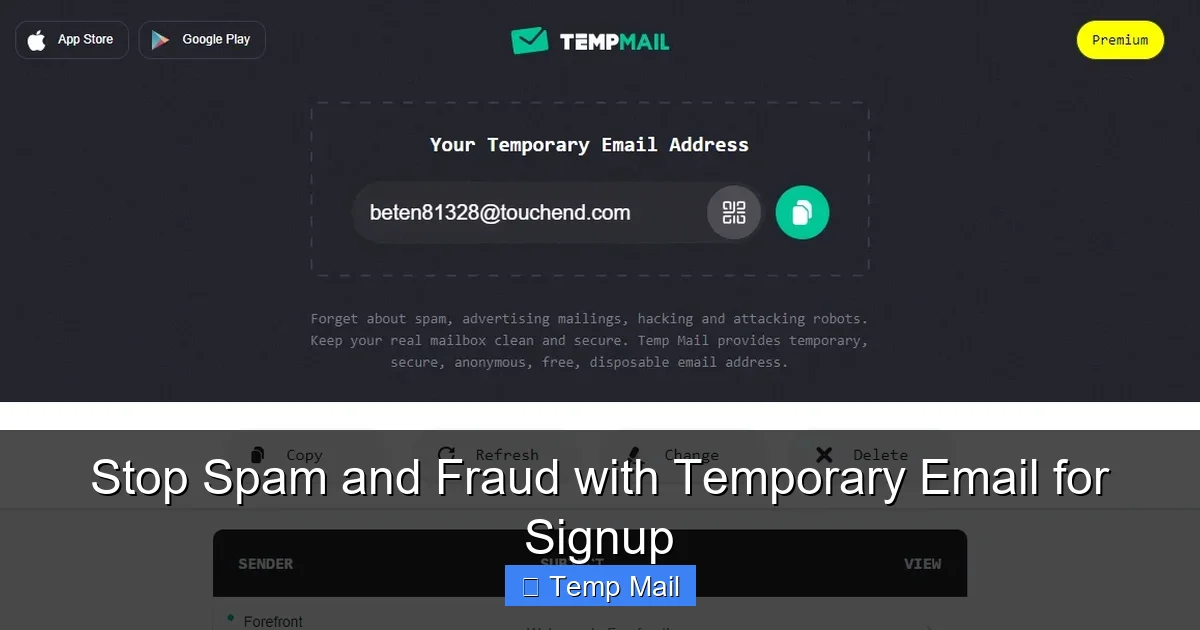
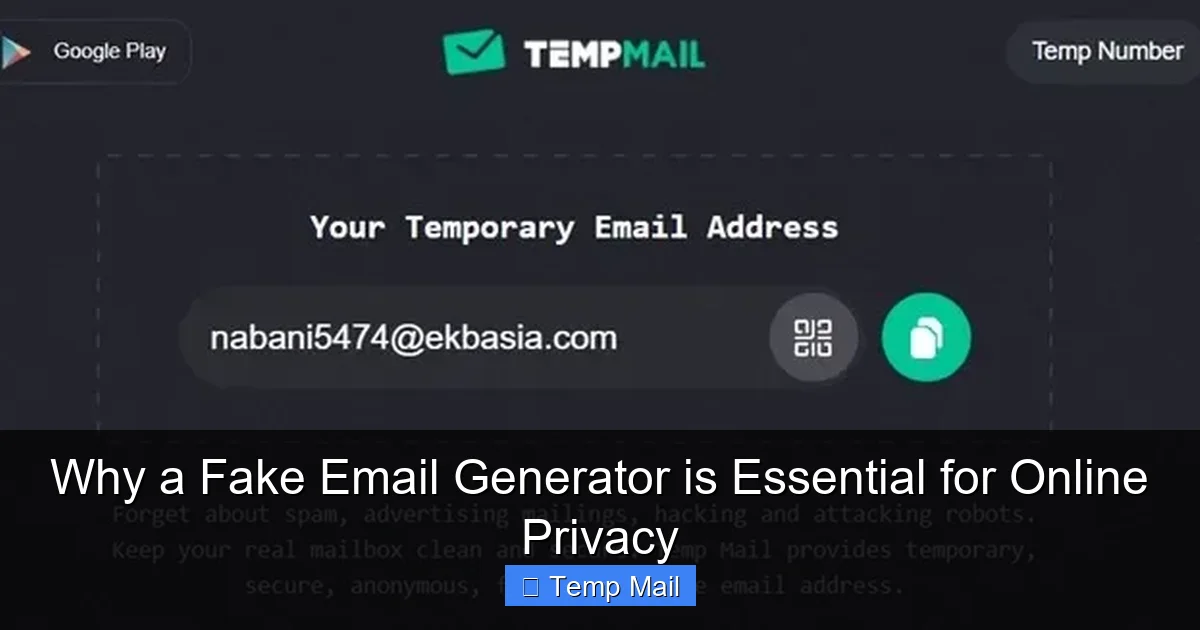
At its core, a fake email generator is a web-based service that provides you with a random email address and a corresponding public inbox, all without requiring you to create an account or provide any personal information.
Visual guide about Why a Fake Email Generator is Essential for Online Privacy
Image source: clean.email
The Mechanics: How It Works in 30 Seconds
1. Generate: You visit a service like Temp-Mail, 10MinuteMail, or Guerrilla Mail. The site instantly generates a random email address for you (e.g., [email protected]).
2. Use: You copy that address and paste it into the website or service you’re signing up for.
3. Receive: Any confirmation email, download link, or notification sent to that address appears in the public inbox displayed on the temp mail site.
4. Discard: After a set time (usually 10 minutes to 24 hours) or after you close the browser tab, the address and all its emails are permanently deleted. It never existed.
Key Features of a Good Service
- No Registration: The best services require zero sign-up. You arrive, get an address, and go.
- Random Addresses: Your address should be randomly generated, not something you choose, to ensure true anonymity.
- Inbox Lifespan: Look for services that offer at least 1-2 hours of inbox time. Some offer 10-minute “quick use” and 1-day “standard” options.
- Public Inbox: Anyone with the exact email address can, in theory, view the inbox. This is why you only use it for non-sensitive, one-way communication (receiving a link). Never send private information *from* a temp address.
- Simple Interface: A clean page with a big inbox area, a copy button, and a refresh button is ideal. Avoid sites buried in ads and pop-ups.
The Core Benefits: More Than Just Avoiding Spam
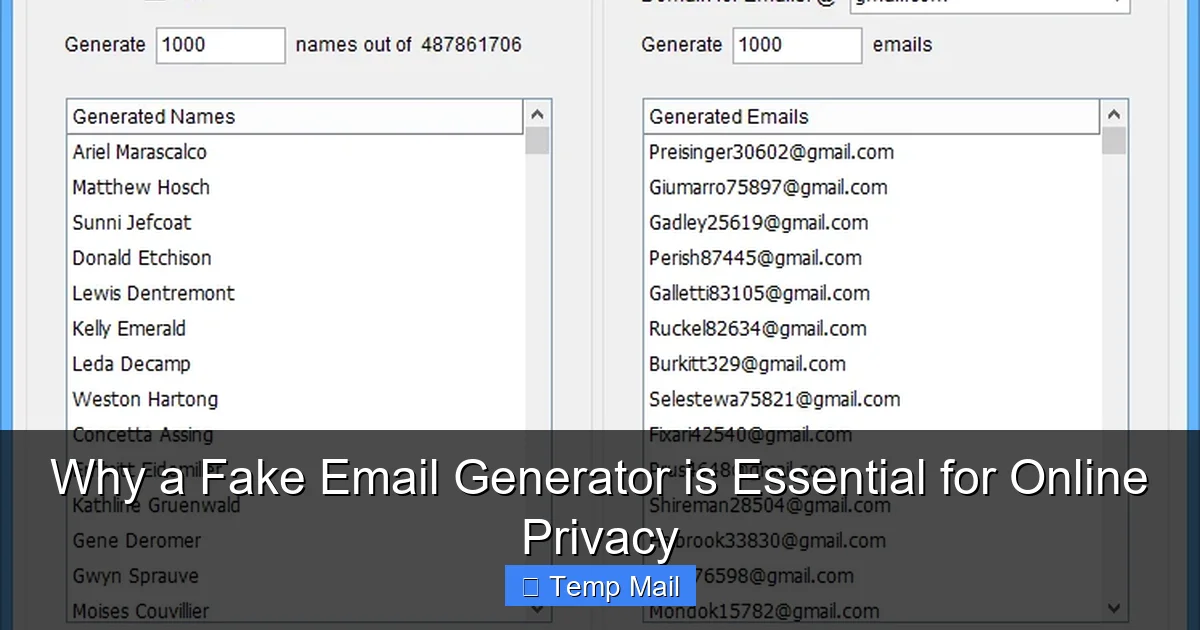
While spam prevention is the most obvious perk, the advantages of using a fake email generator ripple out into broader privacy and digital hygiene.
Visual guide about Why a Fake Email Generator is Essential for Online Privacy
Image source: scrapebox.com
1. Uncompromised Anonymity
This is the big one. You can interact with a website, service, or forum completely anonymously. No link is ever created between your online activity and your real identity. For journalists, activists, researchers, or anyone needing to browse or sign up without a trace, this is invaluable.
2. Declutter Your Primary Inbox Instantly
Your main inbox is for people you know and services you trust. Why clutter it with a newsletter from a site you’ll never visit again or a confirmation code for a one-time app test? Temp mail keeps your primary inbox pristine, organized, and focused on what matters.
3. Bypass “Email Walls” on Content
How many times have you wanted to read an article, see a research paper, or download a template, only to be stopped by a form demanding your email? These “gated content” tactics are annoying. A disposable email lets you get the resource you need instantly, with zero commitment and zero future spam.
4. Safe Software & File Testing
Developers, QA testers, and tech-savvy users often need to register software trials or download files from unfamiliar sources. Using a real email risks being added to a vendor’s relentless marketing list. A temp email allows for safe, clean testing. The download link comes to the disposable inbox, you grab the file, and the address dies.
5. Protect Against Data Breaches
When you use a temporary email for a minor account, that account’s potential breach holds zero value for hackers because the email is already dead. There’s no password reset link that can lead back to your real identity. You effectively quarantine the risk.
Practical Use Cases: When and How to Use a Fake Email Generator
Knowing the theory is good. Knowing exactly when to deploy this tool is what makes it powerful. Here are common, everyday scenarios.
Visual guide about Why a Fake Email Generator is Essential for Online Privacy
Image source: i0.wp.com
Scenario 1: Downloading Gated Content (E-books, Whitepapers, Templates)
You find a fantastic marketing e-book. The site wants your name, company, and email. Use your temp mail. The download link will arrive in minutes. No follow-up spam sequence. Pro Tip: If the site requires a “business email” (ending in .com, .org), use a temp service that offers custom domain options or generates more professional-looking random addresses.
Scenario 2: Signing Up for One-Time Services or Trials
Need to use a free online graphic design tool for one project? Want to test a project management app for a week? Register with a disposable email. You get the access you need, and the vendor’s automated “We miss you!” emails after the trial vanish into the void.
Scenario 3: Accessing Forums or Comment Sections
Some forums or news sites require registration to comment or view threads. If it’s a site you don’t plan to engage with regularly, use a temp email. This prevents your real address from being added to their database and potentially leaked.
Scenario 4: Avoiding “Newsletter” Traps
You’re at a checkout page and a pre-checked box offers you “10% off your next order” if you subscribe to the newsletter. Uncheck it. But if you *do* want that discount code instantly, use a temp email to subscribe, get the code, and walk away clean.
Scenario 5: Protecting Your Identity on Classifieds or Marketplaces
Selling an old couch on Craigslist or Facebook Marketplace? Don’t use your personal email for initial inquiries. Create a temporary address for the listing. Once the item is sold, that communication channel dies. The buyer never gets your real email.
Choosing the Right Fake Email Generator Service
Not all temp mail services are created equal. Some are slow, ad-riddled nightmares. Here’s what to look for.
Essential Criteria for Selection
- Speed & Reliability: The inbox should refresh and load emails almost instantly. Slow services defeat the purpose.
- Ad Load: A few discreet ads are understandable (it’s how free services stay alive). But if you’re battling pop-ups, deceptive “download” buttons, and malware traps, leave immediately. Your privacy isn’t worth the risk.
- Inbox Duration: For most uses, 1-2 hours is sufficient. If you need longer for a multi-day trial, find a service offering 24-hour addresses.
- Domain Options: Some services offer multiple domain names (e.g., @tempmail.net, @disposable.com). This can be useful if a site blocks known temp mail domains.
- Browser Extension: Services like “Temp Mail” offer handy browser extensions that generate an address with one click and auto-fill it on web forms. This is a major convenience upgrade.
Popular & Reputable Services to Consider
While the landscape changes, a few consistently stand out for usability:
Temp-Mail (temp-mail.org): Very popular, reliable, offers multiple domains, and has a great browser extension.
10MinuteMail (10minutemail.com): The classic. Simple, fast, and truly disposable in 10 minutes.
Guerrilla Mail (guerrillamail.com):strong>> Offers more features like the ability to reply to emails (rare for temp mail) and a slightly longer lifespan.
MailDrop (maildrop.cc): Extremely minimalist and clean. No frills, very fast.
Important: Always have a backup service in mind. If your go-to site is down or your inbox isn’t receiving a specific email (some sites block known temp domains), try another.
Critical Best Practices and Important Limitations
Using a fake email generator is simple, but using it correctly is crucial for safety and effectiveness.
The Golden Rule: One-Way Communication Only
Treat your temporary email address as a receive-only mailbox. You should never use it to:
- Send emails to friends, family, or colleagues.
- Register for an account where you’ll need to receive password reset links in the future (like your main social media or email).
- Provide it for any official, financial, or legal purpose.
- Use it for two-factor authentication (2FA), as you’ll lose access to the code when the inbox dies.
Its sole purpose is to be a receptacle for emails from services you don’t trust or don’t plan to have a long-term relationship with.
Know When NOT to Use a Temp Email
There are critical exceptions. Never use a disposable address for:
Primary Email Accounts: Your main Google, Microsoft, or Apple ID. You will be locked out forever.
Financial Services: Banks, PayPal, investment apps, loan services.
Important Subscriptions: Utilities, insurance, official government correspondence.
Any Service with Long-Term Value: If you might need to log in, recover a password, or access data from this account a month from now, use your real email.
Security Considerations: Are They Safe?
Reputable, ad-light temp mail services are generally safe for their intended use. However, understand the risks:
Public Inboxes: Anyone who guesses or stumbles upon your specific temporary address can see the emails. This is why you only use it for non-sensitive communications.
Malicious Ads: The biggest danger is the advertising network on sketchy sites. Stick to well-known services to avoid malware and phishing ads.
No Encryption: Most temp mail inboxes are not encrypted. Don’t treat them as a secure channel for confidential information.
Service Logs: A trustworthy service will not log your IP address or the emails you receive. Check the privacy policy of any service you use.
Combining with Other Privacy Tools
A fake email generator is a fantastic tool, but it’s even more powerful as part of a privacy toolkit. Use it alongside:
A Password Manager: Create unique, strong passwords for every important account. Even if a minor site with your temp email is breached, your other accounts are safe.
A VPN or Tor: This masks your IP address when you visit the temp mail site itself, adding another layer of anonymity.
Privacy-Focused Search Engines: Like DuckDuckGo, to avoid search history profiling.
Browser Privacy Settings: Block trackers and third-party cookies.
The Future of Privacy: A Shift in Mindset
The rise in popularity of tools like the fake email generator signals a crucial shift in the average internet user’s mindset. We are moving from a state of passive data surrender to one of active defense. We are no longer willing to accept that “if you’re not paying for the product, you are the product” as an absolute truth. We are asking for frictionless access to information without the hidden tax of our personal data.
This isn’t about hiding nefarious activities; it’s about reclaiming autonomy. It’s about understanding that every data point you surrender—every email you give away—builds a more complete, and often more exploitable, profile of you. Using a temporary email is a small, daily act of digital civil disobedience. It’s a vote for a web where you can access a free template or a news article without being subsequently auctioned off to advertisers.
Regulations like GDPR and CCPA have started to give users more rights, but enforcement is patchy and the burden of protection still largely falls on the individual. Tools like temp mail put that power back in your hands, instantly and for free. They democratize privacy, making it accessible to everyone, not just tech experts.
Conclusion: Your Inbox, Your Rules
The next time you hover over an email field on a website, pause. Ask yourself: “What is the real value this site is offering versus the cost of my primary email address?” If the answer is a single download, a quick trial, or a one-time read, you already know what to do. Open a new tab, fire up your favorite fake email generator, and get your disposable address.
This simple tool is essential because it enforces a critical boundary. It draws a line in the digital sand between your essential, trusted online life and the vast, often messy, world of the wider internet. It keeps your primary inbox a sanctuary, free from the noise and danger that lurks in the corners of the web. In the battle for online privacy, the most powerful weapon isn’t always the most complex. Sometimes, it’s a randomly generated string of characters and an inbox that deletes itself. Use it wisely, and take back control.
Frequently Asked Questions
Is using a fake email generator legal?
Yes, using a temporary or disposable email service is perfectly legal in virtually all jurisdictions. It is a tool for privacy, not a tool for fraud or crime. The legality depends on how you use it; using it to create accounts for illegal activities is, of course, illegal regardless of the email type.
Are fake email generators safe from hackers?
They are safe for their intended, limited purpose. The public inbox means anyone with the exact address can see the emails, so you should never receive sensitive personal or financial information there. The main risk comes from using a service with malicious ads that could infect your computer. Stick to reputable, well-known providers to stay safe.
What’s the difference between a fake email and a regular email?
The core difference is longevity and control. A regular email (Gmail, Outlook) is permanent, tied to your identity, and you control the password. A fake email from a generator is temporary (lifespan of minutes/hours), has no password, and is publicly accessible by anyone with the address. It is designed for one-way receipt of non-sensitive information only.
How long does a temporary email last?
It varies by service. Most offer a standard lifespan of 1 to 24 hours. Some offer ultra-short 10-minute addresses for quick tasks. Always check the specific timer on the service you are using. Once the time expires, the address and all emails are permanently deleted and cannot be recovered.
Can I receive attachments with a fake email?
Yes, most reputable temporary email services allow you to receive standard file attachments (PDFs, images, documents, zip files). However, there are often size limits (e.g., 10-25MB). You should still exercise caution and scan any downloaded file with antivirus software, as the sender may be malicious.
Do I have to pay for a fake email generator?
No. The vast majority of basic temporary email services are completely free and funded by advertising. Some premium services offer extended inbox times, custom domains, or ad-free interfaces for a small subscription fee, but for most users, the free options are more than sufficient.