Your primary email address is a digital fingerprint—exposing it everywhere puts your privacy at risk. A temporary email with password acts as a disposable shield, letting you interact online anonymously without sacrificing security. It’s the simplest, most effective tool for regaining control over your personal data and inbox tranquility.
Think about your email address. It’s not just an inbox; it’s a master key. It unlocks your social media, your bank accounts, your work documents, your family photo albums. We hand it out constantly—for a discount, to read an article, to download a template. Every time we do, we’re handing over a piece of our digital identity. What happens to that piece after we click “submit”? Often, it’s sold, shared, and stored indefinitely, becoming a beacon for spam and a target for data breaches. But what if you could hand out a different key each time? A key that works perfectly for that one lock, and then vanishes? This is the power of a temporary email with password. It’s not just a convenience; it’s a fundamental tool for modern privacy hygiene.
In this guide, we’ll dive deep into exactly how these disposable inboxes, secured with their own unique passwords, create a formidable barrier between your personal life and the chaotic, data-hungry internet. We’ll move beyond the basic concept to explore the mechanics, the tangible privacy benefits, and the smart strategies for using them effectively. By the end, you’ll see your primary email address not as a required field on every form, but as a precious asset to be guarded fiercely, using temporary, password-protected addresses as your first line of defense.
Key Takeaways
- Digital Armor: A temporary email with password provides a sacrificial layer of protection, keeping your real identity and primary inbox hidden from marketers, hackers, and data harvesters.
- Spam annihilation: By using a disposable address for sign-ups and downloads, you cut off the primary channel for unsolicited emails, keeping your main inbox clean and manageable.
- Security through transience: These addresses are designed to self-destruct after a short period or a single use, minimizing the digital footprint and the window of vulnerability for any potential breach.
- Password adds critical layer: Unlike basic temp mail, a password-protected box ensures that only you can access the inbox, preventing unauthorized reading of messages sent to that disposable address.
- Use-case specificity: It’s the perfect tool for one-time interactions like forum registrations, gated content access, or software trials where you have no intention of maintaining a long-term relationship.
- No long-term commitment: There’s no need to manage another permanent account. The service handles creation, delivery, and automatic deletion, offering pure convenience with zero maintenance overhead.
- Empowered anonymity: It allows you to explore websites, test services, or download resources with a neutral identity, free from the profiling and tracking that comes with your permanent email.
📑 Table of Contents
- What Exactly is a Temporary Email with Password?
- How It Works: From Creation to Inbox to Oblivion
- The Privacy Protection Mechanisms: A Multi-Layered Shield
- Everyday Use Cases: When to Reach for the Disposable Shield
- Choosing the Right Temporary Email Service
- Security Best Practices: Using Your Disposable Shield Wisely
- The Future of Disposable Communication and Your Right to Oblivion
What Exactly is a Temporary Email with Password?
Let’s start with a clear definition. A temporary email service generates a random, unique email address for you on the spot. This address exists for a short, predefined time—usually 10 minutes to 48 hours—or until you manually delete it. Now, the critical differentiator: the password. When this disposable inbox is created, the service also generates a random password for it. This password is not your account password for the temp mail service itself (though some services may have one), but a specific password for accessing that particular generated inbox.
The Crucial “Password” Difference
Many basic disposable email services will give you an address and simply display all incoming messages on a public or session-based page. Anyone who knows that address can see the mail. This is a privacy flaw. A temporary email with password adds a vital step: when an email arrives, you must enter the specific password associated with that inbox to view its contents. This means that even if someone else stumbles upon or guesses your temporary address, they cannot read your messages without the password. It transforms the inbox from a public bulletin board into a locked, personal mailbox—albeit one that self-destructs.
How It Differs from Regular Email and Basic Temp Mail
Your permanent Gmail or Outlook account is tied to your identity, requires a strong, memorable password you manage, and stores data indefinitely. Basic temp mail (no password) is like a post office box with the combination written on the door—accessible to all. A temporary email with password is the middle ground: it provides the anonymity and transience of disposable mail, but with the access control of a private account. It’s the best of both worlds for specific, low-trust scenarios.
How It Works: From Creation to Inbox to Oblivion
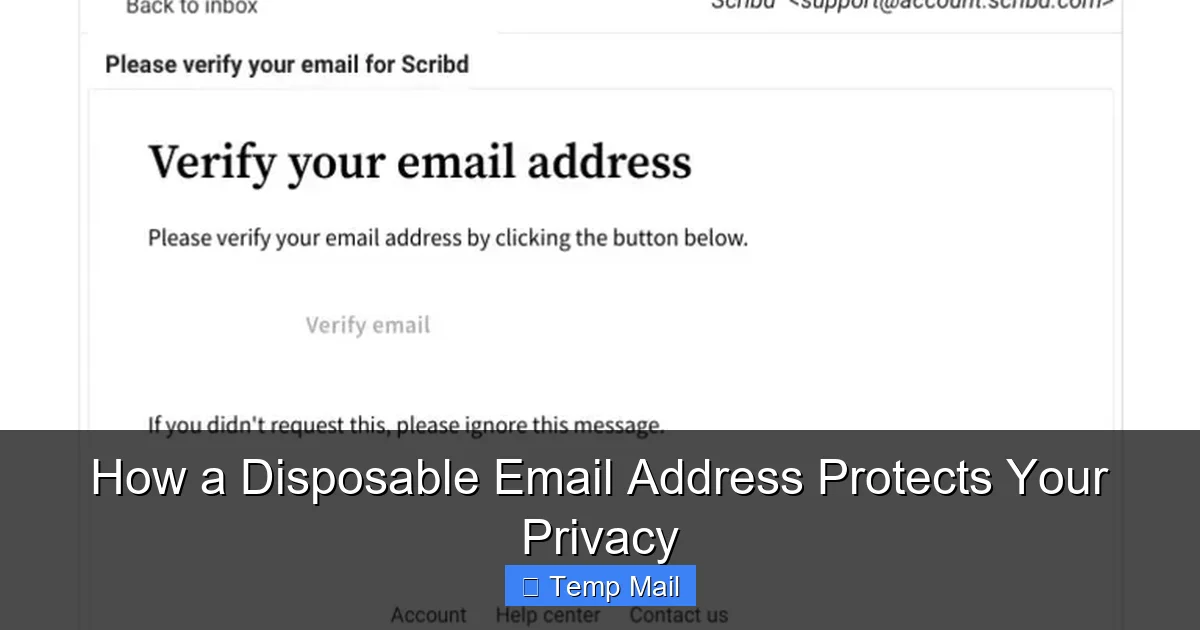
The process is beautifully simple, designed for speed and zero commitment. Understanding each step highlights where the privacy protections are built in.
Visual guide about How Temporary Email with Password Protects Your Privacy
Image source: htmlemailtemplates.net
Step 1: Instant Generation
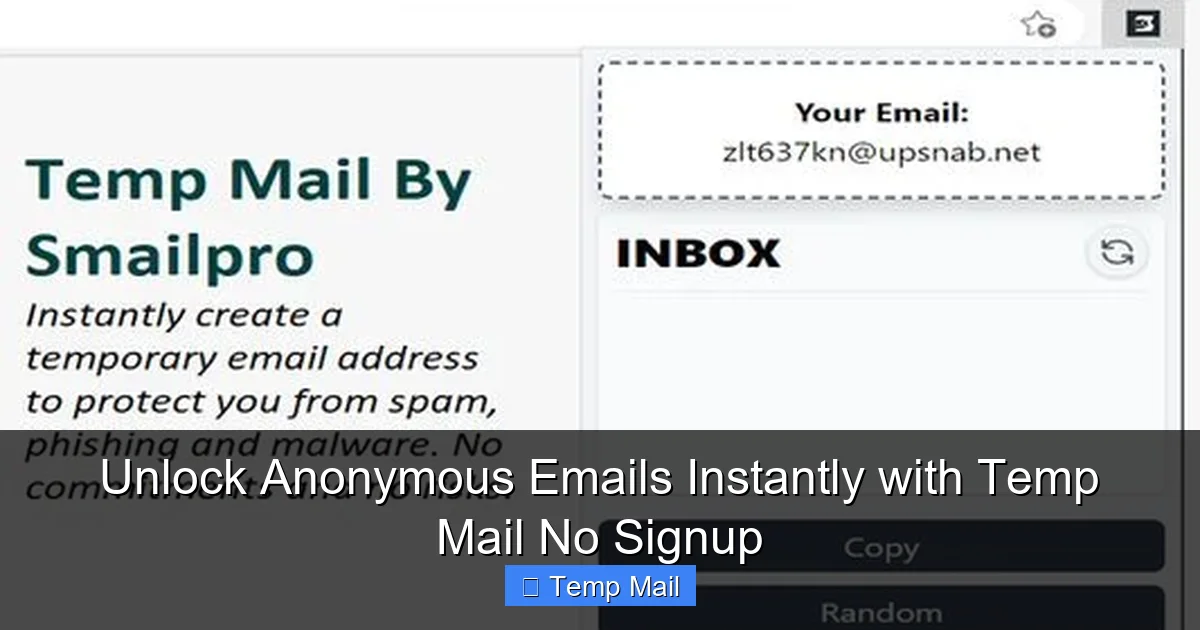
You visit a temp mail provider’s website. With one click, their system generates a random email address (e.g., [email protected]) and a corresponding random password (e.g., 7$gP!9qL*2). This address is now active and ready to receive mail. No registration, no personal details, no CAPTCHA (usually). The entire process takes seconds.
Step 2: Using the Address & Password
You copy this address and use it wherever you need a throwaway email. The service’s server is now listening for mail sent to that specific address. When a website sends a confirmation link or a file, the temp mail service receives it and stores it in the inbox associated with that address. To view it, you must return to the provider’s site, enter the temporary email address and its unique password. Only then is the inbox content revealed. This password is often displayed to you clearly upon creation or sent to your *permanent* email if you opt for that (a feature some offer for recovery).
Step 3: Auto-Deletion and Clean Slate
The service runs on a strict clock. After the allotted time (e.g., 1 hour, 24 hours) or once you close the browser session (depending on the service’s policy), the entire inbox—address, password, and all messages—is permanently purged from their servers. The address is then recycled and given to a new user. Your digital trace at that service is completely erased.
The Privacy Protection Mechanisms: A Multi-Layered Shield
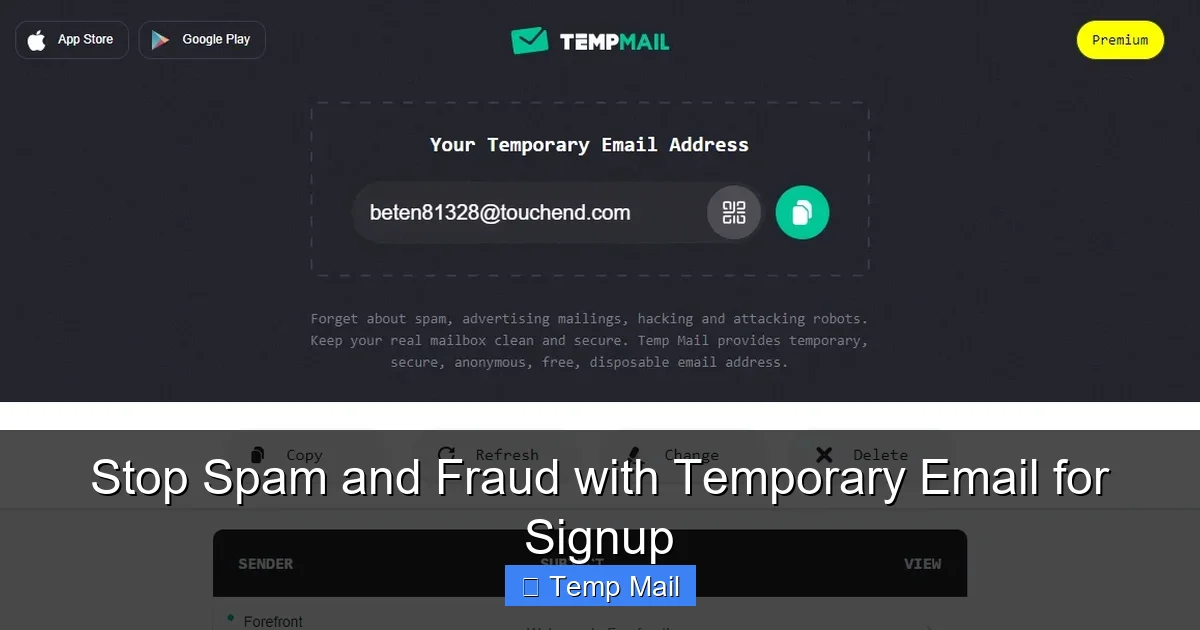
Why is this approach so effective for privacy? It attacks the problem from several angles simultaneously.
Visual guide about How Temporary Email with Password Protects Your Privacy
Image source: bcdn.askleo.com
1. Data Minimization: The Core Principle
Privacy by design starts with collecting the least data possible. A temporary email with password service asks for nothing. No name, no phone number, no recovery email. It creates an identity that is functionally anonymous. The only “data” is the random string of characters for the address and password, which has no link back to you. You are providing a credential that is meaningless outside of that specific, short-lived context.
2. Breaking the Profiling Chain
Every online action tied to your permanent email builds a profile. Your shopping habits, political interests, health-related searches—all are linked to that one identifier. By using a different disposable address for each unrelated activity (e.g., one for a gardening forum, another for a car repair coupon site), you fragment your digital footprint. Advertisers and data brokers cannot connect those dots to form a cohesive picture of *you*. Each temporary address becomes a dead-end profile.
3. Containing the Spam and Breach Fallout
Spam is not just annoying; it’s a security threat. Phishing emails often target large lists of harvested addresses. If your disposable address is compromised in a website breach (a common occurrence), the only account at risk is that temporary inbox. The attacker gains access to a mailbox that will cease to exist in 24 hours and contains nothing of value—no password reset links for your bank, no personal photos, no confidential documents. The blast radius of the breach is contained to zero.
4. The Password as a Final Gatekeeper
This is the feature that elevates it above basic temp mail. The password ensures that even within the short lifespan of the inbox, your communications are private. If you’re using the temp mail to receive a sensitive document or a private link, the password prevents anyone else from intercepting it. It adds the same basic security principle your permanent email uses, but in a micro, disposable format.
Everyday Use Cases: When to Reach for the Disposable Shield
Knowing the theory is one thing; knowing when to use it is what makes it a practical habit. Here are the most common and valuable scenarios.
Visual guide about How Temporary Email with Password Protects Your Privacy
Image source: global.discourse-cdn.com
Signing Up for Low-Trust or One-Time Services
This is the #1 use case. You want to:
- Download a whitepaper or e-book that requires an email.
- Access a gated article or video tutorial.
- Register for a free webinar or online event you may never attend again.
- Create an account on a forum or community you’re just browsing.
- Sign up for a free trial of software you want to test briefly.
Example: You find a great template on a website but need to “join their newsletter” to get it. Use a temporary email. You get the template instantly. The website gets a valid email (for their metrics). Your primary inbox avoids the inevitable newsletter spam. Everyone wins, except the spammer’s list.
Protecting Your Identity on Public or Shared Computers
Using a library or hotel computer? Never log into your permanent email. Instead, use a temporary email with password to receive any necessary verification codes or links. Since the session is ephemeral and the address will die, you leave no credentials behind on that public machine.
Testing Website and App Functionality
Are you a developer, tester, or just a curious user? Create multiple temporary addresses to test:
- How a site handles different email formats.
- Whether invitation emails are sent correctly.
- The user flow for new registrations without polluting your real contact lists.
Bypassing “Email Required” for Downloadable Content
Many legitimate resources are locked behind an email wall. Instead of compromising your main address, use a disposable one. You access the content you need, and the provider gets a deliverable email (which may or may not bounce later). It’s a fair exchange for a resource you value at that moment.
Choosing the Right Temporary Email Service
Not all disposable email providers are created equal. Privacy, reliability, and features vary. Here’s what to look for.
Essential Features to Prioritize
- Password Protection: This is non-negotiable for your use case. Ensure the service provides a unique password for each generated inbox and requires it for access.
- No Registration Required: The best services work entirely anonymously from the moment you land on the page. If they ask for your email to “start,” walk away.
- Clear Lifespan Policy: Know exactly how long an inbox lasts (e.g., “messages deleted after 1 hour”). Transparency here is key.
- HTTPS Encryption: The website must use HTTPS to protect the communication between your browser and their server, especially when you’re entering the password to view your inbox.
- Simple, Ad-Light Interface: Some free services are laden with aggressive ads and misleading download buttons. A clean interface reduces the risk of accidental clicks on malware.
Red Flags and Warnings
- Storing Data: Any service that claims to “save your emails” or offer “long-term storage” is violating the core principle of temporary mail and is likely a data harvesting operation.
- Asking for Personal Info: Never provide your real name, phone number, or primary email.
- Poor Reputation: A quick web search for “service name + review” or “service name + scam” can reveal if the domain is blacklisted by major email providers (Gmail, Outlook), which would mean emails sent to it might bounce.
- Unclear Ownership: If you can’t find a “About Us” or “Privacy Policy” page, assume the worst.
Security Best Practices: Using Your Disposable Shield Wisely
Even with a temporary address, good habits enhance your safety.
Treat the Temporary Password Like a Real One
When the service generates a password (e.g., 7$gP!9qL*2), don’t ignore it. Copy it and paste it into a password manager like Bitwarden or KeePass, or write it down in a secure note. You’ll need it to access the inbox. If you lose it, the inbox is lost. That’s by design.
Never Use for Critical Accounts
Never, ever use a temporary email for:
- Banking or financial services.
- Primary social media accounts.
- Any account where password recovery is essential.
- Official government or healthcare portals.
These require permanence, recoverability, and verified identity. A disposable address is the antithesis of that. Using one here will lock you out permanently.
Mind the Time Limit
If you’re expecting an important email (like a software license key), know the inbox’s expiration time. Don’t wait a day to check it. Access it promptly, save the information you need to a permanent location, and then let the inbox die.
Combine with a VPN for Anonymity
For the highest anonymity, use your temporary email service while connected to a reputable VPN. This masks your IP address from the temp mail provider, ensuring even they cannot log an IP tied to your temporary session. It’s a powerful one-two punch for privacy.
The Future of Disposable Communication and Your Right to Oblivion
The concept of temporary email is a direct response to the data economy’s excesses. As privacy regulations like GDPR and CCPA strengthen, the “right to be forgotten” becomes more concrete. Temporary email is a user-powered implementation of that right—the right to interact without leaving a persistent trace.
We may see these services evolve, integrating more seamlessly with browsers as built-in features or offering API access for developers to build privacy-first applications. The core idea, however, will remain: not every interaction needs to be remembered. Your primary email address should be reserved for people and services you trust implicitly—your family, your employer, your core financial institutions. For everything else, the disposable shield is not just a tool; it’s a statement. It says, “I value my privacy, and I will not trade it for a free e-book.” By adopting the habit of using a temporary email with password for the mundane, you protect what’s truly important and reclaim the autonomy of your digital self.
Frequently Asked Questions
Is a temporary email with password truly secure and private?
It is secure and private for its intended purpose: receiving non-sensitive, low-trust communications anonymously. The password prevents others from accessing that specific inbox. However, it is not meant for transmitting highly sensitive data like financial information or government IDs, as the service provider itself could potentially access unencrypted mail. Its security lies in its transience and isolation from your real identity.
How long does a temporary email inbox actually last?
It varies by provider, but most offer inboxes that last between 10 minutes and 48 hours. Common durations are 1 hour, 6 hours, or 24 hours. The countdown usually starts when the inbox is first created or when the first email arrives. Always check the specific service’s policy before relying on it for time-sensitive information.
What happens if I forget the password for my temporary inbox?
Since the service does not store your personal information and the password is randomly generated, there is no “forgot password” recovery option. If you lose the password, the inbox is effectively locked and will be deleted when its time expires. This is a security feature, not a bug—it ensures no one can later brute-force or socially engineer their way into your old disposable mailbox.
Can I use a temporary email to sign up for social media like Facebook or Twitter?
Technically, you can, but it is a very bad idea. You will be unable to recover your account if you forget your password, as recovery emails would go to a dead inbox. You would also be violating most platforms’ terms of service, which require a valid, accessible email for account verification and communication. Use it only for sites where account continuity is not important.
Are temporary email services legal to use?
Yes, the services themselves are legal. Using a disposable email is not illegal. However, using it to commit fraud, evade bans, or send illegal content is, of course, illegal. The ethical and practical use is for protecting your primary identity from spam and data collection when interacting with services you do not fully trust or only need once.
Will emails sent to a temporary address ever reach my real inbox?
No. The two systems are completely separate. The temporary address is hosted on the disposable service’s servers. Unless you explicitly set up a forwarding rule (which most services don’t allow for privacy reasons), emails sent to the temporary address will only appear in that temporary inbox and nowhere else. Once the inbox is deleted, the emails are gone forever.