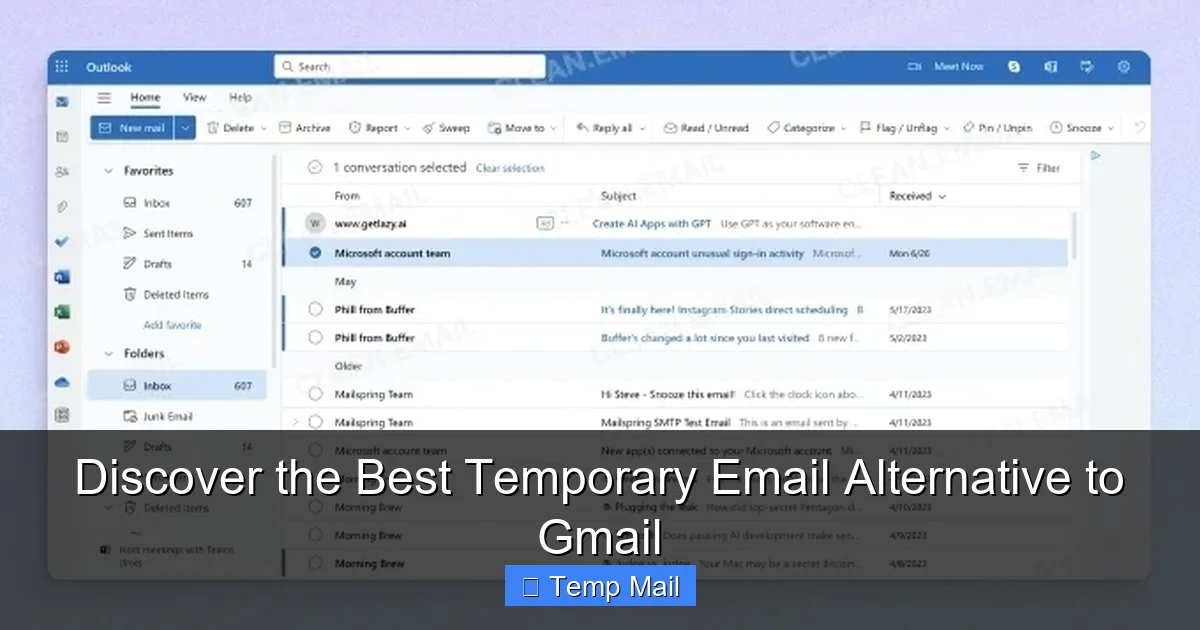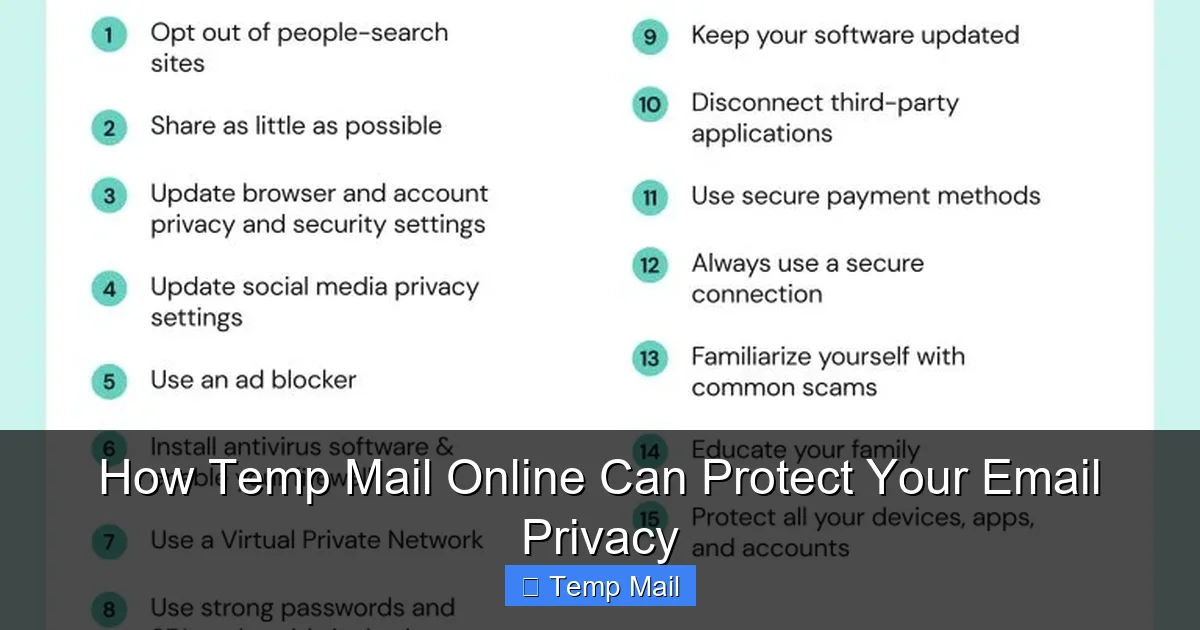
Tired of your inbox overflowing with spam? A temporary email for spam protection is your secret weapon. It gives you a disposable address to use for online sign-ups, shielding your real email from marketers, hackers, and data breaches. This simple tool keeps your primary inbox clean, secure, and clutter-free.
Let’s be honest: your email inbox is a battlefield. Every time you download a free e-book, enter an online contest, or comment on a forum, you’re asked for an email address. What starts as a helpful exchange often spirals into a torrent of promotional newsletters, “special offers,” and, in the worst cases, phishing attempts and malware. Your primary email address, once freely given, becomes a target. But what if you had a secret weapon? A disposable, temporary email for spam protection isn’t just a convenience—it’s a critical tool for modern digital hygiene. It’s the force field for your online identity.
The concept is beautifully simple. Instead of handing out your personal, permanent email address to every website and service, you generate a random, throwaway address from a temp mail provider. You use it for that one interaction, grab the confirmation code or file you need, and then let the address self-destruct. The spam? It goes to the temporary inbox, which you ignore and eventually discard. Your real inbox remains pristine. In this guide, we’ll dive deep into how this works, why it’s essential for your online safety and sanity, and exactly how to use it effectively without shooting yourself in the foot.
Key Takeaways
- Primary Shield: A temporary email acts as a sacrificial buffer between your real identity and the chaotic web, absorbing spam instead of your main account.
- Data Breach Armor: If a site you used a temp email for suffers a breach, your permanent email—and linked accounts—remain safe and unaffected.
- Zero Commitment: No long-term passwords or personal details needed. These addresses are designed for one-time or short-term use and then vanish.
- Inbox Zero Helper: By filtering out promotional newsletters and sign-up confirmations, it makes managing your important email dramatically easier.
- Privacy First: It minimizes the digital footprint of your primary email address, reducing its exposure across countless databases.
- Not for Everything: Critical accounts (banking, primary cloud storage, social media) should always use your permanent, secure email for recovery and verification.
📑 Table of Contents
- The Spam Tsunami: Why Your Inbox is Under Siege
- What Exactly is a Temporary Email? Demystifying Disposable Addresses
- The Core Benefits: Why You Should Be Using Them Now
- Practical Use Cases: When to Reach for a Temp Email
- Choosing a Service: What to Look For in a Temp Mail Provider
- Advanced Tips & Best Practices for Mastery
- The Future of Email Privacy and Your Role
- Conclusion: Reclaim Your Inbox Today
The Spam Tsunami: Why Your Inbox is Under Siege
Before we solve the problem, let’s fully understand the enemy. Spam isn’t just annoying; it’s a constant security threat and a massive time-waster. How does your address get on so many lists?
How Your Email Address Gets Sold and Traded
The moment you type your email into a website’s sign-up form, you enter a complex ecosystem. Reputable companies might add you to their marketing list (with an unsubscribe option, legally required). But less scrupulous sites, or sites with poor security, often sell their entire user database—emails included—to data brokers. These brokers then aggregate and resell your contact info to third-party advertisers, lead-generation firms, and sometimes, outright spammers and scammers. One simple sign-up can trigger years of unwanted emails.
The Data Breach Domino Effect
This is the most dangerous consequence. Major data breaches are weekly news. When a company you trusted with your email gets hacked, hackers steal entire user databases. Your email address, often paired with a username and sometimes a hashed password, ends up on the dark web. From there, it’s used for:
- Credential Stuffing Attacks: Hackers try your email and common passwords on other sites (like banking, social media). If you reuse passwords, this can lead to account takeover.
- Phishing Campaigns: They send highly targeted, believable emails pretending to be a service you use, trying to trick you into clicking a malicious link or giving up more sensitive data.
- Identity Theft: Your email is a key piece of the puzzle for opening fraudulent accounts in your name.
If you used a temporary email for that breached site, the hackers only got a disposable address. Your real life—your primary email, your bank accounts, your identity—is insulated from that particular breach.
What Exactly is a Temporary Email? Demystifying Disposable Addresses
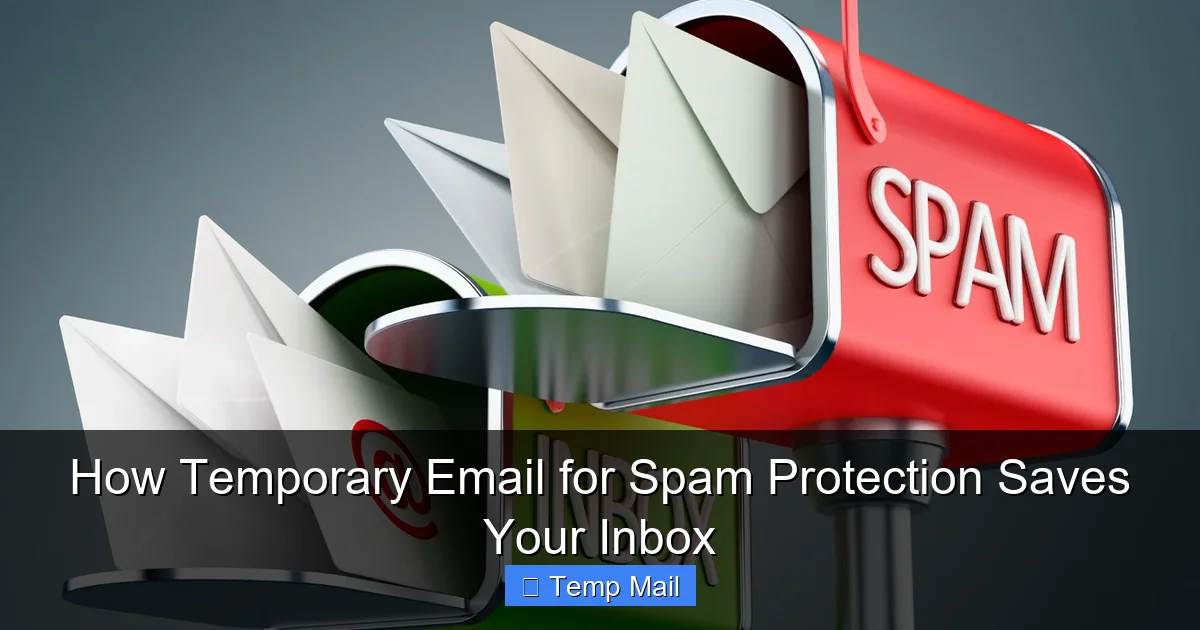
A temporary email service provides a random, functional email address for a limited time. You don’t create an account; you just visit the website, and it generates an address like [email protected]. That inbox appears instantly, and you can receive emails sent to it right on the web page. There’s no password, no login, no personal information required.
Visual guide about How Temporary Email for Spam Protection Saves Your Inbox
Image source: pronto-core-cdn.prontomarketing.com
How It Works, Step-by-Step
1. Visit a Provider: Go to a site like Temp-Mail, 10MinuteMail, or Guerilla Mail.
2. Get Your Address: The page displays your new, random temporary email address. You can often click to copy it.
3. Use It: Paste that address into the website or service that is asking for an email.
4. Check the Inbox: Refresh the temp mail page. Any confirmation emails or links will appear there.
5. Grab What You Need: Click the email, find the verification link or code, and use it.
6. Abandon It: Close the tab. After a set time (10 minutes to a few hours or days), the address and all its emails are permanently deleted from the server. It’s gone.
Key Features of a Good Service
- No Registration: The core principle. If a service asks you to sign up to get a temp email, it’s missing the point.
- Auto-Refresh Inbox: The page should automatically check for new emails or have a clear refresh button.
- Reasonable Lifespan: Addresses should last long enough to complete a typical sign-up flow (e.g., 1 hour to 48 hours).
- Multiple Domain Options: Some services offer several domain names (e.g., @tempmail.com, @disposable.com), useful if a site blocks known temp mail domains.
- Simple, Ad-Supported Interface: Most free services show ads. This is how they stay free. Be prepared for it.
The Core Benefits: Why You Should Be Using Them Now
Using a temporary email for spam protection isn’t paranoia; it’s proactive defense. The benefits stack up quickly.
Visual guide about How Temporary Email for Spam Protection Saves Your Inbox
Image source: pronto-core-cdn.prontomarketing.com
1. Ultimate Spam Filtering (Before It Even Hits You)
This is the most obvious win. Any promotional content, “weekly digest,” or unwanted follow-up is directed to the disposable address. You simply never see it. Your primary inbox becomes a space only for emails from people and services you genuinely know and trust—your family, your boss, your real bank. The mental load of sorting through junk vanishes.
2. Fort Knox for Your Online Identity
Think of your permanent email address as the master key to your digital life. It’s used for password resets on hundreds of sites. If a site with your *real* email is breached, that master key is now in hackers’ hands. By using a temp mail for low-stakes sites (a forum, a discount coupon site, a random app), you ensure that a breach at *that* site compromises only a disposable address. Your master key stays safely in your pocket.
3. Regain Control and Reduce Digital Footprint
Every email you give out is a data point. Companies build profiles on you based on where you sign up. Using a temp mail fragments that profile. It makes it much harder for any single entity to build a complete picture of your interests and behaviors tied to your core identity. You are, in a small but meaningful way, reclaiming your privacy.
4. Breeze Through Unwanted Requirements
Need to download a whitepaper that requires an email? Want to read an article behind a “register to read” wall? Need to test a service quickly? A temp email lets you bypass these gates without committing. Get the content, get the code, and move on. No strings attached, no future spam.
Practical Use Cases: When to Reach for a Temp Email
Not every situation calls for a disposable address. Knowing *when* to use it is half the battle.
Visual guide about How Temporary Email for Spam Protection Saves Your Inbox
Image source: easydmarc.com
The Perfect Candidates for Temporary Email
- One-Time Downloads: PDFs, e-books, software trials, stock photos that require an email gate.
- Forum or Comment Section Sign-Ups: You want to post once or twice, not join the community long-term.
- Online Contests & Sweepstakes: These are notorious for adding you to partner marketing lists.
- Testing Website/App Functionality: As a developer or just a curious user, you need a quick email to test a flow.
- Accessing Wi-Fi Hotspots: Many public Wi-Fi networks (airports, cafes) require an email for a voucher. Use a temp mail.
- Signing Up for “Deal” or “Coupon” Websites: These sites exist to collect emails and bombard you with offers.
- Any Site You Don’t Fully Trust: If the website looks sketchy, the offer seems too good to be true, or you’ve never heard of the company, use a temp email.
When NOT to Use a Temporary Email (Critical Mistakes)
This is the most important practical advice. Never use a temporary email for:
- Financial Accounts: Banks, investment platforms, PayPal, etc. You will lose access if you forget the temp address.
- Primary Social Media & Cloud Storage: Facebook, Google, Apple ID, iCloud, Microsoft Account. These are your digital identity anchors. Recovery depends on the email.
- Important Subscriptions: Your main newsletter you actually read, your paid streaming services, your utility bills.
- Any Service Where Long-Term Access is Vital: If you’d be upset if you got locked out tomorrow, don’t use a temp email.
- Work or Professional Accounts: Your professional reputation and access to tools depend on stability.
Rule of Thumb: If you need to recover your password or receive a critical notification from the service, you must use your permanent email. For everything else, consider the temp mail.
Choosing a Service: What to Look For in a Temp Mail Provider
Not all disposable email services are created equal. Here’s your checklist for picking a reliable one.
Essential Features vs. Nice-to-Haves
- Essential: No registration, multiple domain options (in case one gets blocked), clear inbox timer showing how long you have left, and a simple, functional interface.
- Very Useful: The ability to reply to emails from the temporary inbox (some services allow this), a browser extension for quick access, and custom address generation (letting you choose part of the name).
- Be Wary Of: Services that demand personal details, promise “lifetime” addresses (they’re not temporary then), or have a confusing, ad-heavy interface that might lead to malicious clicks.
Popular & Reputable Options
While many services exist, a few have stood the test of time:
- Temp-Mail: One of the most popular. Offers multiple domains, a clear countdown timer, and a browser extension. Very user-friendly.
- 10MinuteMail: The classic. The name says it all—addresses last 10 minutes by default, though you can extend. Perfect for very quick, single-use tasks.
- Guerilla Mail: A long-standing service with more features, including the ability to send replies and choose from several domains. Inbox lasts 60 minutes by default.
- MailDrop: Very minimalist. No frills, just an address and an inbox. Good for the most basic, quick tasks.
Try a couple. See which interface you prefer. The best service is the one you’ll actually use without friction.
Advanced Tips & Best Practices for Mastery
Using a temp mail is simple, but using it *well* requires a few pro tips.
Have a Go-To Provider Bookmarked
Don’t search for one every time. Bookmark your preferred service. Even better, install its browser extension if available. This makes the process of generating and copying a disposable address take under 15 seconds—faster than typing your real email.
Be Aware of Site Blocks
Many websites, especially for important accounts (social media, banking) or popular forums, actively block known disposable email domains. If a site rejects your temp mail address, that’s a sign you probably *should* be using your real email for it anyway (or it’s a site trying to enforce accountability). Have your temp mail provider’s alternative domains ready to try.
Use Different Temp Addresses for Different Purposes
Don’t use the *same* temporary address for every random site. If you use one for “all newsletters” and another for “all forums,” you can later see which category leaked your address if spam starts appearing in one of them. It also makes it easier to abandon a specific “category” of online activity without affecting others.
Never Use the Same Temp Address for Important Recoveries
This is a critical reminder. If you sign up for a service *using a temp email*, and later try to add your *real email* as a recovery option, you may run into trouble. Some systems won’t let you change the primary email without verifying the old one—which you no longer have access to. For any service you might want to keep long-term, start with your permanent email from the beginning.
The Future of Email Privacy and Your Role
The rise of disposable email is a direct response to the broken email economy. We’ve been trained to treat our email address like a loyalty card, trading it for access. But the cost has been our privacy and inbox peace. Temporary emails put power back in your hands.
It’s a Tool, Not a Magic Bullet
A temporary email for spam protection is incredibly powerful, but it’s one tool in your privacy toolkit. It won’t stop phone spam, physical junk mail, or ads tracking you across websites via cookies. Use it in conjunction with a good password manager, two-factor authentication on important accounts, and a healthy dose of skepticism about what sites you trust with your real information.
Encouraging a Shift in Norms
When more people use disposable addresses for low-stakes interactions, it sends a message to websites: “Your default practice of harvesting emails for marketing is not acceptable.” It encourages better, more respectful data practices. It’s a small, individual act that contributes to a larger demand for digital dignity.
Conclusion: Reclaim Your Inbox Today
The next time you hesitate to sign up for something because you don’t want to “get on another list,” pause. Don’t give up on the resource you need. Instead, reach for a temporary email for spam protection. It’s the simplest, fastest, and most effective way to draw a bright red line between your essential digital life and the chaotic, data-hungry web. It’s not about being secretive; it’s about being smart. It’s about ensuring your primary inbox remains a tool for communication, not a dumping ground for spam. Start with one bookmark, use it for your next free download or forum sign-up, and feel the immediate relief of an inbox that finally belongs to you again. Your future self—the one with a clean, organized, and secure inbox—will thank you.
Frequently Asked Questions
Is using a temporary email safe and legal?
Yes, it is completely legal and safe for the user. These services operate within the law. The “safety” depends on your use case: it’s safe for protecting your main inbox from spam, but you should never use it for critical accounts where account recovery is essential, as you will permanently lose access to that address.
How long do temporary emails last?
It varies by provider, but most temporary email addresses last between 10 minutes and 48 hours. Some services allow you to extend the time manually. The lifespan is always clearly displayed, so you know exactly how long you have to access the inbox before it self-destructs.
Can I send emails from a temporary address?
Some advanced temporary email services allow you to send replies from the disposable address, but most are receive-only. Their primary function is to receive verification emails or links. You should not rely on being able to send emails from a temporary address for any important communication.
Will websites know I’m using a temporary email?
Yes, absolutely. Websites can often detect the domain of a temporary email provider. Many sites (especially for banking, social media, or critical services) will block sign-ups from these domains because they want verifiable, accountable user contact information. This is a good thing—it tells you that site requires a real commitment.
What happens to the temporary email and my data after it expires?
Once the timer expires, the email address is permanently deleted from the provider’s servers along with all messages in its inbox. It is gone forever and cannot be recovered. Any data you sent *to* that address is lost to you. This is by design, ensuring no long-term data storage on their part.
Can I use a temporary email for my main online accounts like Facebook or Google?
Absolutely not. This is the golden rule. Never use a temporary email for any account you need to keep long-term, especially those used for password recovery, financial services, or primary cloud storage. You will be locked out permanently when the email address expires, and there will be no way to recover the account. Use your permanent, secure email for these.