Temp mail for students is an essential, free privacy shield in the digital age. It allows you to sign up for websites, downloads, and promotions without risking your primary email, effectively stopping spam and protecting your personal data from unwanted collection. This simple tool is crucial for maintaining online safety and inbox sanity throughout academic life.
Let’s be honest. Being a student today means living online. You’re signing up for educational platforms, downloading research papers, joining Discord servers for class groups, accessing free software student licenses, and maybe even scoring a discount on a streaming service. Every single one of those clicks often starts with the same daunting request: “Enter your email address.”
What happens next? That email address, your digital passport, gets added to list after list. Your primary inbox, once a place for messages from professors and family, slowly morphs into a wasteland of promotional newsletters, “exclusive offers,” and, worse, sophisticated phishing attempts that look eerily real. Your data is packaged and sold. Your attention is hijacked. Your privacy evaporates, one sign-up at a time.
What if I told you there’s a simple, free, and incredibly powerful tool that can put a stop to this? A tool so straightforward it feels like a cheat code for your digital life. I’m talking about temporary email—or temp mail. For students, this isn’t just a convenience; it’s a must-have privacy tool. Think of it as a dedicated, sacrificial email address you use for anything and everything that isn’t critically important to your real identity. It’s the digital equivalent of giving out a dummy phone number at a bar. You get the access you need, without any of the long-term baggage.
In this guide, we’re going to dive deep into why temp mail for students is non-negotiable. We’ll cover exactly how it works, the tangible benefits for your academic and personal life, the best services to use, and the golden rules to follow so you never get locked out of something important. By the end, you’ll understand why adopting this one habit is one of the smartest, easiest things you can do to take control of your online privacy.
Key Takeaways
- Essential Privacy Barrier: Temp mail creates a firewall between your personal identity and the countless online services you use as a student.
- Spam and Scam Defense: It prevents promotional emails, phishing attempts, and data broker lists from ever reaching your real inbox.
- Zero-Cost, Zero-Commitment: These disposable inboxes are completely free and require no long-term sign-up or personal details to create.
- Perfect for Low-Stakes Sign-Ups: Ideal for accessing free resources, course trials, gaming platforms, and social media apps without consequence.
- Not for Critical Communications: Never use temp mail for official university correspondence, banking, or any account recovery you might need long-term.
- Empowers Digital Hygiene: Using temp mail is a proactive habit that teaches crucial data minimization and online security awareness.
- Easy and Instant: A new, random email address is generated in seconds, requiring no password or setup—just copy, paste, and use.
📑 Table of Contents
- Why Students Are Prime Targets for Data Harvesting and Spam
- How Temp Mail Works: A Simple, Secure Shield
- The Tangible Benefits of Using Temp Mail as a Student
- Practical Scenarios: Exactly When and How to Use Temp Mail
- Choosing the Right Temp Mail Service: What to Look For
- Critical Best Practices and Important Limitations
- The Bigger Picture: Temp Mail as a Gateway to Digital Literacy
Why Students Are Prime Targets for Data Harvesting and Spam
Before we talk about the solution, we need to fully understand the problem. Students aren’t just another demographic; we’re a goldmine for data brokers and marketers. Why? Because we represent a perfect storm of high engagement and low digital defenses.
The Student Digital Footprint is Massive and Varied
Think about your typical week. You might:
- Sign up for a new citation tool (Zotero, Mendeley).
- Register for a webinar on study abroad programs.
- Download a free template for a resume from a career site.
- Join a Facebook group for your campus club.
- Create an account on a forum for a niche hobby (like photography or gaming).
- Access a “free” trial of a premium language learning app.
Each interaction is a data point. Your university email might be used for official business, but you’re constantly creating new digital identities with your personal Gmail or Outlook address. Every form filled is a promise to receive emails, which almost always means marketing emails first and foremost.
The “Free” Student Discount Trap
Companies love students. We have disposable income (or the promise of future income), we are highly active on social media (making us great word-of-mouth marketers), and we are eager to try new things. The “student discount” is a powerful lure. To get it, you often have to verify your status through a service like SheerID or UNiDAYS, which requires your .edu email. That’s fine for verified discounts. But many other “student offers” from clothing brands, food delivery apps, or tech companies just ask for *any* email address to send you the promo code. Using your primary email for these is a surefire way to flood it with non-essential, commercial emails.
Phishing and Scams Exploit Student Stress
Students are under immense pressure—academic deadlines, financial strain, social anxiety. This makes us particularly vulnerable to targeted phishing. An email that looks like it’s from “Student Financial Aid” warning about a missed deadline or a “Canvas/Blackboard notification” about a failed assignment can cause panic. If that email lands in an already cluttered primary inbox, you’re more likely to click without double-checking the sender’s real address. By segregating your inboxes, you create a mental filter. A “financial” or “university” email should *only* come to your trusted, official channels. Anything else is immediately suspicious.
How Temp Mail Works: A Simple, Secure Shield
The beauty of temp mail is its utter simplicity. There’s no complex setup, no password to remember, no app to download. It operates on a brilliantly straightforward principle.
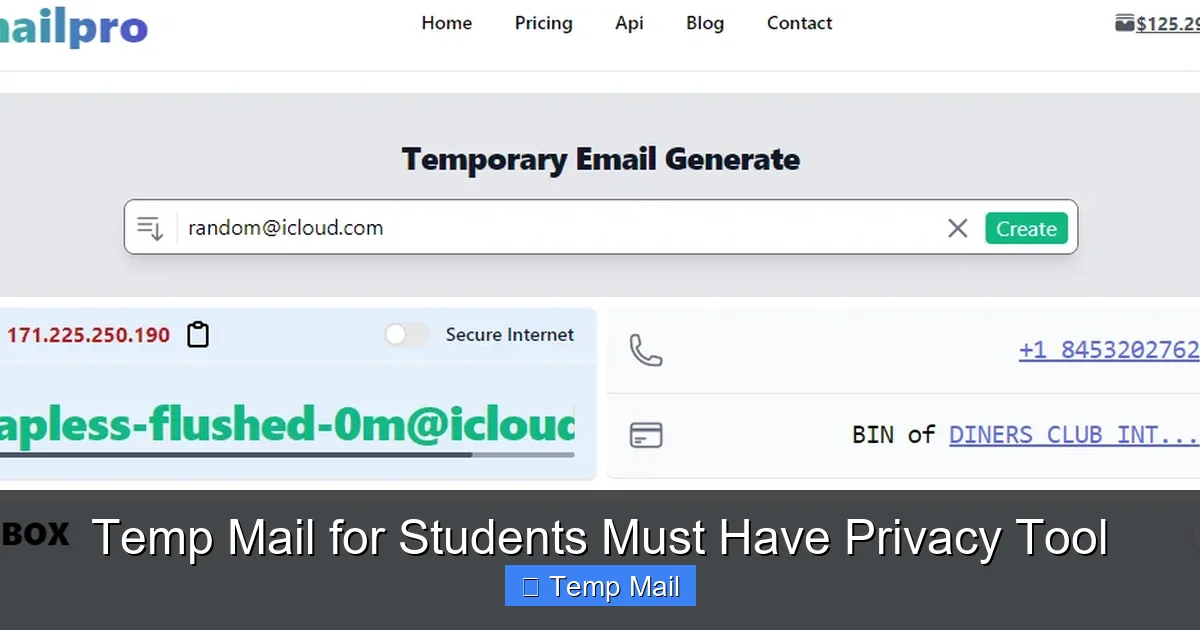
Visual guide about Temp Mail for Students Must Have Privacy Tool
Image source: safes.so
Instant Inbox Generation
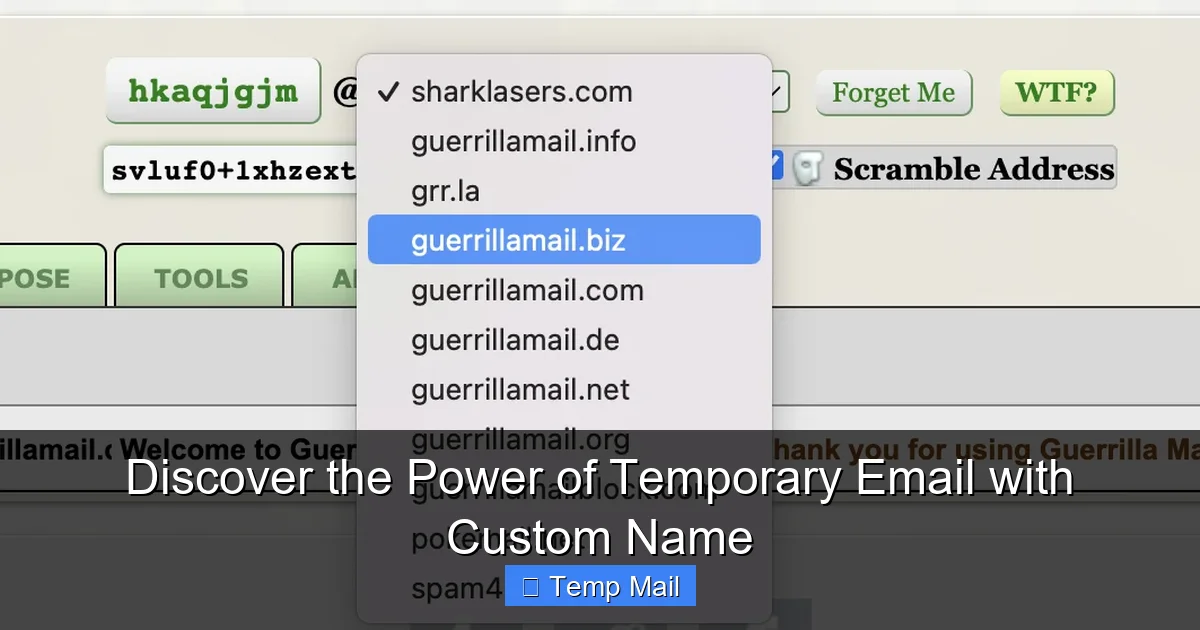
You visit a temp mail website (like Temp-Mail.org, 10MinuteMail.com, or Guerrilla Mail). The site instantly generates a random email address for you, something like [email protected]. It also provides you with a temporary inbox URL that is uniquely tied to that session. You don’t log in; you simply keep that browser tab or window open.
The Lifecycle: Create, Use, Discard
You copy that random email address and paste it into the sign-up form for that free Photoshop student trial or the forum for your favorite indie game. Any confirmation email or newsletter is delivered right into the temporary inbox you have open. You can read it, click any necessary verification link, and then… you walk away. After a set period (usually 10 minutes to 1 hour, sometimes up to 24 hours), the inbox and the email address self-destruct. Poof. Gone. No trace. The company that got your email has a dead end. They can’t email you again, sell your address, or tie it to your real identity.
No Personal Data Required
This is the critical privacy win. To create a temp mail inbox, you provide absolutely zero personal information. No name, no phone number, no recovery email. The service itself doesn’t know who you are. The temporary address is just a random string in their system, accessible only via the unique session URL you were given. This means even the temp mail provider has nothing to link back to you. Compare that to signing up for Gmail, which requires a phone number and a recovery email, creating another data point.
The Tangible Benefits of Using Temp Mail as a Student
So, we’ve established the threat. Let’s talk about the life-changing benefits of wielding temp mail as a student.
Visual guide about Temp Mail for Students Must Have Privacy Tool
Image source: 10-minutemail.com
Benefit 1: A Pristine, Stress-Free Primary Inbox
This is the #1 reason. Your primary email (the one linked to your bank, your university, your family) becomes a sacred space for important communications only. No more hunting for a professor’s email in a sea of “50% Off Summer Sale!” notifications. No more missing a critical email about a scholarship because it got buried. Your mental load decreases instantly because you know everything in that inbox matters.
Benefit 2: Fort Knox for Your Personal Data
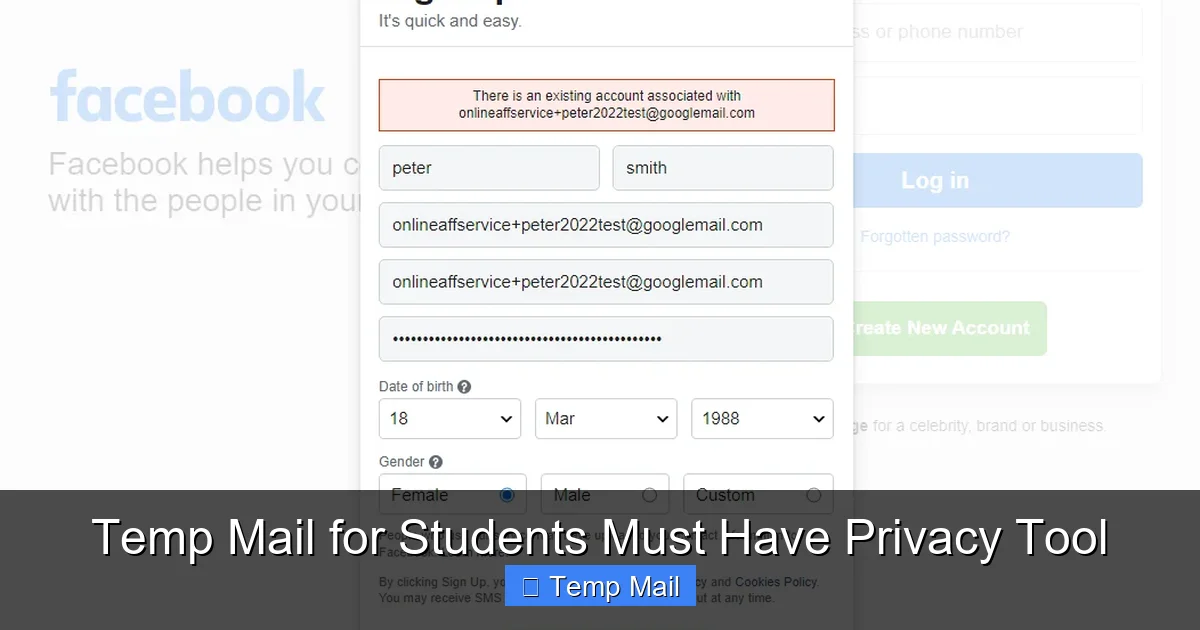
Every time you use your real email on a sketchy or low-stakes website, you are handing over a key piece of your identity. Data brokers collect these emails and build profiles about your interests, location, and habits. By using a disposable address, you break that chain. The data broker gets a dead-end alias. Your real email, and by extension your real identity, stays off those lucrative marketing lists. You are practicing data minimization—a core principle of digital privacy.
Benefit 3: A Powerful Anti-Phishing Tool
Phishing relies on volume and urgency. By compartmentalizing your email usage, you create a natural defense. If you get an email claiming to be from “Student Loans.gov” on your temp mail inbox, you know it’s a scam because you never used that temp address for official loans. If you get a “Canvas Alert” on your personal Gmail, you know it’s fake because you only use your .edu for Canvas. This mental separation makes you 10x more vigilant.
Benefit 4: Bypass “Free Trial” Traps Without Commitment
How many times have you wanted to try a premium software suite (Adobe Creative Cloud, MATLAB, etc.) for a 7-day trial but didn’t want to risk the automatic $50/month charge if you forgot to cancel? Use the temp mail. Sign up, get the trial link in the temp inbox, use the software, and walk away. The company will send the “Your trial is ending!” and “You’ve been charged!” emails to an address that no longer exists. You get the free access with zero financial commitment or anxiety.
Benefit 5: Access Resources Without the Spam Follow-Up
You need that free ebook on “10 Thesis Writing Hacks” from a publishing company. You need to join that LinkedIn group for alumni networking. You want to download a font pack for a design project. Use the temp mail. Get the resource via the temporary inbox, and never hear from them again. You consume the value without becoming a lifetime subscriber to their email list.
Practical Scenarios: Exactly When and How to Use Temp Mail
Let’s get concrete. Here is a non-exhaustive list of situations where a student should always reach for a disposable email.
Academic & Research Support (Non-Official)
- Downloading academic papers from sites like ResearchGate or Academia.edu that require an account.
- Signing up for citation managers (Zotero, Mendeley) for a specific project if you don’t plan to use it long-term.
- Joining webinar or workshop mailing lists for a one-time event you’re attending.
- Accessing student discount platforms like Student Beans or UNiDAYS for non-essential retailer offers (use your temp mail for the *retailer’s* emails, not for the verification service itself).
Software & Digital Tools
- Trials of paid software (design, coding, writing tools).
- Downloading freeware or open-source software from sites that require an email for the download link.
- Beta testing sign-ups for new apps or games.
- Accessing cloud storage trials (extra 10GB on Dropbox, etc.).
Social & Community Engagement
- Joining public Discord servers or Telegram groups related to hobbies, games, or course topics.
- Creating accounts on forums (Reddit, specialized hobby forums) where you want to participate anonymously or separately from your main identity.
- Signing up for social media apps you’re trying out but aren’t sure about (e.g., a new video platform, a niche networking app).
- Accessing public Wi-Fi portals that require an email address for the “terms and conditions” agreement.
Commercial & Promotional
- Any “freebie” or “lead magnet” (ebooks, cheat sheets, templates) from a company’s website.
- Entering online contests or giveaways.
- Getting a one-time discount code from a brand’s pop-up offer.
- Signing up for brand newsletters just to get a first-time subscriber coupon.
Pro-Tip: Keep a temp mail tab open in your browser for a session. When you encounter a sign-up, copy the generated address, paste it, and then check the inbox tab for the verification email. It’s a fluid, efficient process.
Choosing the Right Temp Mail Service: What to Look For
Not all temp mail services are created equal. As a student, you want reliability and simplicity. Here’s what to consider.
Key Features to Prioritize
- No Registration Required: The best services don’t even ask for a CAPTCHA or make you solve a puzzle. Click, get address.
- Multiple Domain Options: Some services offer a choice of domains (e.g., @tempmail.com, @dispostable.com). This can be useful if a site blocks a known temp mail domain.
- Reasonable Inbox Lifespan: 10 minutes is often too short for some verification emails. Look for services offering 1-hour, 2-hour, or even 24-hour inbox retention.
- Simple, Ad-Light Interface: You want to read your emails, not fight pop-ups. A clean interface is key.
- Browser Extension (Optional but Great): Services like “Temp Mail” have browser extensions that can auto-fill email fields with a temporary address, making the process even smoother.
Recommended Services for Students
Based on reliability and usability:
- Temp-Mail.org: The classic. Very reliable, multiple domain choices, inbox lasts until you close the tab (usually hours). Simple interface.
- 10MinuteMail.com: The original. Starts with a 10-minute timer you can extend. Very straightforward.
- Guerrilla Mail: Offers more features like the ability to reply to emails from the temporary inbox (useful for some verification loops) and a slightly longer lifespan.
- Mail.tm: Modern, clean interface, offers a password to protect your temp inbox if you need to close and reopen the browser.
Warning: Avoid obscure services with excessive ads or that ask for personal info. Stick to the well-known names.
Critical Best Practices and Important Limitations
Using temp mail is powerful, but it comes with responsibilities. Using it incorrectly can cause real problems.
The Golden Rule: Never Use for Anything Important
This is non-negotiable. Your temp mail address is a single-use ticket. Do NOT use it for:
- Official University Communications: Your .edu account is for this. Professors, registrar, financial aid—they will not email a temp address.
- Banking, Financial, or Payment Accounts: PayPal, Venmo, your bank. You will be locked out permanently.
- Primary Social Media Accounts: Your Instagram, Facebook, Twitter/X. If you lose access, you lose your identity and network.
- Any Account with Password Recovery: If you forget your password, the “reset link” goes to the temp mail—which is gone. You will lose the account forever.
- Job Applications or Professional Portfolios: Use a professional, permanent email address (your .edu or a clean Gmail).
How to Remember What You Used It For
This is the biggest challenge. You might sign up for 20 things in a week with different temp addresses. How do you remember which service used which email?
- Use a Simple Spreadsheet: Create a Google Sheet with two columns: “Website/Service” and “Temp Email Used.” It takes 5 seconds and saves hours of frustration.
- Use the Browser’s Autofill: Most browsers will remember the email you typed into a specific field. When you go back to that site’s login, it might autofill the temp address.
- Check Your Browser History: If you’re on the same computer, your history will show the site you visited when you created that account. The temp inbox tab might still be open!
Understanding the Limits: Inbox Access and Time
Once you close the browser tab with your temp inbox, you lose access. There is no “log in later.” The email address is gone. This is by design. So, if you need to verify an account and then log in to that account *later*, you have a problem. The solution: after verifying the account via the temp mail, immediately go to the service’s “account settings” and change the registered email to your permanent, primary email address. This way, future notifications and password resets go to your real inbox.
The Bigger Picture: Temp Mail as a Gateway to Digital Literacy
Adopting temp mail for students isn’t just about avoiding spam. It’s a foundational practice in digital self-defense. It forces you to think critically about every “free” service and every email field. It teaches the invaluable lesson that your email address is not just a communication tool; it’s a valuable asset that fuels the surveillance economy.
By consciously segregating your digital life—using a temp mail for the ephemeral and a secure, private (consider using a privacy-focused provider like ProtonMail for your main email!) address for the important—you build habits that will protect you for life. You move from being a passive data subject to an active manager of your digital footprint. You learn to ask, “Why do they need my email?” and “What will they do with it?” These are the questions every internet user should be asking, but students, with a lifetime of digital engagement ahead, have the most to gain by starting now.
In an academic world that increasingly blends online and offline, your ability to navigate digital spaces safely and privately is part of your overall success. A cluttered, spam-filled inbox isn’t just annoying; it’s a cognitive drain and a security risk. Taking 10 seconds to generate a temporary email address is a small action that pays massive dividends in focus, security, and peace of mind. It’s the simple, powerful tool you didn’t know you needed, but once you use it, you’ll wonder how you ever studied without it.
Frequently Asked Questions
Is using temp mail legal and safe for students?
Yes, using temp mail is completely legal and safe. These services provide a legitimate privacy tool. The “safety” comes from using it correctly: only for low-stakes sign-ups where you don’t need long-term access. Never use it for official, financial, or critical accounts.
Will websites block or ban me for using a disposable email address?
Some sites actively block known temp mail domains to prevent abuse. If a site refuses your temp email, you’ll need to use a different one or your permanent address. It’s not a ban on *you*, just a rejection of that specific email domain for that sign-up.
What’s the difference between temp mail and a regular free email service like Gmail?
The core difference is intent and longevity. A temp mail address is designed to be used once and then discarded after minutes or hours. It requires no personal info to create. Gmail is a permanent, full-featured email service meant for long-term identity, requiring significant personal data (phone, recovery email) and a password for access.
What happens if I need to recover an account I signed up with temp mail?
You likely cannot. Since the inbox and address vanish, any password reset or recovery email will be lost. This is why the golden rule exists: immediately change the account’s registered email to your permanent address after you’ve verified it using the temp mail.
Do I have to pay for a good temp mail service?
No. All the major, reliable temp mail services like Temp-Mail.org and 10MinuteMail are completely free. They are supported by unobtrusive advertising. Be wary of any service that charges for basic disposable email functionality.
Does using temp mail violate my university’s academic integrity policy?
Almost certainly not. Academic integrity policies govern plagiarism, cheating, and falsification of research. Using a temp mail to sign up for a free software trial or a student discount forum is unrelated. However, using it to create anonymous accounts to harass others or to falsify identity in official university processes would be a violation, but that applies to any email address.