Using a temporary email for Amazon isn’t just a trick—it’s a critical shield for your digital life. It keeps your primary inbox free from promotional clutter and protects your personal information from data breaches and aggressive marketing. This simple practice separates your essential communications from the transactional noise of online shopping, offering peace of mind without sacrificing convenience. For the savvy online shopper, a temp mail address is a non-negotiable tool for maintaining privacy and control.
Key Takeaways
- Spam Prevention: A temp mail for Amazon stops shopping-related promotional emails and newsletters from ever reaching your primary inbox.
- Enhanced Privacy: It creates a vital firewall between your real identity and online retailers, limiting data exposure in potential breaches.
- Security Layer: Reduces risk of credential stuffing attacks and phishing attempts targeting your main email.
- Simplified Returns & One-Time Buys: Perfect for disposable transactions or managing returns without long-term commitment.
- No Cost, High Value: Most temp mail services are free, providing maximum privacy benefit at zero cost.
- Easy Management: Automatically deletes after use, requiring no manual cleanup of old shopping accounts.
- Environmental Benefit: Reduces digital clutter and energy use associated with storing millions of unused marketing emails.
📑 Table of Contents
- The Inbox Avalanche: Why Your Email Needs a Shield for Online Shopping
- Decoding Temp Mail: How It Works and What It Actually Is
- Amazon-Specific Scenarios: Where a Temp Mail Shines
- The High Cost of Not Using a Temp Mail: Risks and Annoyances
- Choosing Your Weapon: Selecting the Right Temp Mail Service
- The Step-by-Step Guide: Using Temp Mail for Your Next Amazon Order
- Conclusion: Embracing Digital Minimalism and Control
The Inbox Avalanche: Why Your Email Needs a Shield for Online Shopping
Picture this: you order a simple phone charger on a busy Tuesday. A week later, your primary email inbox is flooded. Not just with the shipping confirmation and receipt, but a cascade of “20% Off Your Next Purchase!” newsletters, “We Miss You!” re-engagement campaigns, and partner offers from companies you’ve never heard of. This is the modern reality of online shopping. Every transaction, especially on a behemoth like Amazon, seeds your inbox with future marketing debris. Your email address becomes a commodity, sold and shared across data broker networks. The solution? A strategic separation of identities. Using a temporary email for Amazon isn’t about hiding; it’s about intelligent compartmentalization. It’s the digital equivalent of using a PO box for magazine subscriptions instead of giving out your home address. This article will dismantle the myth that this is only for the paranoid and show you, step-by-step, why and how to implement this must-have practice for any regular online shopper.
Decoding Temp Mail: How It Works and What It Actually Is
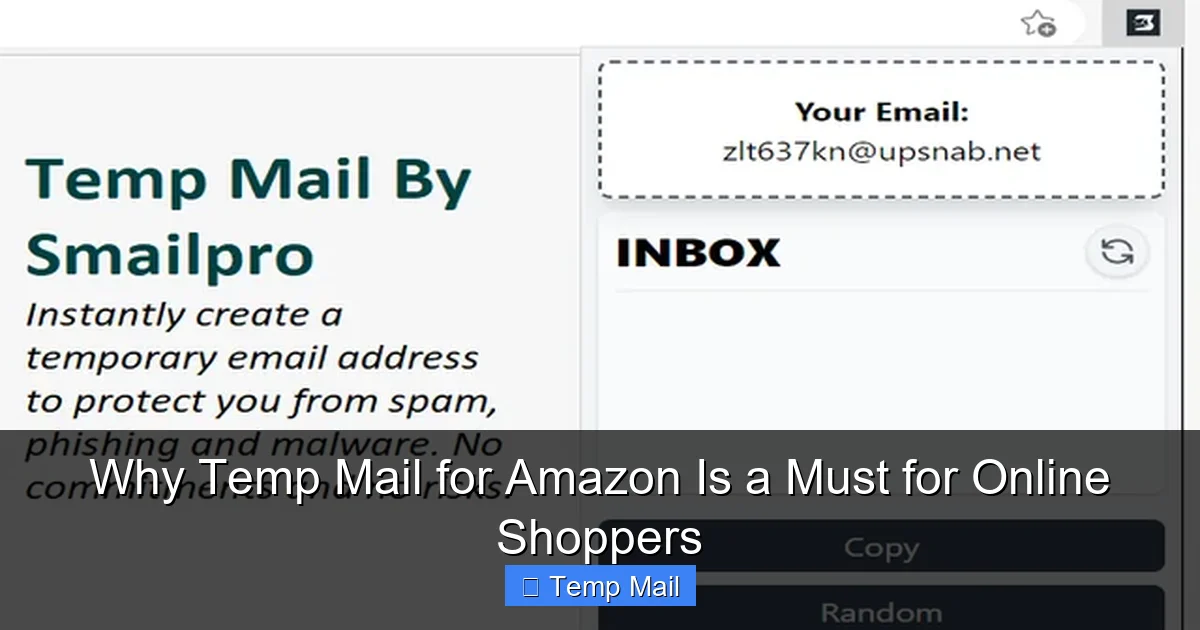
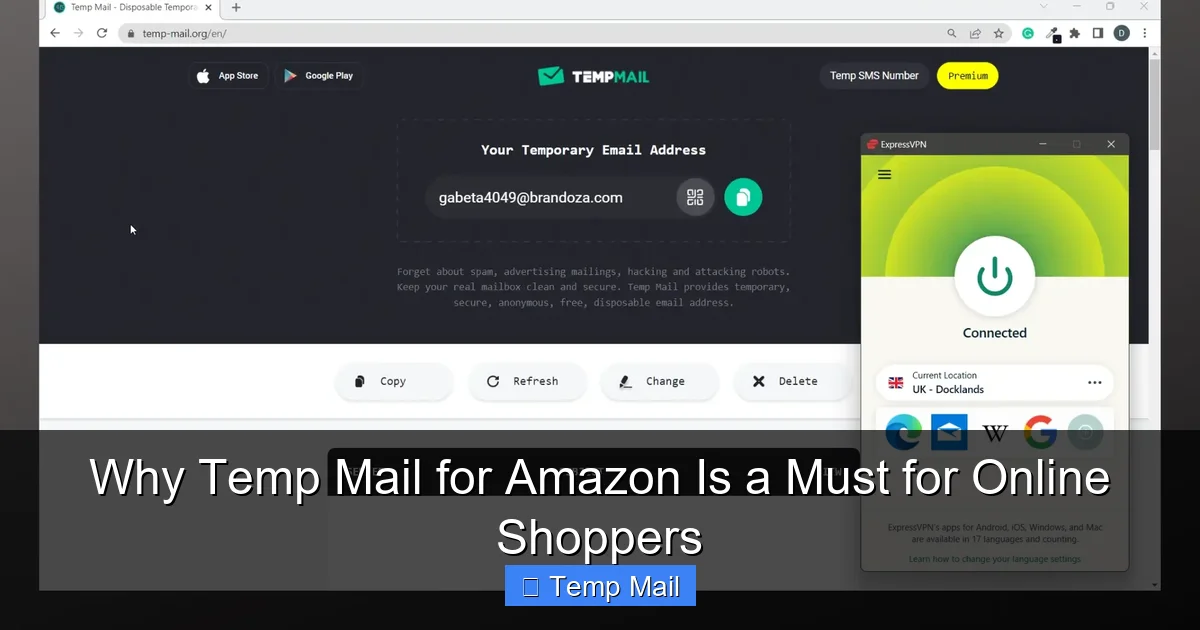
Before we dive into Amazon specifics, let’s clear the fog. A temporary email service (often called a “temp mail” or “disposable email” service) generates a random, unique email address that exists for a short period—typically 10 minutes to a few hours. You use it to receive a single verification email or a receipt, and then it vanishes. No password, no personal details required. The address is publicly accessible on a webpage; you just check the inbox listed there.
Visual guide about Why Temp Mail for Amazon Is a Must for Online Shoppers
Image source: addons.mozilla.org
The Core Mechanics: Simplicity Itself
The process is breathtakingly simple. You visit a site like Temp-Mail.org, Guerrilla Mail, or 10MinuteMail. The service instantly provides you with an email address like [email protected]. You copy that address and paste it into Amazon’s email field during checkout or account creation. When Amazon sends a confirmation or receipt, it lands in the public inbox associated with that random string on the temp mail site. You refresh the page, see the email, click any links you need (like to track a package), and then you walk away. After a set time, the address and all its emails are purged from the server forever.
Permanent vs. Disposable: A Crucial Distinction
It’s vital to distinguish a true “temp mail” from a “throwaway” or “alternate” permanent email. Services like Gmail or Outlook allow you to create a secondary, permanent account. That’s a great strategy for many, but it still requires management, a password, and it’s a persistent account that can be hacked or targeted. A true temp mail is ephemeral. It’s not an account; it’s a receiving inbox. There’s nothing to hack because there’s no login. This makes it uniquely suited for one-off transactions where you need the information *now* but have zero intention of maintaining a relationship with the sender afterward. For Amazon, this is perfect for a single purchase from a third-party seller you’ll never use again, or for creating a burner account to research a product without tailoring your algorithmic recommendations.
Amazon-Specific Scenarios: Where a Temp Mail Shines
Amazon’s ecosystem is vast. It’s not just the main Amazon.com storefront. It includes Amazon Marketplace sellers, Amazon Fresh, Amazon Prime trials, Amazon Business, and various international sites. Each touchpoint is an opportunity for your email to be harvested. Here’s where deploying a temp address is a tactical masterstroke.
Visual guide about Why Temp Mail for Amazon Is a Must for Online Shoppers
Image source: vpncentral.com
1. The One-Time, No-Strings-Attached Purchase
You need a specific cable or a book from a third-party seller on Amazon. You’ll likely never order from them again. Using your primary email here is a gift to that seller’s marketing database. A temp mail ensures you get your receipt and shipping info, and then the digital trail goes cold. You avoid a lifetime of “special offers” from a vendor you bought from once.
2. Creating a “Burner” Amazon Account for Research
Ever noticed that your Amazon recommendations get weirdly specific after you search for something sensitive, like medical supplies or surprise gifts? Your search and purchase history is tied to your account and email. Creating a separate, temporary Amazon account with a temp mail allows you to browse and research in a neutral sandbox. You can check prices, read reviews, and compare products without this activity influencing your main account’s algorithms or being linked to your identity. After your research is done, the account becomes inert.
3. Managing Returns Without the Follow-Up
Returning an item often requires you to generate a return label and sometimes provide an email for updates. If you use your main email, that return process can opt you into the seller’s (or even Amazon’s) post-purchase communication stream. A temp mail for this specific transaction lets you handle the logistics cleanly. The return is processed, the emails expire, and you’re not left with a “We hope you’ll shop with us again!” barrage from a negative experience.
4. Signing Up for Amazon Prime Trials Risk-Free
Amazon frequently offers 30-day Prime trials. If you’ve used your primary email before, they may not offer another. A temp mail gives you a clean slate to accept a trial offer, test the service, and cancel before any charge. Since the trial is tied to the temp address, there’s no risk of it merging with your main account or your payment method being “remembered” for an accidental charge later.
5. International Shopping and Currency Conversion
Shopping on Amazon.de (Germany) or Amazon.co.uk (UK)? Using a temp mail for these foreign storefronts keeps those transactional emails separate from your domestic Amazon correspondence. It also prevents your primary email from being added to international marketing lists you’ll never engage with, reducing cross-border spam.
The High Cost of Not Using a Temp Mail: Risks and Annoyances
Choosing to use your primary email for every Amazon interaction might seem convenient, but it’s a decision that carries hidden costs. The convenience is an illusion that quickly sours.
Visual guide about Why Temp Mail for Amazon Is a Must for Online Shoppers
Image source: 10-minutemail.com
The Spam Tsunami
This is the most obvious and immediate consequence. Every Amazon purchase, especially from third-party sellers, is a potential spam gateway. Sellers can upload your email to marketing platforms. Amazon itself segments you for targeted campaigns. Your inbox, once a tool for productivity and personal connection, becomes a landfill of “Deals in Your Wishlist” and “Last Chance to Buy!” notifications. The time spent deleting these emails, multiplied over years and dozens of purchases, adds up to hours of your life.
The Privacy Erosion and Data Broker Problem
When you give Amazon your email, it’s not just Amazon. Your email address becomes a key data point sold and shared through a shadowy ecosystem of data brokers. These companies compile profiles about you based on your purchases, linking your email to your interests, income bracket, and location. This profile is then sold to advertisers, insurers, and employers. Using a disposable address for shopping severs this link at the source. The data broker has a dead-end email that leads nowhere back to your true identity.
The Security Domino Effect
Data breaches are not a matter of *if*, but *when*. When a third-party seller on Amazon Marketplace (or even a major platform) is breached, the stolen data often includes customer email addresses. Hackers then use these emails for “credential stuffing” attacks—trying common passwords on other sites like your bank or social media. If your primary email is in that breach, you’re a target. A temp mail used for a single purchase means that breach exposes a meaningless, expired address, not your digital keys to the kingdom.
The Account Entanglement Nightmare
Using one email for everything creates a single point of failure. If you ever have a serious issue with an Amazon account—a hack, a fraudulent order, a long dispute—all your communications, order history, and linked accounts (like Audible, Whole Foods, Ring) are tied to that one email. Resolving issues can become a tangled mess. Separate emails create clean boundaries, making problem-solving more straightforward.
Choosing Your Weapon: Selecting the Right Temp Mail Service
Not all temp mail services are created equal. Your choice depends on your specific needs for Amazon use.
Critical Features to Look For
For Amazon, you need reliability. The service must consistently receive emails from Amazon’s domains (@amazon.com, @amazon.co.uk, etc.). Some free services use blacklisted domains that Amazon’s mail servers will reject outright. Look for services that explicitly state they work with major retailers. Also, consider the inbox refresh speed. You need to see that shipping confirmation quickly. A service that updates the inbox every 10-15 seconds is ideal. Finally, a custom domain option (like [email protected]) can sometimes be more reliable than the default random domains.
Top Contenders for the Job
Temp-Mail.org: A veteran in the space. Offers a long list of available domains, which increases the chance one will work with Amazon. Simple, no-frills interface. Inbox lasts for an unspecified but typically sufficient time.
Guerrilla Mail: Extremely reliable and fast. It provides a slightly longer-lasting inbox (up to 1 hour) and even allows you to *send* one reply email, which can be useful for a brief customer service query. Its domain is widely accepted.
10MinuteMail: The classic. The address lasts exactly 10 minutes, extendable. Perfect if you know you’ll only need the inbox for a quick verification code. It’s a focused tool for a specific job.
Maildrop.cc: Offers a bit more control. You can choose your inbox name (e.g., [email protected]) which is easier to remember and type. The inbox persists for a few hours.
Red Flags to Avoid
Steer clear of services that require registration, even for free. The point is anonymity. Avoid any service that is littered with aggressive, misleading ads that mimic “Download” buttons—these are often adware traps. If a service’s inbox frequently shows “No messages received” when you know Amazon sent one, its domain is likely blocked; switch immediately.
The Step-by-Step Guide: Using Temp Mail for Your Next Amazon Order
Let’s make this concrete. Here is your exact workflow for a secure, spam-free Amazon transaction.
Step 1: The Prep
Before you even go to Amazon.com, open a new tab and navigate to your chosen temp mail service (e.g., Guerrilla Mail). Let the page load. You’ll see your temporary email address displayed prominently. Copy it to your clipboard.
Step 2: The Amazon Action
Go to Amazon. Shop as you normally would. At checkout, when you get to the “Shipping Address” or “Payment Method” section, you will eventually see the “Email address” field. This is where you paste your temporary address. Complete your purchase normally. You will receive an order confirmation from Amazon to your temp mail inbox almost instantly.
Step 3: The Retrieval
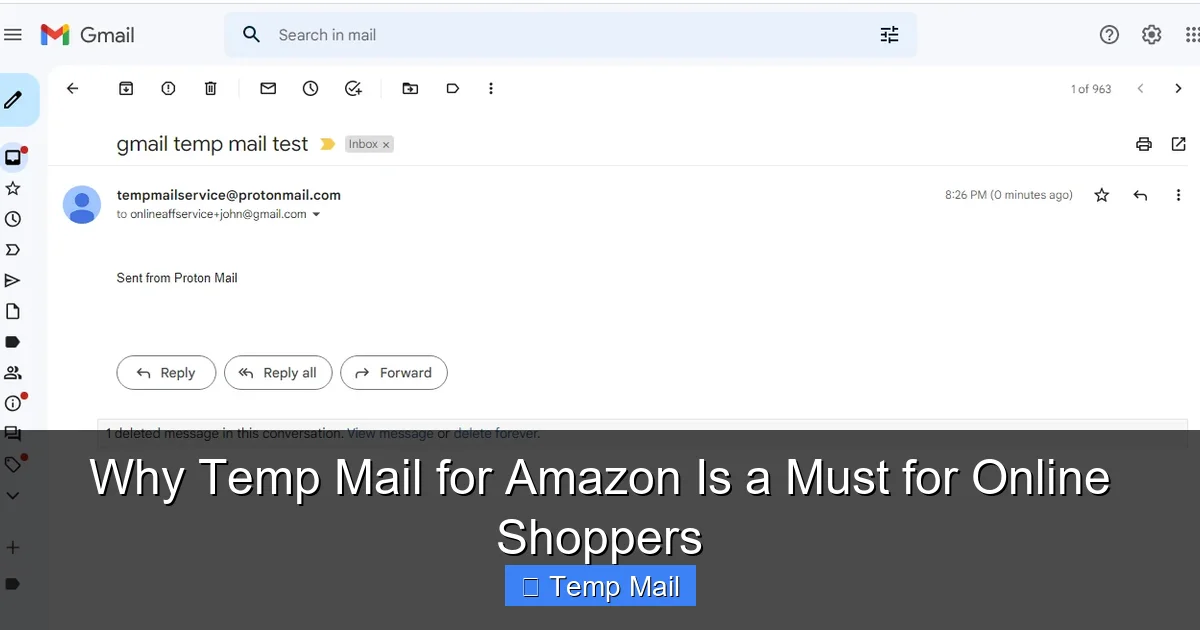
Switch back to your temp mail tab. You should see an email from “Amazon” or “Amazon.com.” Click on it to open it. Here is your receipt, your order details, and your tracking number (once shipped). You can click the “Track Package” link; it will open in a new tab, and your tracking will work perfectly. Save or screenshot any critical information you need (like the return address label code).
Step 4: The Clean Exit
Once you have the information you need, you are done. You do not need to log out, delete anything, or take further action. Simply close the tab. The temporary email address will expire according to the service’s timer. Any future emails from Amazon about that order will bounce. This is by design. For order updates, rely on the Amazon app/website notifications and the tracking link you saved.
Important Pro-Tips and Cautions
- Never Use for Account Recovery: If you set a temp mail as your Amazon account email, you will be locked out forever if you forget your password. Temp mail is for transactional emails only, not for the foundational account credential.
- Check Spam Filters on Temp Service: Occasionally, a legitimate email might land in the temp service’s “Spam” folder. If you’re expecting an email and don’t see it, check there.
- Two-Factor Authentication (2FA): If you use 2FA on your Amazon account, the code will go to your primary email or phone. Do not set your temp mail as your 2FA contact.
- For Large or Ongoing Orders: For a big-ticket item or a recurring subscription (like Subscribe & Save), consider using a dedicated, permanent secondary email address instead of a temp one, so you don’t miss important renewal notifications.
Conclusion: Embracing Digital Minimalism and Control
The habit of tossing your primary email into every online shopping form is a relic of a less privacy-conscious era. It’s like giving your home phone number to every store cashier. In 2024 and beyond, our digital footprints are valuable real estate. A temporary email for Amazon is a simple, zero-cost tool to reclaim that space. It filters the signal from the noise, protects you from the downstream effects of data breaches, and imposes a clean, orderly boundary on your digital life. It’s not about being anti-Amazon; it’s about being pro-yourself. Start with your next non-essential purchase. Use a temp mail. Experience the quiet satisfaction of an inbox that remains serene. Once you feel the relief, you’ll understand why this isn’t just a tip—it’s a fundamental practice for the modern, security-aware online shopper. Your future self, with a clean inbox and a fortified identity, will thank you.
Frequently Asked Questions
Is using a temporary email for Amazon legal and against their terms of service?
Yes, it is completely legal. Amazon’s Terms of Service do not explicitly forbid the use of disposable email addresses. However, they reserve the right to suspend or terminate accounts they suspect of fraudulent activity. Using a temp mail for a legitimate, single purchase is generally fine, but using it to create hundreds of accounts for abuse would violate their policies.
Will I receive my order confirmations and shipping updates if I use a temp mail?
Absolutely. The temporary inbox will receive all transactional emails from Amazon, including order confirmations, shipping notifications, and delivery updates. You must access the temp mail inbox promptly to view these emails, as they will disappear when the address expires. For ongoing tracking, use the saved tracking number or the Amazon app.
Can I use a temp mail for Amazon Prime sign-up or free trials?
Yes, you can. This is a very common use case. The trial confirmation and any setup emails will arrive in the temp inbox. Just be certain to note the trial end date by saving that email, as you won’t receive a reminder to a permanent address. Also, be aware that Amazon often limits one trial per household/payment method, so a temp email alone may not bypass that rule.
What’s the difference between a temp mail and a secondary permanent email (like a new Gmail)?
A temporary email is ephemeral, requiring no setup, password, or management. It auto-deletes. A secondary permanent email is a lasting account you must secure with a password and 2FA. A permanent secondary email is better for recurring relationships (like a long-term subscription), while a temp mail is ideal for single, isolated transactions where you want zero future contact.
Is my information safe when using a temp mail service?
Reputable temp mail services do not require any personal information to generate an address and do not log your IP address linked to the inbox. The primary risk is not from the service itself, but from the fact that the inbox is public. Anyone with the URL could, in theory, see the emails. Therefore, never use a temp mail for sensitive communications (bank details, private documents). For standard Amazon receipts, the risk is negligible.
Which temp mail service is most reliable for receiving Amazon emails?
Based on consistent uptime and domain acceptance, Guerrilla Mail and Temp-Mail.org are among the most reliable for major retailers like Amazon. They have a large pool of domains, making it less likely that Amazon’s servers will block the sender domain. Always test with a small order first if trying a new service.