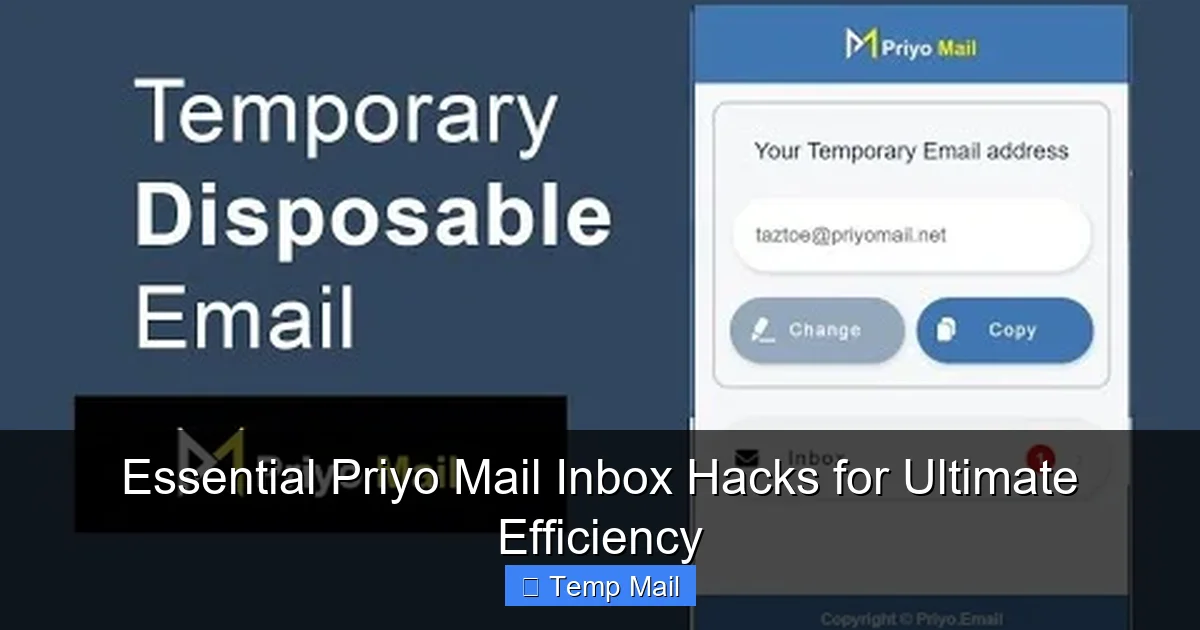
Unlock the full potential of your Priyo Mail Inbox with strategic organization and automation. This guide reveals essential hacks—from smart filtering and auto-delete rules to seamless integration with your workflow—that transform a temporary inbox from a clutter trap into a streamlined, secure, and powerful tool for signing up, verifying, and protecting your primary email.
Let’s be honest. The allure of a Priyo Mail temporary inbox is simple: a clean, disposable email address to shield your primary inbox from spam, promotions, and potential data breaches. You sign up for that one-time discount, verify that forum account, or access that gated download, and poof—your job is done. But what happens when that “one-time” inbox starts to feel like a digital hoard? What if you could turn this temporary tool from a passive catch-all into an active, streamlined extension of your digital workflow? Welcome to the world of Priyo Mail inbox hacks. This isn’t just about using the service; it’s about mastering it for ultimate efficiency.
Think of your Priyo Mail inbox not as a trash can, but as a highly specialized sorting facility. Without a system, packages (emails) pile up in the loading dock. With the right hacks, every piece is automatically routed, inspected, and discarded with precision. We’re moving beyond the basics of “generate an address” to a proactive philosophy of inbox triage, automation, and strategic use. By the end of this guide, you won’t just have a temporary email; you’ll have a finely-tuned efficiency machine that saves you minutes every day and, more importantly, protects your digital peace.
Key Takeaways
- Priyo Mail is a powerful tool for privacy and spam avoidance, but its power is unlocked through intentional inbox management. Without systems, a temporary inbox becomes as cluttered as a permanent one.
- The “Auto-Delete” timer is your primary weapon against inbox clutter. Setting it correctly based on the purpose of the email (e.g., 10 minutes for a quick code, 24 hours for a receipt) keeps your view clean automatically.
- Mastering subject line and sender filters is non-negotiable for efficiency. Create rules to instantly archive, highlight, or delete emails from specific services or with keywords like “unsubscribe” or “promo”.
- Leverage browser extensions and bookmarklets to create emails without ever leaving the site you’re on. This one-click generation is the ultimate hack for speed and context.
- Never use your Priyo Mail address for critical account recovery. Its temporary nature means you will be permanently locked out. Reserve it for sign-ups and verifications only.
- Use distinct, purpose-based addresses (e.g., “[email protected]”, “[email protected]”) to instantly categorize incoming mail by source.
- The “Mark as Read” and “Star/Flag” features are underutilized for triaging. Star essential verification codes immediately; mark everything else read to reduce visual noise.
📑 Table of Contents
- Hack 1: The Auto-Delete Timer—Your Inbox’s Autopilot
- Hack 2: Smart Filtering & Rules—Taming the Inbox Tsunami
- Hack 3: Strategic Address Naming & Purpose Segregation
- Hack 4: Workflow Integration—Browser Tools & Automation
- Hack 5: Security & Privacy Hygiene—The Non-Negotiables
- Hack 6: The Final Triage—When and How to Actually Delete
- Conclusion: From Temporary Tool to Efficiency Weapon
Hack 1: The Auto-Delete Timer—Your Inbox’s Autopilot
The cornerstone of Priyo Mail efficiency is its built-in auto-delete timer. This feature is not a set-and-forget afterthought; it’s your first and most powerful line of defense against digital clutter. The default timer might be 24 hours, but that’s a one-size-fits-none approach. The hack is to calibrate the timer based on the expected lifespan of the email you’re expecting.
Calibrating for Purpose: 10 Minutes vs. 24 Hours
When you use Priyo Mail to sign up for a service that sends an immediate verification code, that email’s useful life is 5-10 minutes. Once you’ve copied the code, it’s digital trash. Setting the timer for 10 minutes for this specific address means that code email will vanish automatically, leaving zero trace. Conversely, if you’re using the address to download a receipt or whitepaper, you might need that email for a few hours or a day. For that, set a 24-hour timer. The key is to create a mental (or physical!) note: “This address is for instant codes, 10-minute timer.” This eliminates the manual step of deleting emails later—it just happens.
The “Burn After Reading” Address
Here’s a pro-level strategy: create a dedicated Priyo Mail address with the shortest possible timer (often 10 minutes) and name it something like “[email protected].” Use this address exclusively for high-risk, low-value sign-ups where you just need to get past a gate and never want to see the follow-up marketing emails. You generate the address, use it, and within minutes, the entire digital trail is gone. It’s the closest thing to a true digital “burner” phone.
Hack 2: Smart Filtering & Rules—Taming the Inbox Tsunami
Even with auto-delete, some emails can create momentary chaos. A flood of “Welcome!” emails, newsletters you accidentally opted into, or promotional blasts from the service you just used. Priyo Mail’s filtering system allows you to create rules that automatically take action on incoming mail based on the sender, subject line, or even content. This is where you go from reactive to proactive.
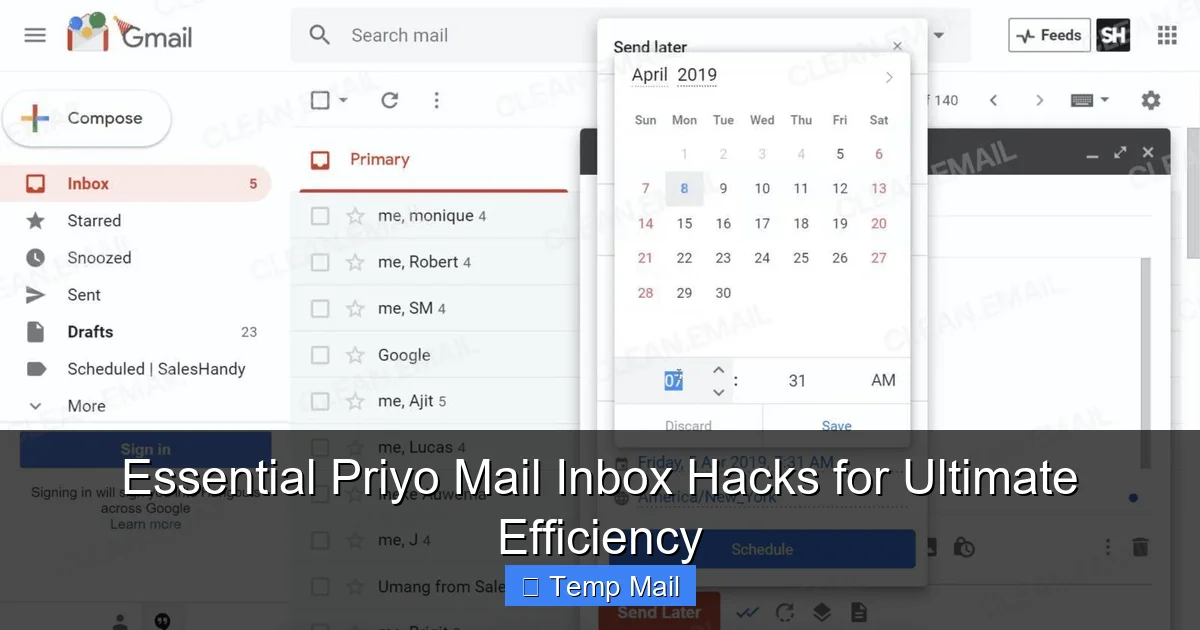
Visual guide about Essential Priyo Mail Inbox Hacks for Ultimate Efficiency
Image source: clean.email
Filter by Sender Domain: The “One-Click Unsubscribe” Hack
Notice a pattern? You sign up for three different tools from the same company (e.g., “@toolmaker.com”), and they each send a welcome email. Instead of seeing three emails, create a filter: If sender contains “@toolmaker.com”, move to folder “Toolmaker” or mark as read immediately. This consolidates all communication from one entity. Even better, if you know you’ll never want their newsletter, set the rule to delete it automatically. This is your automated “unsubscribe” for senders you don’t trust to honor a real unsubscribe link.
Keyword-based Filtering for Instant Triage
Use keyword filters to catch common promotional triggers. Create rules like:
- Subject contains “promo”, “sale”, “offer”, “newsletter” → Delete or Archive.
- Subject contains “receipt”, “invoice”, “order #” → Star/Flag (if you need it briefly) or move to a “Receipts” folder.
- From “noreply@” or “no-reply@” → Mark as read (these are almost always system emails you’ve already interacted with).
These rules act as an instant triage nurse for your inbox, ensuring only the emails you genuinely need to see (like a verification code) demand your attention.
Hack 3: Strategic Address Naming & Purpose Segregation
This is the organizational hack that changes everything. Instead of generating a random string of characters like “[email protected]” for every single sign-up, use a modified version of the address name to denote its purpose. Priyo Mail allows you to customize the local part (before the @).
Visual guide about Essential Priyo Mail Inbox Hacks for Ultimate Efficiency
Image source: beconnected.esafety.gov.au
The “+ Tag” Method (If Supported) or Descriptive Naming
While not all temporary mail services support the “+” tag (e.g., you@domain+tag.com), Priyo Mail’s custom naming lets you achieve the same result. Create addresses like:
- [email protected] – For Facebook, Twitter, Instagram logins.
- [email protected] – For Reddit, Discord, niche community sign-ups.
- [email protected] – For e-commerce sites, deal newsletters.
- [email protected] – For news site registrations.
When an email arrives, you instantly know its origin by the address it was sent to. This mental categorization is faster than any filter. You can even combine this with Hack #2: set a filter that automatically highlights or stars any email sent to “[email protected]” because those often contain important login links or updates.
The Single-Purpose Address Lifecycle
Give each major project or website its own dedicated address. Signing up for a webinar? Use “[email protected].” Downloading a specific software trial? “[email protected].” Once the purpose is served (you’ve attended the webinar, downloaded the trial), you can mentally close the book on that address. If spam ever starts filtering into it, you simply stop using that specific address and generate a new one for the next project. This compartmentalization prevents a single spam leak from contaminating your entire temporary mail activity.
Hack 4: Workflow Integration—Browser Tools & Automation
Efficiency isn’t just about managing the inbox; it’s about reducing the friction to use the inbox in the first place. The goal is to generate and copy a Priyo Mail address without ever leaving the website you’re trying to sign up for.
Visual guide about Essential Priyo Mail Inbox Hacks for Ultimate Efficiency
Image source: prialto.com
The Bookmarklet Power Move
Priyo Mail and similar services often provide a “bookmarklet”—a small JavaScript snippet you save as a browser bookmark. When you’re on a sign-up page, you click this bookmarklet. It automatically generates a new temporary email address, copies it to your clipboard, and sometimes even fills the email field on the page for you. This three-second action replaces the multi-step process of: 1) Opening a new tab, 2) Going to Priyo Mail, 3) Copying the address, 4) Returning to the sign-up page, 5) Pasting. That saved time and mental context switch adds up dramatically over a week.
Browser Extensions for One-Click Magic
Look for official or reputable third-party browser extensions for Priyo Mail. These often sit in your toolbar as a simple icon. A single click generates a new address and copies it. Some advanced extensions can even detect email fields on the current page and offer to paste the generated address directly. Integrating this tool into your browser chrome (pun intended) makes using a temporary email the path of least resistance, encouraging its use for every non-critical sign-up and reinforcing good privacy habits.
Hack 5: Security & Privacy Hygiene—The Non-Negotiables
Efficiency is meaningless without security. The hacks below ensure your Priyo Mail usage remains a privacy shield and not a liability.
The Golden Rule: No Recovery, No Banking, No Primary Accounts
Repeat after me: I will never use my Priyo Mail address for account recovery, banking, or any service I need to access long-term. The entire premise of a temporary inbox is that you will lose access to it. If you use it for password resets on your Amazon or bank account, you will eventually be locked out permanently. This is the single most important security hack. Priyo Mail is for ingress (signing up/verifying), not for persistence (ongoing access).
The “Check Once, Forget” Protocol
When you know an email is on its way (e.g., a verification code), check your Priyo Mail inbox once immediately after requesting it. Copy the code, complete the sign-up, and close the tab. Do not leave the inbox tab open in the background. This prevents accidental exposure if you step away from your computer and prevents you from seeing any subsequent promotional emails that might trigger curiosity or temptation to click. In and out. That’s the protocol.
Mind the Link Trail
Be aware that some verification links are single-use and may be invalidated if you click them from a different IP or after a short time. If you generate an address on your desktop but check the inbox on your phone, the verification might fail. For critical sign-ups, generate the address and complete the verification in one session on one device. Also, never click “unsubscribe” links in emails sent to your Priyo Mail address. These links often confirm your email is active and read, potentially increasing spam. Use your filters (Hack #2) to delete these sender domains instead.
Hack 6: The Final Triage—When and How to Actually Delete
Even with auto-delete and filters, a final manual sweep once a day or once a week is the hallmark of an inbox master. This isn’t about scrolling through emails; it’s a 20-second audit.
The 5-Second Daily Sweep
Open your Priyo Mail inbox. Your eyes should only land on:
- Unread emails (if any): Are they verification codes? If yes, use them immediately and mark as read. If no, they are likely spam that slipped through filters—delete.
- Starred/Flagged items: Did you star something by accident? Unstar it. Did you use the starred code? Unstar and mark read.
- Everything else: Should already be marked read by your filters or be irrelevant. Give it a glance. If it’s a promo from a site you signed up to, delete. The goal is to see zero unread emails and zero starred items after the sweep.
This ritual prevents the “I’ll do it later” mental clutter and ensures your temporary inbox is always a blank slate, ready for its next purposeful use.
Conclusion: From Temporary Tool to Efficiency Weapon
Your Priyo Mail inbox is a blank canvas. Left to its own devices, it becomes a messy, anxiety-inducing list of unread messages and forgotten verifications. But with the hacks you’ve learned—auto-delete calibration, smart filtering, strategic naming, workflow integration, iron-clad security rules, and a final daily triage—you transform it into a silent, self-cleaning, and intelligent assistant. It works for you, not against you. It protects your primary email without creating a new digital burden. The ultimate efficiency isn’t just about doing things faster; it’s about designing systems that require the least mental energy possible. Implement these hacks one by one. Start with the auto-delete timer and one strategic address name. Feel the difference of a truly clean inbox. Then build from there. In the battle for digital attention and privacy, your Priyo Mail inbox, when hacked correctly, isn’t just a temporary address—it’s a permanent victory.
Frequently Asked Questions
Can I use my Priyo Mail inbox for important account recovery?
No. This is the most critical rule. Temporary inboxes are designed to be disposable. You will permanently lose access, locking you out of any account that uses it for password resets or security alerts. Always use a permanent, secure email for recovery.
What’s the ideal auto-delete timer setting?
It depends entirely on the email’s purpose. For instant verification codes, 10 minutes is ideal. For receipts or downloads you might need briefly, 24 hours is safe. For one-time access links you’ll use immediately, 1 hour may suffice. Customize per address or per sign-up.
How do I stop promotional emails from services I signed up with using Priyo Mail?
Create a filter rule in your Priyo Mail settings. Set a rule to automatically delete or archive any email where the sender’s domain matches the service you signed up with (e.g., “@service-name.com”). This is more effective than clicking unsubscribe links in a temporary inbox.
Is it safe to click links in emails sent to my Priyo Mail address?
Generally, yes, for verification links from reputable services you intentionally signed up for. However, exercise caution with unexpected links. The main risk isn’t malware (though it exists), but that some single-use verification links expire quickly or are tied to your IP/session. Complete the action immediately after clicking.
What’s the benefit of naming my Priyo Mail address (e.g., [email protected])?
Purpose-based naming gives you instant context. When an email arrives at “[email protected],” you know it’s related to an e-commerce sign-up without opening it. This mental categorization is faster than filters and helps you mentally segment your online activities and manage which addresses to stop using if spam appears.
Should I check my Priyo Mail inbox regularly?
Only when you are actively expecting a verification email. The efficiency hack is to not check it obsessively. Use the browser bookmarklet or extension to generate the address, then check the inbox once, 30-60 seconds after you request the verification. After you get the code, close the tab. Adopt a “check once, forget” protocol.