Free temp mail services provide instant, disposable email addresses that shield your real inbox from spam, scams, and unwanted marketing. By using a temporary address for sign-ups and online forms, you keep your primary email private and your digital footprint minimal. It’s a simple, essential tool for anyone looking to browse safely and maintain control over their personal information online.
Key Takeaways
- Spam Prevention: Temp mail acts as a barrier, capturing unwanted promotional and phishing emails so they never reach your primary, important accounts.
- Enhanced Privacy: It prevents companies from linking your online activities to your real identity or permanent email address, reducing data profiling.
- No Registration Needed: Most services generate an address instantly without requiring any personal details, sign-up forms, or passwords.
- Inherently Temporary: These addresses are designed to auto-delete after a set period (hours or days) or once you close the browser, ensuring no long-term data residue.
- Ideal for Specific Scenarios: Perfect for one-time sign-ups, downloading free resources, accessing gated content, or testing websites and apps.
- Not for Critical Accounts: Never use temp mail for banking, primary social media, work, or any service where account recovery and long-term access are vital.
- Provider Reliability Varies: Choose reputable temp mail services that don’t log IPs or messages, as some free providers may sell data or have poor deliverability.
📑 Table of Contents
- What Exactly Is “Free Temp Mail”?
- How Free Temp Mail Works: A Step-by-Step Walkthrough
- Top 5 Use Cases: When to Pull Out Your Disposable Email
- Choosing the Right Free Temp Mail Service
- The Crucial Limitations: What Temp Mail CANNOT Do
- Best Practices and Pro Tips for Safe Usage
- The Bigger Picture: Temp Mail in Your Digital Hygiene Routine
- Conclusion: Embrace the Disposable
What Exactly Is “Free Temp Mail”?
Imagine you’re at a crowded street fair, and a vendor asks for your home address to enter you into a prize draw. You’re not sure you trust them with that information. So, you hand over a post office box number you’ll only use once. That’s the core idea behind free temp mail. It’s a service that gives you a temporary, disposable email address—a digital “post office box”—that you can use for a specific, short-term purpose and then discard without any consequence.
These services are also called disposable email, throwaway email, or fake email generators. They create a fully functional inbox for you in seconds. You can receive emails at this address, view them via a web browser, and then the address and all its contents vanish into the ether. The magic is in the separation: your real, permanent email—the one tied to your bank, your job, your family—stays pristine and spam-free.
The Anatomy of a Temp Email Address
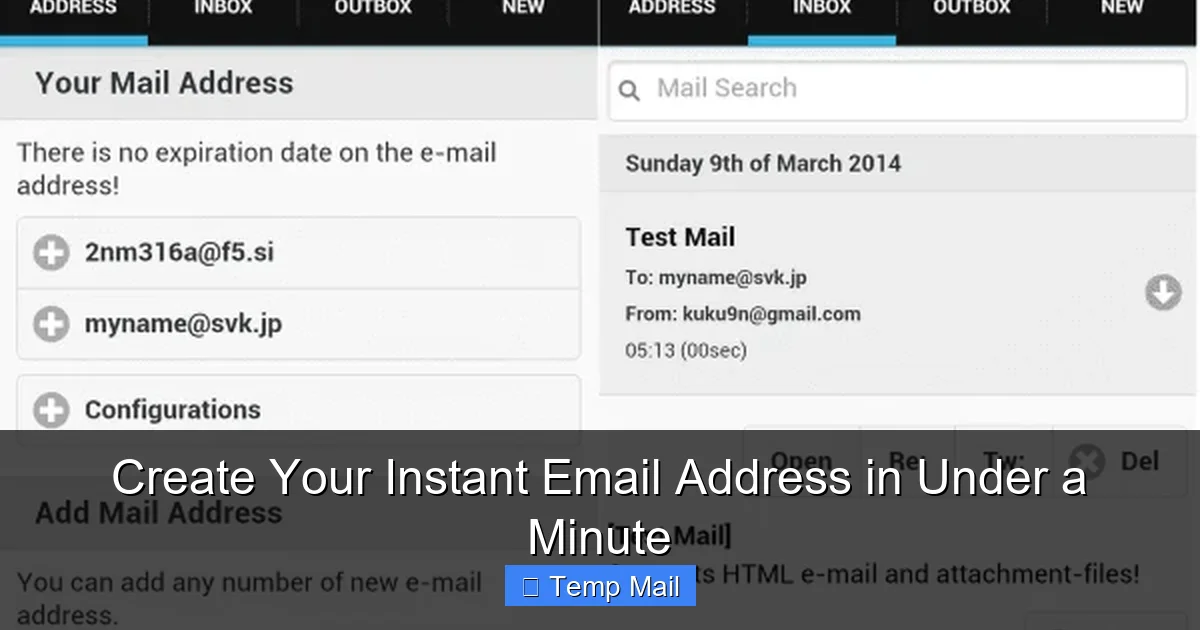
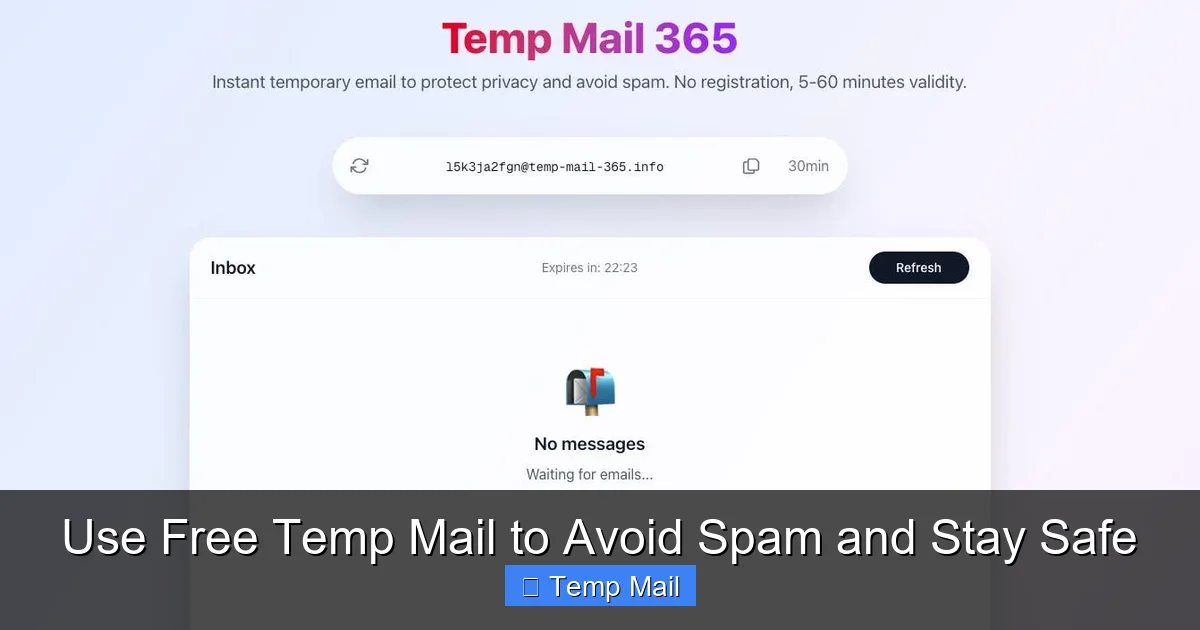
A typical temp mail address looks like any other: [email protected]. The “randomstring” is a unique jumble of letters and numbers generated just for you. The domain is owned by the temp mail provider. When you visit a site that requires an email, you copy this address, paste it, and complete the sign-up. Any confirmation or promotional email sent to that address lands in the provider’s web inbox, which you can access by refreshing the same temp mail page. There’s no password, no two-factor authentication, and no persistent login. It’s open to anyone who has the direct URL to that specific inbox.
How Free Temp Mail Works: A Step-by-Step Walkthrough
The process is beautifully simple, designed for maximum convenience with zero commitment. Let’s walk through a common scenario: you want to download a free ebook from a marketing website.
Visual guide about Use Free Temp Mail to Avoid Spam and Stay Safe
Image source: tempmailmaster.io
Step 1: Visit a Temp Mail Provider
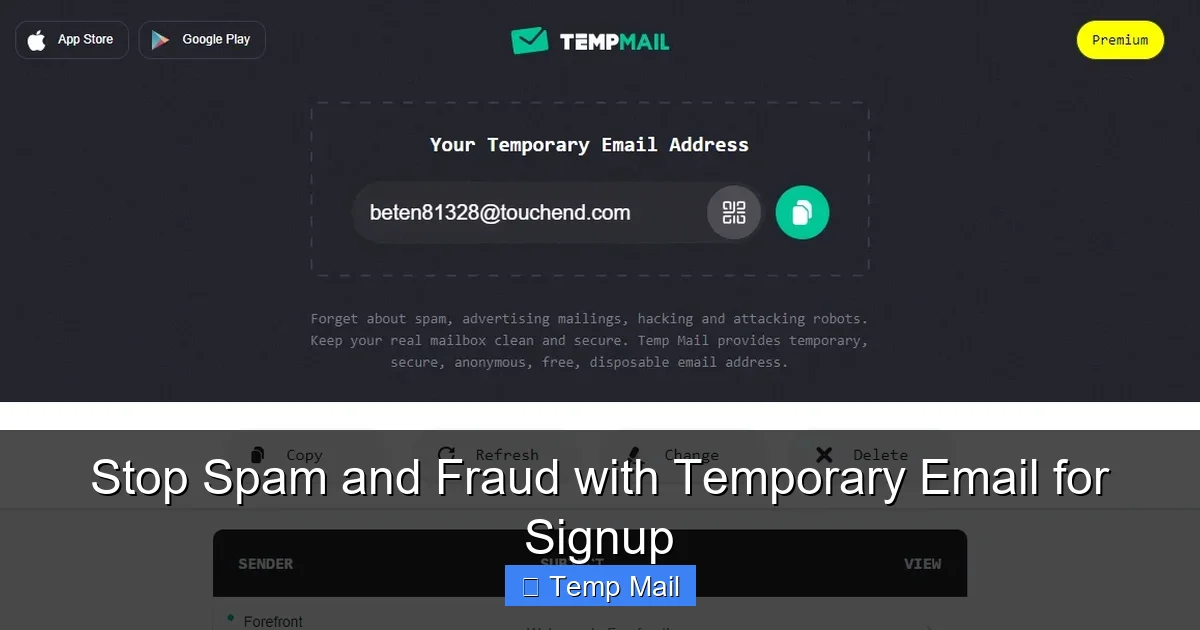
Open your browser and go to a site like Temp-Mail.org, 10MinuteMail.com, or Guerrilla Mail. The moment the page loads, a new email address is automatically generated for you. You’ll see it displayed prominently on the screen, along with a countdown timer (if applicable) and a big, tempting “Inbox” button.
Step 2: Copy and Paste
Highlight the generated address and copy it. Navigate to the ebook download page. Find the email input field, right-click, and paste. Fill out any other required fields and submit the form.
Step 3: Receive and Access
Go back to the temp mail tab and click “Refresh” or “Inbox.” Within seconds, you should see a new email from the ebook provider. Click on it to read the contents. Often, there will be a download link inside. You click it, download the file to your computer, and you’re done.
Step 4: Walk Away
You simply close the browser tab. That email address, the inbox, and all the emails it contained are permanently deleted by the service after a short time (often 10 minutes to 1 hour) or when the session expires. The ebook is on your computer, but the digital trail leading back to your real identity ends at the temp mail provider.
This entire cycle takes under two minutes and requires no account creation, no password memorization, and no cleanup on your end. It’s the ultimate “use and forget” tool for the modern web.
Top 5 Use Cases: When to Pull Out Your Disposable Email
Knowing *when* to use a free temp mail is just as important as knowing *how*. Here are the prime scenarios where it shines.
Visual guide about Use Free Temp Mail to Avoid Spam and Stay Safe
Image source: mars-images.imgix.net
1. Dodging Unwanted Newsletters and Promotional Spam
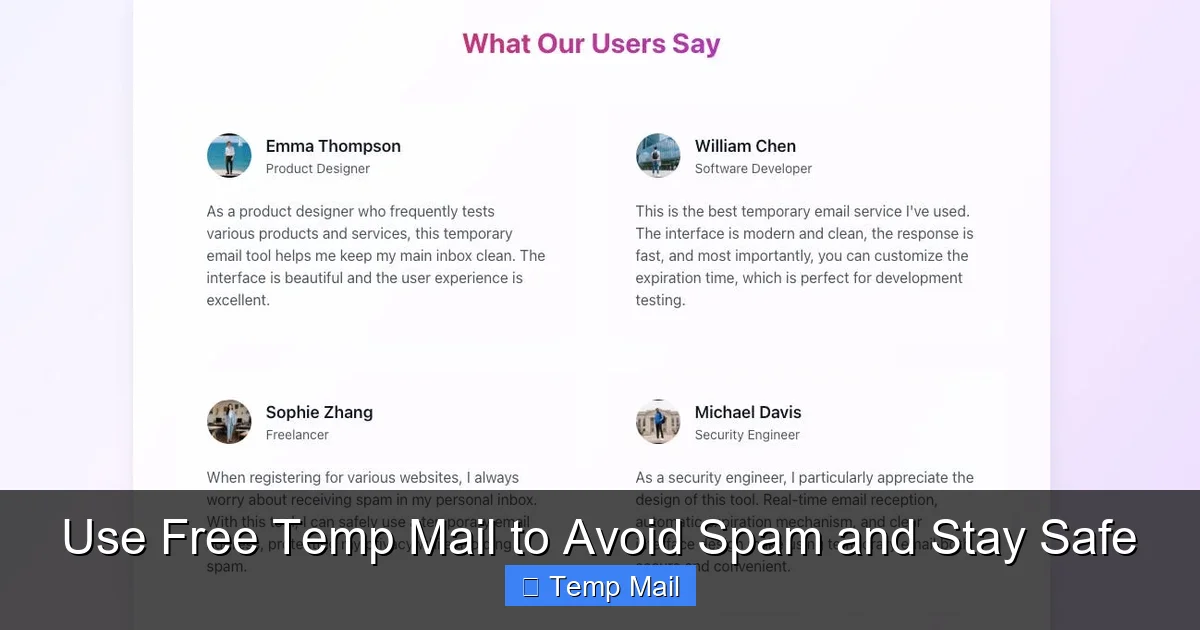
This is the #1 use case. You’re interested in a one-time discount from an online store. To get the coupon code, they demand your email. Give them your temp address. You get the code, they get a dead-end address. Your primary inbox, used for bills and friends, remains untouched by their relentless weekly sale announcements. This single act can prevent hundreds of future spam emails.
2. Accessing Gated Content Without Commitment
Blogs, whitepapers, and industry reports often hide their best content behind an email gate. “Enter your email to read this article.” Use a temp mail. You get the information you need immediately, and you avoid being added to a nurturing email sequence that might last for years. It’s ethical (you’re accessing content they offered freely) and smart.
3. Signing Up for “Freemium” Trials and Apps
Want to try a new project management tool, graphic design app, or streaming service for 14 days without the fear of forgetting to cancel? Use a disposable email for the trial sign-up. The service will send the login details and trial expiration reminders to the temp address. When the trial ends, you simply walk away. No accidental subscription charges, no tedious cancellation process, and no “We miss you!” emails haunting your real inbox.
4. Downloading from “Suspicious” or Low-Trust Sites
You’re on a forum or a less-reputable download site. A file is hosted on a third-party server that asks for your email before starting the download. These are classic email-harvesting traps. Using your real email here is a one-way ticket to a spam avalanche. A temp address lets you bypass this gate safely. If the site seems malicious and the email never arrives, you’ve lost nothing.
5. Testing Website and App Registration Flows
For developers, QA testers, or even tech-savvy users, temp mail is invaluable. Need to test if a “forgot password” email sends correctly? Create a temp account and trigger the reset. Want to see how a website handles a duplicate email sign-up? Use the same temp address twice. It allows for rapid, repeatable testing without cluttering real inboxes or managing multiple test accounts.
Choosing the Right Free Temp Mail Service
Not all temp mail providers are created equal. While most share the core “no-login” feature, differences in usability, privacy, and reliability exist. Here’s what to look for.
Visual guide about Use Free Temp Mail to Avoid Spam and Stay Safe
Image source: mars-images.imgix.net
Key Features to Prioritize
- Inbox Refresh Speed: A good provider updates the inbox almost instantly when an email arrives. A slow refresh is frustrating and can cause you to miss time-sensitive codes.
- Domain Options: Some services offer multiple domain names (e.g., @rmail.com, @tempmail.org). This is useful if a particular site blocks emails from a known temp domain.
- Email Duration: Check how long the inbox lasts. Is it 10 minutes? 1 hour? 1 day? For most uses, 1 hour is sufficient. For longer projects, look for services with extended windows.
- No Captcha or Distracting Ads: The best services have minimal, non-intrusive ads. Be wary of sites that bombard you with pop-ups or require solving multiple Captchas just to view an email. It often indicates a lower-quality operation.
- Privacy Policy Transparency: Does the provider state they do not log IP addresses or read your emails? A clear, concise privacy policy is a good sign. Avoid providers that are vague about data handling.
Popular and Reputable Providers
Temp-Mail.org is a long-standing favorite, offering a clean interface, multiple domains, and inboxes that last for hours. 10MinuteMail is famously simple and reliable, with a clear 10-minute countdown. Guerrilla Mail provides more features, like the ability to reply to emails (rare for temp mail) and choose from several domains. MailDrop is another solid, no-frills option. Start with these well-known names instead of obscure search results.
The Crucial Limitations: What Temp Mail CANNOT Do
Understanding the boundaries of free temp mail is critical for using it safely and effectively. It is a tool with a specific purpose, not a replacement for your permanent email.
It’s Not for Account Recovery or Long-Term Access
This is the golden rule. If you sign up for a service—like a social media platform, cloud storage, or online bank—using a temp email, you will lose access. When you forget your password, the recovery link goes to an inbox that no longer exists. When the service sends an important security alert or policy update, you’ll never see it. You will be permanently locked out. Never use temp mail for anything where you need to log in more than once or twice.
Deliverability Issues
Some websites and platforms actively block emails from known temp mail domains. They do this to reduce fake accounts and spam. If you find a site rejecting your temp address, you’ll need to use a different provider’s domain or, ultimately, your real email. There’s no workaround for a site that is explicitly anti-disposable-email.
No Sending Capability (Usually)
The vast majority of free temp mail services are receive-only. You cannot use them to send emails to friends or colleagues. Their sole function is to be a destination for incoming messages from websites you’ve interacted with.
Potential Security and Privacy Gaps
While the goal is privacy, the model has a risk: the temp mail provider itself. Since the inbox is publicly accessible via the URL, anyone who has that link can read your emails. Reputable services generate unpredictable, hard-to-guess URLs and delete them quickly. However, a malicious provider could log your IP address or the content of emails. This is why choosing a trustworthy provider from the list above is so important. You are placing temporary trust in that service.
Best Practices and Pro Tips for Safe Usage
To master the art of using disposable email, follow these guidelines. They’ll help you avoid pitfalls and get the most value.
Always Have a Primary Goal
Before you even open a temp mail tab, ask yourself: “What is the single thing I need this for?” Download a PDF? Get a discount code? Create a test account? Once that goal is achieved, close the tab. Don’t let the inbox sit open or use it for secondary tasks, increasing the window of potential exposure.
Use Different Providers for Different Purposes
For low-stakes tasks like newsletter sign-ups, use a standard provider. For slightly more sensitive tasks, like a trial for a SaaS tool you might use for work, choose a provider with a stronger privacy stance. This compartmentalization adds a layer of security.
Never Use It for Anything Personal or Financial
This cannot be stressed enough. Banking, PayPal, Venmo, primary Amazon account, your main Apple/Google ID—these must always use your permanent, secure email. The risk of total loss of access and identity is not worth the minor convenience.
Check for HTTPS and a Clean Interface
Before using a new service, ensure the URL starts with https://. This means the connection between your browser and their server is encrypted. Also, a clean, professional-looking website is generally a better indicator of a legitimate operation than one cluttered with misleading download buttons and adult ads.
For Developers: Automate with APIs
If you’re building an application and need to automate testing of email flows, some advanced temp mail services offer APIs. You can programmatically generate new addresses, fetch emails, and delete them as part of your test suite. Services like MailSlurp or Temp-Mail API cater specifically to this need.
The Bigger Picture: Temp Mail in Your Digital Hygiene Routine
Think of free temp mail not as a secret weapon, but as a standard part of your digital hygiene—like using a password manager or enabling two-factor authentication. It’s a proactive defense. In an online world where your email address is a primary key to your identity, aggressively guarding it is smart.
Every time you use a disposable address for a low-value interaction, you are:
- Reducing Your Attack Surface: Fewer services have your real email, meaning fewer potential data breaches that could expose it.
- Breaking the Profiling Chain: Ad networks and data brokers thrive on connecting your email to all your activities. Temp mail severs that connection.
- Saving Mental Energy: An uncluttered primary inbox means you see what truly matters: emails from your boss, your family, your actual subscriptions. No wading through spam to find the important stuff.
It’s a small habit that compounds into a significantly cleaner, safer, and more manageable digital life. You wouldn’t give your home address to every stranger on the street. Don’t give your primary email to every website on the internet. Use a temporary one instead.
Conclusion: Embrace the Disposable
The internet is built on exchange. We often exchange our personal data—especially our email addresses—for access, information, or convenience. Free temp mail gives you the power to say “no” to that exchange when it’s not in your best interest. It’s a free, frictionless tool that puts you back in control. By understanding its mechanics, respecting its limitations, and using it strategically for sign-ups, downloads, and trials, you effectively quarantine spam and protect your core digital identity. Start using a disposable email address today for your next low-stakes online interaction. Experience the immediate relief of an uncluttered inbox and the peace of mind that comes from knowing your real email is safe, private, and reserved for what truly matters.
Frequently Asked Questions
Is using free temp mail truly safe and private?
It is safe for *preventing spam* on your main account, but the privacy depends on the provider. Reputable services don’t log your IP or message content and delete inboxes quickly. However, the inbox is publicly accessible via its unique URL, so you should never receive sensitive personal data (like passwords or financial info) at a temp address.
How long does a temporary email address last?
It varies by provider. Most free services keep inboxes active for a set time, typically between 10 minutes and 1 hour after the last email is received. Some offer longer durations of up to 24 hours. The address and all its emails are permanently deleted after this period.
Can I receive attachments with free temp mail?
Yes, most services allow you to receive and download attachments like PDFs, images, or documents. However, there are often size limits (e.g., 10-25 MB). Always scan downloaded files with antivirus software, as you would with any file from the internet.
Is it legal to use disposable email addresses?
Absolutely. Using a temporary email is perfectly legal. It becomes problematic only if you use it for fraudulent activities, to evade legal obligations, or to violate a website’s terms of service (some explicitly ban temp emails). For legitimate purposes like accessing content or testing, it is entirely acceptable.
What’s the difference between free temp mail and a regular email alias?
A regular email alias (like from Gmail or Outlook) forwards all mail to your main inbox and is managed by you long-term. It’s still tied to your primary account. Temp mail is a completely separate, isolated inbox with no connection to you, that self-destructs. An alias is for organization; temp mail is for isolation and disposal.
When should I absolutely NOT use a temp mail service?
Never use it for any account you need to recover or access long-term. This includes: banking, primary social media (Facebook, Instagram), work email, cloud storage (Google Drive, iCloud), government services, or any subscription you pay for. Also avoid it for services that send critical legal or medical information.