Using a temporary email for Twitter is a simple, powerful way to reclaim your online privacy. It creates a disposable barrier between your real identity and the platform, preventing spam, data harvesting, and potential security breaches. This guide shows you exactly how, why, and where to get a secure temp mail for Twitter registration and daily use.
Let’s be honest. Signing up for a new social media account today feels a bit like handing over your digital house keys to a stranger. Twitter, now X, asks for your email address right at the gate. And that simple request sets off a chain reaction. That email becomes a link in the chain connecting your real identity to your online persona, your likes, your follows, and your private messages. It feeds the data machines. It opens the floodgates for spam. What if you could just… not give it your real email? What if you could use a temp mail for Twitter instead? It’s not a hack; it’s a smart, straightforward privacy strategy that anyone can use. This is your complete guide to doing exactly that.
Key Takeaways
- Privacy First: A temp email acts as a shield, keeping your primary email and personal information completely separate from your Twitter activity.
- Spam & Phishing Defense: By using a disposable address, you drastically reduce the chance of unwanted promotional emails and targeted phishing attacks landing in your main inbox.
- No Long-Term Commitment: Temp mail is perfect for one-time sign-ups, testing, or accounts you may not use long-term, without leaving a permanent digital footprint.
- Simplicity & Speed: Generating a temporary email address takes seconds, requires no password or personal details, and is immediately ready for Twitter’s verification process.
- Understand the Limitations: Temp mail is ideal for signup but not for long-term account recovery. You must remember your Twitter password, as you will lose access to the temp inbox.
- Choose Reputable Providers: Not all temp mail services are equal. Opt for well-known, reliable providers that offer adequate inbox retention and clear privacy policies.
- It’s a Tool, Not a Magic Shield: While it protects your email, it does not make your Twitter activity anonymous. Your tweets, likes, and interactions are still public or platform-associated.
📑 Table of Contents
- Why Your Email is the Key to Your Twitter Kingdom (and Why You Should Guard It)
- What Exactly is a Temp Mail Service? (And How It Works)
- The Step-by-Step: Using a Temp Mail for Twitter Signup
- The Clear Advantages: Why This Method is a Game-Changer
- The Important Caveats and Limitations You Must Know
- Best Practices and Advanced Tips for the Privacy-Conscious User
- Beyond Twitter: The Broader World of Disposable Email
- Conclusion: Take Control of Your Digital Front Door
Why Your Email is the Key to Your Twitter Kingdom (and Why You Should Guard It)
Before we dive into the “how,” we need to talk about the “why.” Why is your email address so valuable, and why should you be so hesitant to hand it over to Twitter?
The Email as a Master Key
Your email address is more than just an inbox. It’s your universal username for the modern web. It’s the primary key for password resets on hundreds of sites. It’s the main identifier for marketing databases. It’s often the link between your various online accounts. When you give that email to Twitter, you are giving them a master key that can be used to profile you, market to you, and, in the worst-case scenario, be exploited in a data breach.
Data Harvesting and Profiling
Twitter’s business model, like most social platforms, relies on advertising. To serve you “relevant” ads, they build a detailed profile. Your email is a foundational data point. It can be used to cross-reference information from other data brokers (if they have it), link your activity across devices, and build a more complete picture of who you are, what you like, and what you might buy. Using a disposable email from a temp mail service for Twitter signup severs this primary link at the source.
The Spam and Phishing Avalanche
Once your email is in Twitter’s system, it’s often treated as a commodity. Their privacy policy typically allows them to share your data with “partners” for marketing. Even if they don’t directly sell it, a data breach is always a possibility. When (not if) a breach happens, your email is exposed to spammers and cybercriminals. This leads to a torrent of unwanted emails and highly targeted phishing attempts that try to trick you into giving away passwords or credit card info. A temp mail acts as a burn address for this exact scenario.
What Exactly is a Temp Mail Service? (And How It Works)
So, what are we talking about when we say “temp mail”? It’s not some shady, black-market tool. It’s a perfectly legitimate, free service designed for a specific purpose: receiving email without registration or long-term commitment.
Visual guide about Protect Your Privacy with Temp Mail for Twitter Now
Image source: temp-mail.eu.com
The Disposable Inbox Explained
A temporary email service generates a random email address for you on the spot. This address is hosted on the service’s domain (e.g., @10minutemail.com, @guerrillamail.com). You don’t create an account. You don’t set a password. You simply visit the website, and an inbox is created and assigned to a random address. You can copy that address and use it anywhere you need a temporary email.
The Lifespan of a Temp Email
These inboxes are ephemeral. They typically last for a set period—10 minutes, 1 hour, 1 day—or until you close your browser tab. Some services allow you to extend the time. The core idea is that the inbox and all its contents are automatically deleted after a short while, leaving no trace. This is why it’s perfect for Twitter’s verification email, which you only need once.
Key Features to Look For
Not all temp mail services are created equal. When choosing one for your Twitter signup, look for:
- No Registration: The best ones don’t even ask for your real email to start.
- Inbox Forwarding: Some services allow you to forward emails from the temp inbox to your real one for a limited time, useful if you need to receive a Twitter notification before the inbox dies.
- Attachment Support: Can it handle the verification link or any potential attachments?
- Clear Privacy Policy: The service should state they do not log your IP or scan email content for advertising.
- Domain Variety: Having multiple domain options can help if Twitter ever blocks a known temp mail domain.
The Step-by-Step: Using a Temp Mail for Twitter Signup
Okay, theory is over. Let’s get practical. Here is a foolproof, step-by-step guide to creating a Twitter account using a temporary email address.
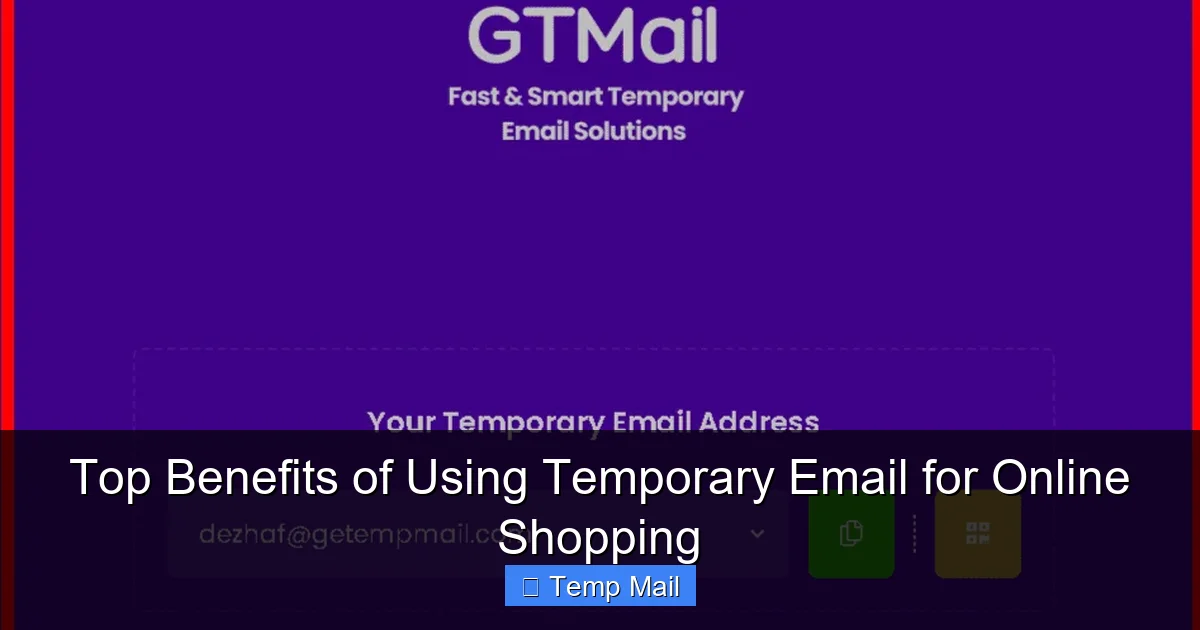
Visual guide about Protect Your Privacy with Temp Mail for Twitter Now
Image source: temp-mail.io
Step 1: Choose and Open Your Temp Mail Provider
Navigate to a reputable temp mail site like Temp-Mail.org, 10MinuteMail.com, or GuerrillaMail.com. The homepage will immediately generate a random email address for you. It will look something like: [email protected]. Copy this address to your clipboard. Keep this browser tab open—this is your temporary inbox.
Step 2: Start the Twitter Registration Process
Go to Twitter’s signup page (x.com/signup). Enter the temporary email address you just copied. Create a strong, unique password for this new Twitter account. Important: Do not use the same password you use anywhere else. Fill in the name fields (you can use pseudonyms if you wish for enhanced privacy). Proceed through the steps.
Step 3: Verify Your Email
Twitter will send a verification email to the temp address. Now, switch back to your open temp mail tab. Refresh the inbox page. Within seconds or minutes, you should see an email from Twitter. Open it and click the verification link or enter the code provided. Your Twitter email will now be verified.
Step 4: Secure Your Account Immediately
This is the most critical step. Since you cannot access the temp inbox again after it expires, you must add a recovery method you control now. Once logged into your new Twitter account:
- Go to Settings & Privacy > Your Account > Account Information.
- Add a phone number (if you are comfortable with it) for two-factor authentication (2FA). This is your new recovery lifeline.
- Consider setting up an authenticator app (like Google Authenticator or Authy) for 2FA instead of SMS, which is more secure.
- Do not add your real personal email here. The goal is to keep the temp mail as the primary contact.
Step 5: Close and Forget
Once your account is set up, 2FA is enabled, and you’ve tested that you can log in, you can close the temp mail browser tab. The inbox and its contents will vanish. Your Twitter account exists, linked to a dead, disposable email address. You log in with your username/phone and password (and 2FA code). You have successfully decoupled your primary identity from this social media account.
The Clear Advantages: Why This Method is a Game-Changer
Using a temp mail for Twitter isn’t just a trick; it’s a strategic choice with tangible benefits.
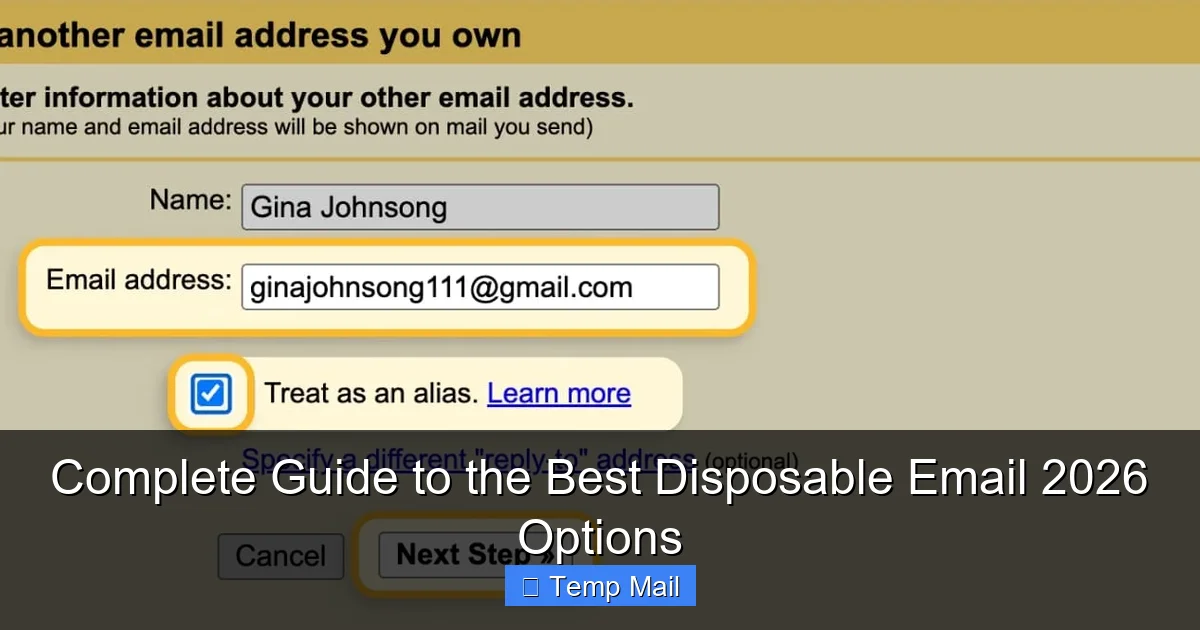
Visual guide about Protect Your Privacy with Temp Mail for Twitter Now
Image source: crisportal.ca
Unmatched Spam Prevention
This is the biggest win. Any promotional emails Twitter might send (about new features, trending topics, or “partnerships”) will go to the temp inbox and vanish. Any future data breach at Twitter will expose a dead email address, not your primary one. Your personal inbox remains pristine, used only for bills, friends, and work.
Enhanced Data Privacy and Control
You are taking back control. You are refusing to be a passive data subject. By not providing your core identifier, you make it significantly harder for any single company to create a monolithic profile of your real-world self. You limit the “data exhaust” you leave behind.
Simplified Account Management for Specific Use-Cases
Are you creating a Twitter account for a short-term project, a hobby, or to follow a specific event? Using temp mail means you can abandon that account later without any lingering digital ties to your main identity. It’s perfect for “throwaway” or purpose-specific accounts.
Protection Against SIM Swapping and Targeted Attacks
While a temp email doesn’t protect your Twitter password, it removes the email as a primary recovery vector. If a hacker tries to reset your Twitter password, the reset link goes to the dead temp inbox. They would need to bypass your 2FA (which you’ve set up with a phone or authenticator app) to get in. This adds a significant layer of security against account takeover attempts.
The Important Caveats and Limitations You Must Know
This method is powerful, but it’s not a silver bullet. Understanding its limitations is crucial for using it safely and effectively.
You Will Lose Access to the Inbox (Forever)
This is the cardinal rule. The temp inbox is temporary. Any email sent to it after its expiration is gone forever. This means you cannot use it for password recovery if you forget your Twitter password. Your only recovery options are the phone number or authenticator app you set up during Step 4. If you lose access to those, you lose the Twitter account.
Twitter May Block Known Temp Mail Domains
Social media platforms are aware of temp mail services. They constantly update their systems to block domains from popular providers. If the temp mail domain you choose is blocked during signup, Twitter will reject the email address. The solution is to try a different provider or a different domain from the same provider. Reputable services often have multiple domains available.
It Does Not Make You Anonymous on Twitter
A critical misconception. Using a temp mail hides your email from the public and limits Twitter’s direct data linkage to your primary identity. However, your Twitter activity—your tweets, your follows, your likes, your location data (if enabled), your device information—is still visible to Twitter and, depending on your settings, to the public. For true anonymity, you would need additional steps like a VPN and a pseudonymous identity.
Potential Violation of Terms of Service
While not explicitly prohibited in most terms, using a non-permanent email could technically be seen as providing false contact information. For a casual, personal account, the risk is negligible. However, for business accounts, official organizations, or accounts requiring verification (like blue checkmarks), using a temp mail is inappropriate and will likely fail verification processes.
Best Practices and Advanced Tips for the Privacy-Conscious User
Ready to level up? Here’s how to integrate temp mail for Twitter into a broader privacy hygiene routine.
Pair with a Unique, Strong Password
Never reuse passwords. When you create the Twitter account linked to a temp mail, generate a long, random password using a password manager (like Bitwarden, 1Password, or KeePass). Store it only in your manager. This ensures that even if the temp mail were compromised (unlikely due to its short life), the Twitter account itself remains secure.
Use a Dedicated Phone Number (If Possible)
For the highest privacy tier, consider using a VoIP or secondary phone number (from Google Voice, Burner, etc.) for the 2FA recovery on this temp-mail Twitter account. This creates a second layer of separation from your primary phone number.
Audit Your Twitter Settings Immediately
After signup, go through all privacy and ad settings. Turn off personalized ads. Set your tweet visibility to “Protect your Tweets” if you want a private account. Review who can tag you, who can see your contacts, and what data is shared with third parties. A clean, private account starts with a clean, private setup.
Know When *Not* to Use a Temp Mail
There are right and wrong times for this tool. Do NOT use a temp mail if: you are signing up for a financial service (PayPal, bank), an account required for official government/legal purposes, a primary email for essential services (like your main cloud storage), or any service where long-term, guaranteed access is non-negotiable. Use it for social media, forum signups, one-time downloads, and testing.
Beyond Twitter: The Broader World of Disposable Email
The principles we’ve covered apply to dozens of other platforms. Consider using a temp mail for:
- Facebook/Instagram: Same spam and profiling concerns as Twitter.
- Newsletter Sign-ups: Avoid clutter in your main inbox from promotional newsletters you may only want once.
- Downloading Gated Content: Access a whitepaper or e-book in exchange for an email without committing to a marketing list.
- Online Forums and Commenting: Participate in a discussion on a site you don’t trust without exposing your identity.
- Testing Website Forms: As a developer or marketer, test if a website’s email validation works correctly.
The philosophy is the same: use your primary, permanent email address only for your most trusted, essential, and long-term relationships: close friends, family, your bank, your employer, and critical cloud services. Use disposable addresses for everything else—the vast, noisy, and often data-hungry expanse of the commercial web. It’s a habit that, once adopted, dramatically reduces your digital spam footprint and tightens your privacy perimeter.
Conclusion: Take Control of Your Digital Front Door
Signing up for Twitter with a temporary email isn’t about being paranoid. It’s about being prudent. It’s a simple, zero-cost action that pays dividends in reduced spam, minimized data exposure, and greater peace of mind. You are not hiding; you are choosing. You are choosing to stop feeding the data economy with your most valuable identifier by default. You are choosing to keep your primary inbox a sanctuary, not a marketplace. The process takes less than five minutes: get a temp address, sign up, verify, lock down the account with 2FA, and close the tab. The temporary inbox vanishes, but the privacy benefit is permanent. In an online world that constantly asks for your keys, a temp mail for Twitter is your first, easy step towards learning to say “no.” Start using one today. Your future, less-spammed self will thank you.
Frequently Asked Questions
Is using a temp mail for Twitter safe?
Yes, using a reputable temp mail service is safe for signup. The risk lies not in the temp mail itself, but in your subsequent account security. You must set up two-factor authentication (2FA) with a phone number or authenticator app immediately, as you will never be able to recover the password via the temporary inbox.
Will I receive Twitter notifications if I use a temp mail?
You will receive the initial verification email in the temp inbox. After that, Twitter will not send routine notifications (likes, retweets, DMs) to the email address. Those are controlled in your Twitter notification settings. Any security alerts or major policy update emails from Twitter will also go to the temp address and be lost, which is why securing your account with 2FA is essential.
What are the biggest drawbacks of this method?
The main drawback is the permanent loss of email-based password recovery. If you forget your Twitter password and lose access to your 2FA method (phone), you cannot recover the account. Additionally, if Twitter blocks the temp mail domain, you cannot use it for signup or future contact email changes.
Is it legal to use a temporary email for Twitter?
Yes, it is legal. Temp mail services are legitimate tools designed for privacy and testing. However, it may technically violate Twitter’s Terms of Service if they require a “valid” email address, though this is rarely enforced for personal accounts. It is not appropriate for accounts requiring official verification.
Which temp mail service is best for Twitter?
Look for services that do not require registration, have a good uptime, and offer multiple domain options (e.g., Temp-Mail.org, 10MinuteMail.com). Always test the provider’s inbox functionality before starting the Twitter signup process to ensure it receives emails promptly.
Can I change the temporary email on my Twitter account later?
Technically, yes, you can add a new email address in your Twitter settings. However, this is not recommended if your goal is to keep your real email private. Changing it to your real email defeats the purpose of using a temp mail initially. Keep the temp address as the primary contact on the account.