Tired of your main email inbox being flooded with spam, promotions, and potential threats? A temporary email website provides a simple, powerful solution. It gives you a short-lived, anonymous email address to use for online sign-ups, downloads, and any activity where you don’t want to share your real contact details. This disposable address absorbs all the unwanted emails, keeping your primary inbox clean, secure, and organized. It’s an essential tool for digital hygiene in today’s world of mandatory email registrations.
Key Takeaways
- Primary Defense: A temporary email website acts as a sacrificial buffer, preventing spam and promotional emails from ever reaching your permanent inbox.
- Enhanced Privacy: It allows you to register for websites, downloads, and services without revealing your personal or professional email address, reducing your digital footprint.
- No Long-Term Commitment: These email addresses are designed to be used once or twice and then discarded, typically expiring after a few hours or days, with no password or account to manage.
- Not for Critical Accounts: Never use a temporary email for important accounts like banking, primary social media, or work communications, as you will lose access permanently once it expires.
- Varied Quality & Features: Different temporary email services offer different features (attachments, custom usernames, longer expiration). Choose a reputable one that fits your specific need.
- Potential Limitations: Some websites and services actively block known disposable email domains, so it may not work for every single sign-up form you encounter.
- Tool, Not a Cure-All: While excellent for stopping spam from new sources, it won’t clean out existing spam from your primary inbox. Combine it with good email filtering practices.
📑 Table of Contents
- Introduction: The Inbox Avalanche
- What Exactly Is a Temporary Email Website?
- The Core Benefit: How It Saves Your Inbox from Spam
- Practical Applications: When to Use a Temporary Email
- Important Limitations and Cautions
- How to Choose and Use a Temporary Email Service
- Best Practices for a Clean Inbox Strategy
- Conclusion: Embrace Disposable Privacy
Introduction: The Inbox Avalanche
You know the feeling. You just wanted to download a free e-book, read an article, or sign up for a one-time webinar. You hesitantly type your primary email address into the form, hit submit, and hope for the best. Weeks later, the consequences arrive. Your inbox becomes a dumping ground for “20% off your next purchase!” newsletters you never asked for, “Your account activity” phishing attempts, and a relentless stream of promotional garbage. That one simple action has triggered an avalanche of digital clutter, burying important emails from family, friends, and colleagues. This isn’t just annoying; it’s a productivity killer and a potential security risk.
What if there was a way to interact with the countless websites that demand your email address—without actually giving them your real one? Enter the humble, powerful, and incredibly useful temporary email website. This tool is not a secret tech hack; it’s a straightforward service designed to give you a throwaway email address for exactly these situations. In this comprehensive guide, we’ll explore exactly how these services work, why they are your first line of defense against inbox spam, how to use them effectively, and what their limitations are. By the end, you’ll be equipped to take back control of your primary email address and restore peace to your digital life.
What Exactly Is a Temporary Email Website?
At its core, a temporary email website is a service that provides you with a randomly generated, fully functional email address for a limited period. Think of it as a public, anonymous mailbox that anyone can use for a short time. You don’t create an account. You don’t set a password. You simply visit the website, and it hands you an email address like [email protected]. That’s it.
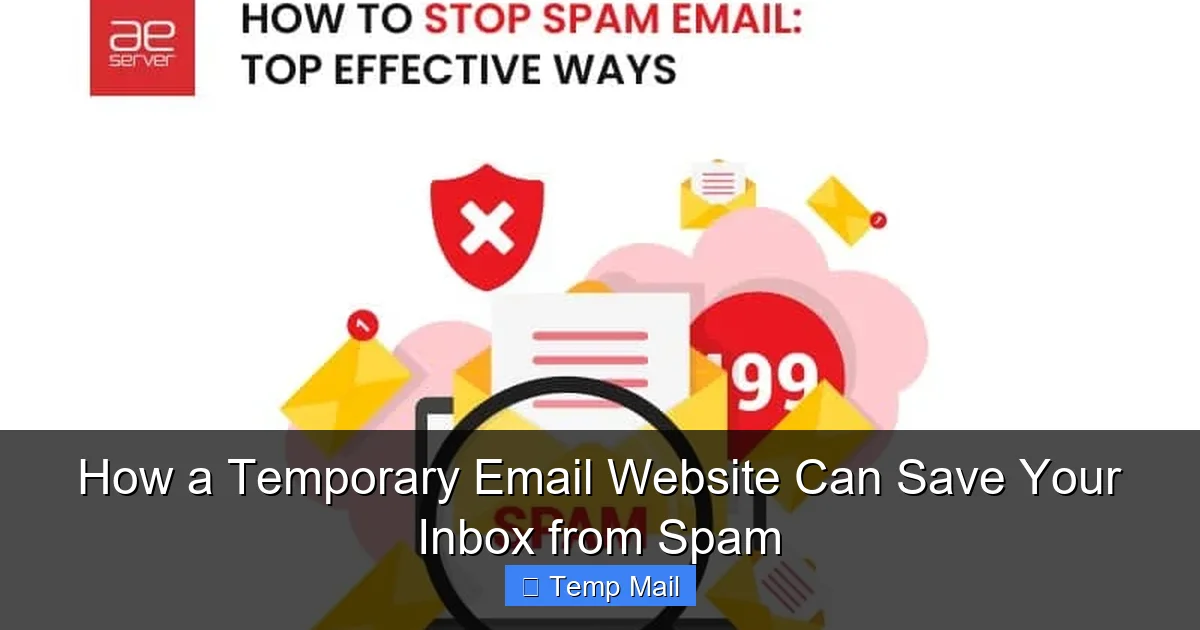
Visual guide about How a Temporary Email Website Can Save Your Inbox from Spam
Image source: getmailbird.com
The Mechanics: How It Works Behind the Scenes
These services operate on a simple principle. When you visit a site like TempMail.org, Guerrilla Mail, or 10MinuteMail, their system instantly:
- Generates a unique inbox: It creates a new, random email address and a corresponding inbox database on its servers.
- Displays it to you: The address is shown prominently on the webpage. The inbox for that address is also displayed right there, often auto-refreshing to show new incoming mail.
- Listens for mail: The service’s mail servers accept any email sent to that generated address, regardless of the sender.
- Stores it temporarily: Incoming emails are stored in that specific, temporary inbox for a predefined duration—usually anywhere from 10 minutes to 48 hours.
- Deletes everything: After the time expires, or if you close the browser tab, the address and all its stored emails are permanently wiped from the system. The address is then recycled and may be given to a different user in the future.
There is no link between this disposable address and your identity. No personal information is required to use it. The service provider has no idea who you are, only that someone, somewhere, is checking that particular inbox.
The Core Benefit: How It Saves Your Inbox from Spam
This is the primary reason millions of people use temporary email websites. It’s a proactive shield. Here’s the chain of events and how it breaks the spam cycle:
Visual guide about How a Temporary Email Website Can Save Your Inbox from Spam
Image source: i-wp-dev.com
1. Intercepting the Initial Spam Source
When you use your permanent email to sign up for a site, that site (or its partners) now has your real address in their database. Even if they have a “unsubscribe” link (often a trap itself), your address is sold to data brokers, added to mass mailing lists, and potentially leaked in a data breach. With a temporary email, the address that gets added to *their* list is the disposable one. All subsequent promotional emails, newsletters, and “special offers” are sent to the temporary inbox, which you visit once, grab your download or confirmation code, and then abandon.
2. Breaking the Chain of Data Sharing
Many online forms include pre-checked boxes consenting to share your data with “trusted partners.” Using a disposable email severs that chain at the root. The partners receive a dead-end address. They cannot correlate it back to you, your real interests, or your primary email identity. This drastically reduces the amount of targeted advertising spam that finds its way to your main account.
3. Neutralizing Phishing and Malware Traps
Some shady sites exist solely to harvest email addresses for phishing campaigns or to distribute malware. By using a temporary address, you expose a meaningless, short-lived identity instead of your valuable personal or work email. Any malicious links or attachments sent to the disposable address are contained within a browser window you plan to close forever, protecting your primary device and accounts.
Practical Example: Imagine you want to read a gated article on a marketing website. The form asks for your name and email to “receive the PDF.” You use a temporary email. You get the PDF instantly in the temporary inbox. You read it. You close the tab. The marketing company has an email address that will die in an hour. They cannot add you to their weekly newsletter list. They cannot market “similar products” to you. Your primary inbox remains blissfully unaware of the entire transaction.
Practical Applications: When to Use a Temporary Email
Knowing *when* to use this tool is as important as knowing *how*. Here are the prime scenarios where a temporary email website is your best friend:
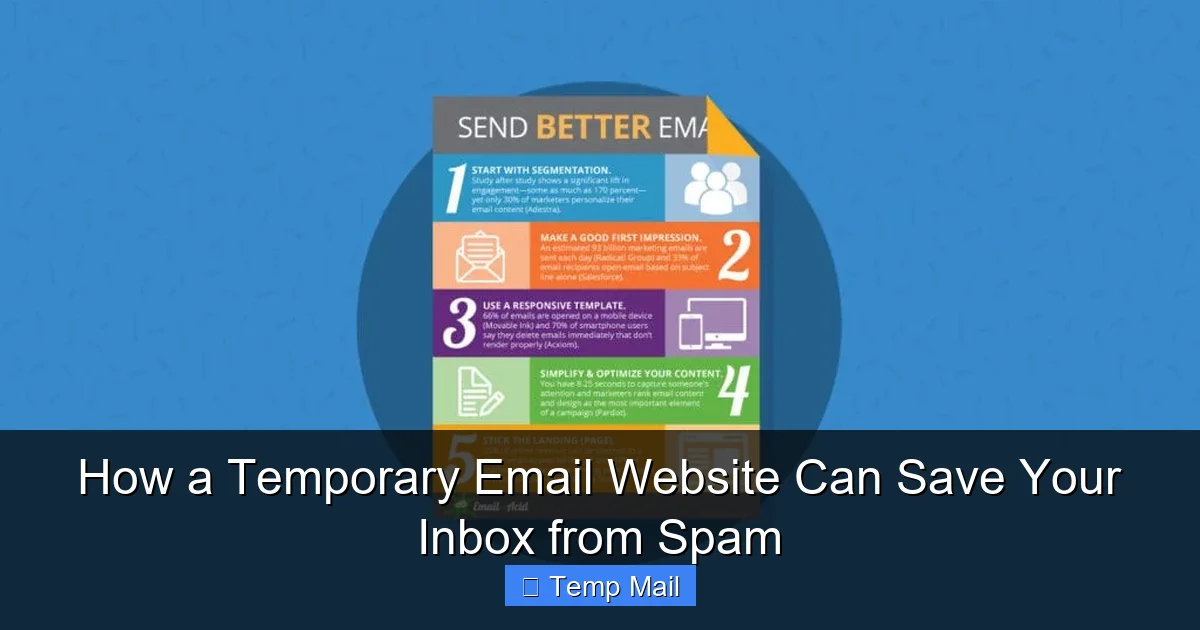
Visual guide about How a Temporary Email Website Can Save Your Inbox from Spam
Image source: media.emailonacid.com
For One-Time Downloads and Content Gating
This is the #1 use case. E-books, whitepapers, templates, software trials, stock photos, and research papers often require an email. Use a disposable address. You get the asset; they get a dead email.
For Anonymous Forum or Comment Section Sign-Ups
Need to join a discussion forum, comment on a controversial news article, or participate in an online community to ask a single question? A temporary email prevents your real address from being publicly associated with your username and from being harvested by forum spam bots.
For Testing Website or App Sign-Up Flows
If you’re a developer, designer, or just a curious user testing how a sign-up process works, a temporary email is perfect. You can create a test account, verify the email flow, and then abandon it without cluttering your real inbox.
For Accessing Wi-Fi or Guest Networks
Many airports, hotels, and cafes require an email address to access their guest Wi-Fi. Using your main email for this is a spam risk. Use a temporary one instead. You get online; they get an address that expires before you leave the premises.
For Avoiding “Account Linking”
Some services aggressively try to link your new account to existing ones (like social media or Google) for “convenience.” Using a standalone temporary email forces them to create a truly separate, unlinked account, which can be useful for privacy.
Pro Tip: Keep your favorite temporary email website bookmarked. When you encounter a form, open it in a new tab, grab your disposable address, paste it in, and keep the tab open to check for the confirmation or download link. It takes 10 seconds and saves you from months of regret.
Important Limitations and Cautions
While powerful, a temporary email is not a magic bullet. Understanding its limitations is crucial for using it safely and effectively.
1. Not for Important, Long-Term Accounts
This is the golden rule. Never use a temporary email for:
- Banking, financial services, or PayPal/Stripe.
- Your primary email account (Gmail, Outlook, etc.) recovery email.
- Critical cloud storage (Dropbox, Google Drive).
- Social media accounts you want to keep (Facebook, Instagram, LinkedIn).
- Work or school-related accounts.
- Any service where password recovery or account verification is vital.
- If the email expires, you are locked out forever. There is no “forgot password” because there is no password to recover.
2. Some Websites Block Disposable Domains
Many reputable platforms (Google, Apple, Microsoft, major banks, established SaaS companies) maintain lists of known disposable email domains and will block sign-ups from them. They do this to reduce fraud and ensure users provide a real contact method. If your temporary email is rejected, you’ll need to use your real one or find a less common disposable service (though this is a cat-and-mouse game).
3
3. No Attachment Support (Often)
Most free temporary email services are very basic. They may block incoming emails with attachments to prevent abuse, or have very small storage limits. If you’re expecting a file, check the service’s policy. Some, like TempMail, do support attachments, but it’s not universal.
4. Privacy of the Service Provider
While the service doesn’t know *who* you are, it does see all emails passing through its system. Do not use a temporary email for highly sensitive communications, whistleblowing, or anything illegal. The service provider could, in theory, log or monitor traffic (though reputable ones claim not to). For maximum anonymity, use a reputable provider with a clear privacy policy and consider accessing it through a VPN.
5. Public Inbox Access
Remember, anyone can see the inbox of a temporary email address if they have the URL. While you’re using it, it’s effectively public. Do not use it for anything confidential. Once you close the tab, the address is recycled, and the next user will see whatever emails were left in it (if any).
How to Choose and Use a Temporary Email Service
Not all temporary email websites are created equal. Here’s what to look for and how to use them correctly.
Features to Look For
- Expiration Time: Do you need 10 minutes (for a quick code) or 48 hours (to download something later)? Choose a service that matches your need. 10MinuteMail is explicit about its timer; others offer variable options.
- Custom Username: Some services let you choose the part before the “@” symbol (e.g., [email protected]). This can make it easier to remember or identify. Others are completely random.
- Attachment Support: If you expect a PDF, image, or document, verify the service accepts attachments. Read their FAQ or help section.
- Browser-Based vs. Extensions: Most are browser-based. Some offer browser extensions that auto-generate and fill disposable addresses on forms, which is very convenient.
- Ad Experience: These services are often ad-supported. Some are cluttered with misleading ads that look like download buttons. Choose a clean, reputable interface to avoid accidental clicks.
Step-by-Step Usage Guide
- Bookmark a trusted service. Recommended, reliable options include TempMail.org, Guerrilla Mail, 10MinuteMail, and Temp-Mail.org. Avoid obscure sites with excessive ads.
- Open the website in a new tab. The address and inbox will generate automatically.
- Copy the provided email address. Highlight and copy (Ctrl+C/Cmd+C).
- Paste it into the sign-up form. Complete the required fields.
- Submit the form.
- Switch back to the temporary email tab. Watch the inbox for the verification email or download link. Many services have an auto-refresh feature.
- Click the link or download the attachment.
- Complete your task.
- Close the tab. That’s it. The address is now tainted and will expire. Do not reuse it for important sites.
Best Practices for a Clean Inbox Strategy
A temporary email website is one tool in your digital hygiene kit. Use it strategically alongside these practices:
- Create a Dedicated “Public” Email: Have a secondary, permanent email address (e.g., a free Gmail account) that you use for non-critical sign-ups, newsletters you actually want, and online shopping. This keeps your primary personal/professional email pristine.
- Use Email Aliases (Advanced): If your main email provider supports it (like Apple Hide My Email, Firefox Relay, or SimpleLogin), use unique aliases that forward to your main inbox. These are more permanent than temp mail but still offer compartmentalization. You can delete an alias if it starts spamming you.
- Unsubscribe Ruthlessly: For legitimate newsletters you once wanted but now ignore, use the unsubscribe link. It’s often required by law (CAN-SPAM Act) and works.
- Use Strong Spam Filters: Ensure your primary email provider’s spam filter is active. Mark any spam that slips through as “Spam” to train the filter.
- Never Post Your Email Publicly: Avoid typing your email address in public forums, comment sections, or social media posts. Bots scan for it instantly.
Conclusion: Embrace Disposable Privacy
The modern internet runs on email addresses. They are the keys to content, the tickets to downloads, and the currency of online interaction. But handing over your primary, permanent email address for every minor interaction is like giving your home address to every stranger who asks for it—a recipe for disaster. A temporary email website provides the perfect, low-friction alternative. It’s a simple act of digital self-defense that costs nothing and takes seconds.
By adopting the habit of using a disposable address for any non-essential, one-off, or low-trust online interaction, you erect a powerful barrier between your valuable identity and the relentless machinery of spam, data harvesting, and potential phishing. You stop the problem at the source. Your primary inbox becomes a sanctuary for important communications again, not a battlefield. So, the next time a website asks for your email to access a PDF or a discount code, pause. Bookmark that temporary email service. Use it. And watch as your real inbox stays calm, clean, and under your control. It’s a small habit with a profoundly positive impact on your digital well-being.
Frequently Asked Questions
Is using a temporary email website legal?
Yes, using a temporary email service is completely legal. These services operate within data protection laws. However, using them to commit fraud, bypass bans, or send illegal content is, of course, illegal. The tool itself is neutral; it’s how you use it that matters.
Are temporary emails safe from hackers?
For the specific purpose of protecting your primary accounts, they are very safe. Since you use them for low-stakes activities and never link them to important passwords or accounts, a hack of the temporary service (or someone peeking at your open tab) only compromises that one disposable address and its contents, which are meant to be temporary anyway. They add a layer of isolation.
How long does a temporary email last?
It varies by service. Common expiration times are 10 minutes, 1 hour, 1 day, or 48 hours. Some services let you extend the time by clicking a refresh button. Always check the specific service’s countdown timer to know when your address will vanish.
Can I send emails from a temporary address?
Most free temporary email websites are receive-only. They are designed for you to get a confirmation link or a file, not to send emails. Some advanced or paid services may offer sending capabilities, but for the standard use case of spam protection, you only need to receive.
What’s the difference between a temporary email and an email alias?
A temporary email is a completely separate, isolated inbox that expires. An email alias is a unique forwarding address (like [email protected]) that delivers mail directly to your permanent inbox. You manage aliases from your main account and can delete them if they start spamming you. Aliases are more permanent and manageable but require a primary account. Temporary emails are truly disposable and require no account.
Will a temporary email work for Facebook or Google sign-up?
Almost certainly not. Major platforms like Facebook, Google, Apple, and Microsoft actively block known disposable email domains during registration to prevent fraud and ensure account recoverability. You must use a real, permanent email address for these critical services. Save your temporary email for the thousands of smaller sites that only want to email you a coupon code.