Tired of your primary inbox drowning in spam and risking your privacy? A disposable mail inbox is your secret weapon. It provides a temporary, anonymous email address for signing up to websites, downloading files, or testing services—keeping your real email safe and clutter-free. Use it for anything that feels sketchy or just isn’t worth your main contact.
Key Takeaways
- Primary Defense: A disposable mail inbox acts as a protective shield, preventing spam, marketing emails, and potential data breaches from ever reaching your permanent email address.
- Anonymity First: It requires no personal information to create, allowing you to interact with websites and services completely anonymously, safeguarding your identity.
- For Temporary Use Only: Its core purpose is for one-time or short-term interactions like forum sign-ups, content downloads, or app trials—not for important accounts like banking or primary logins.
- Inbox Management Simplified: Automatically deletes emails after a set time (often 10 minutes to 24 hours), meaning zero manual cleanup and no long-term digital clutter.
- Bypass Verification Walls: Easily navigate websites that block access unless you provide an email, without compromising your personal contact details.
- Test & Experiment Safely: Perfect for developers testing email workflows, marketers checking lead magnets, or anyone wanting to try a service risk-free before committing.
- Choose Reputable Providers: Not all disposable mail services are equal; select one with a clear privacy policy, no logs policy, and reliable email delivery to avoid missing important temporary messages.
📑 Table of Contents
- The Invisible Battle for Your Inbox (And Your Privacy)
- What Exactly Is a Disposable Mail Inbox? (No Jargon, We Promise)
- How It Works: From Click to Clean Inbox in 60 Seconds
- When and Why You Absolutely Need a Disposable Inbox (The Practical Use Cases)
- Choosing the Right Disposable Mail Service: What to Look For
- Debunking the Myths: Is a Disposable Mail Inbox Safe and Legal?
- The Future of Privacy: Beyond the Simple Inbox
- Conclusion: Reclaim Your Digital Peace of Mind
The Invisible Battle for Your Inbox (And Your Privacy)
Open your primary email inbox right now. What do you see? A thrilling mix of newsletters you never signed up for, “urgent” phishing attempts disguised as your bank, and a million promotional offers for things you glanced at once? This isn’t just annoying; it’s a constant, low-grade security threat. Every time you type your real email into a random website, you’re handing over a key to your digital life. That key can be sold, leaked in a data breach, or used to phish you. But what if you could hand out a hundred fake keys instead? Enter the disposable mail inbox—a simple, powerful tool that’s become essential for anyone who values their online peace and privacy.
Think of your real email as your home address. You’d never give it to every stranger on the street who asks for it. Yet online, we do exactly that. A disposable mail inbox is like a P.O. box at a random, bustling mail depot. You give *that* address to anyone you don’t fully trust or only need to talk to once. When the junk mail arrives, it goes to the P.O. box, which empties itself automatically. Your home (your real inbox) stays pristine and secure. This isn’t about hiding from the world; it’s about taking control and drawing smart boundaries.
What Exactly Is a Disposable Mail Inbox? (No Jargon, We Promise)
It’s Not a “Fake” Email—It’s a Temporary One
Let’s clear this up. A disposable mail inbox isn’t a forged or fraudulent email. It’s a fully functional, real email address generated by a third-party service. The difference is in its lifespan and purpose. It’s created on-demand, has no link to your identity, and is designed to be used briefly before being discarded into the digital void.
Visual guide about How Disposable Mail Inbox Can Save Your Real Email
Image source: storage.googleapis.com
These services work by providing a public inbox for a randomly generated address (like [email protected]). You visit the service’s website, the address is generated, and you can immediately start receiving emails there. There’s no password, no account to set up, no recovery options. It’s pure, anonymous access. The service’s server holds the inbox for a predetermined period—often 10 minutes, 1 hour, or up to 24 hours—after which all emails and the address itself are permanently deleted.
How It Works: From Click to Clean Inbox in 60 Seconds
The beauty of a disposable mail inbox is its stunning simplicity. There’s no software to install and no complex setup. Here’s the typical flow:
Visual guide about How Disposable Mail Inbox Can Save Your Real Email
Image source: m.media-amazon.com
- Visit a Provider: Go to a trusted disposable email service website (like Temp-Mail, 10MinuteMail, or similar).
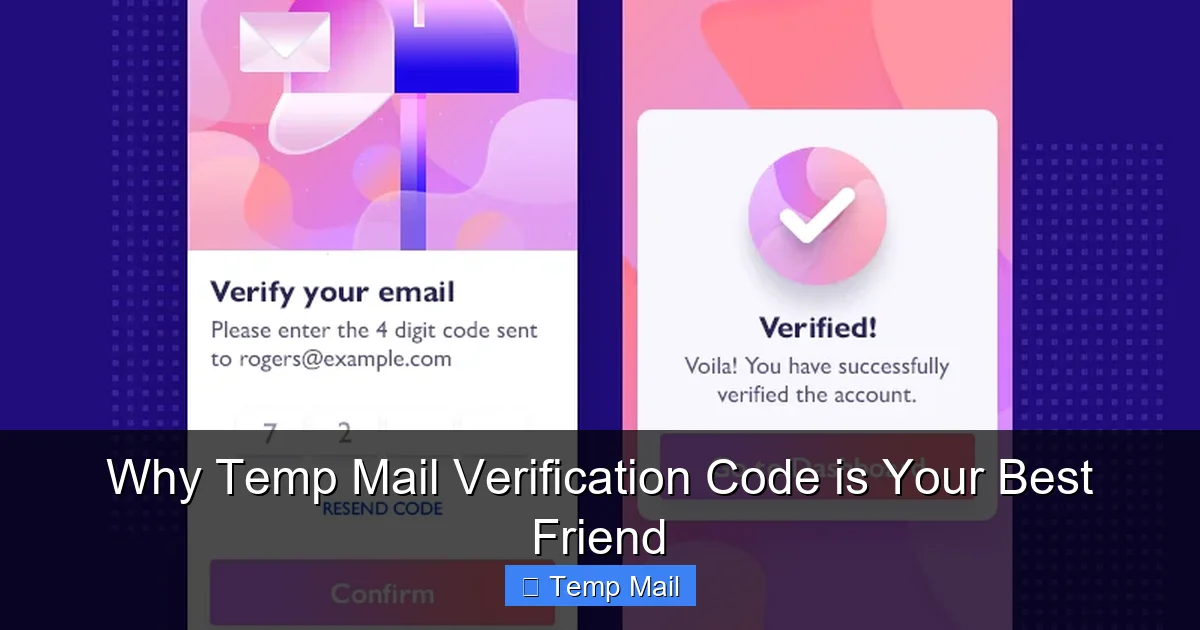
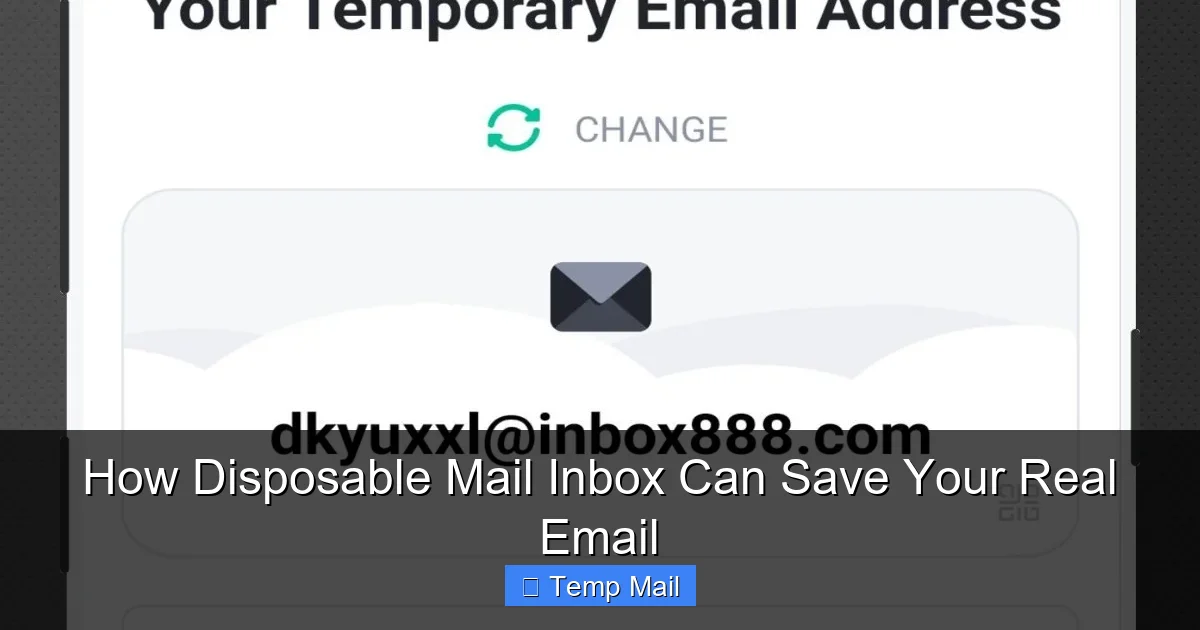
- Get Your Address: The site instantly generates a random email address for you. It’s displayed prominently on the page. This is your temporary address.
- Use It Anywhere: Copy that address and paste it into any website that asks for an email—to download a PDF, access a guest post, register for a webinar, or create a test account on a new app.
- Check Your Inbox: Switch back to the disposable mail service tab. As the target website sends a confirmation or download link, the email will appear in the temporary inbox listed right there. Click the link directly from the disposable inbox.
- Forget It: Once you’ve got what you needed (or the timer runs out), simply close the tab. The address and all its contents vanish. No trace. No follow-up.
Some advanced services even offer browser extensions or APIs for developers, but the core web-based model remains the gold standard for ease of use.
When and Why You Absolutely Need a Disposable Inbox (The Practical Use Cases)
Knowing *how* it works is easy. Knowing *when* to use it is the real skill. Here are the most common, high-impact scenarios where a disposable mail inbox isn’t just helpful—it’s critical.
Visual guide about How Disposable Mail Inbox Can Save Your Real Email
Image source: lifewire.com
1. Dodging the “Newsletter Prison”
You find a fantastic, in-depth article on a niche topic. To read the full text, the site demands your email for their “free newsletter.” You suspect the newsletter will be spammy, but you want the content. Use a disposable address. Get the article, and never hear from them again. Your primary inbox remains a sanctuary.
2. Safe Software & File Downloads
Sites that require an email to download an e-book, template, or software installer are common. Often, that email is sold to third parties or bombards you with upgrade offers. A disposable mail inbox lets you get the file you need while containing the marketing fallout to a self-destructing address.
3. Testing New Services & Apps
Want to try a new project management tool, photo editor, or social platform before committing? Signing up with your main email means they own your contact forever. Use a disposable address to explore the service risk-free. If you love it, you can later upgrade your account with your real email. If you hate it, the connection dies with the temporary inbox.
4. Forum & Comment Section Ghosting
Many online forums or news sites with comment sections require registration. You might want to post once or ask a single question. Creating a permanent account for that is overkill and leaves a data trail. A disposable mail inbox lets you participate anonymously and then disappear.
5. Developer & QA Testing
For developers and QA testers, this is non-negotiable. You need to test email verification flows, password reset links, and notification systems. Using real employee emails for bulk testing is messy and unprofessional. Disposable addresses allow for clean, isolated, and repeatable test cycles for each scenario.
6. Protecting Against Data Breaches (The Big One)
This is the silent killer. Every database gets breached. When a site you used your *real email* on gets hacked, your email is now in a criminal’s hands. It becomes a target for phishing, credential stuffing attacks (where they try your email/password on other sites), and spam. By using a different disposable mail inbox for every minor site, you ensure that a breach at “RandomCouponSite.com” doesn’t poison your primary email’s security reputation. The breach is isolated to a dead, temporary address.
Choosing the Right Disposable Mail Service: What to Look For
Not all disposable mail inbox providers are created equal. A bad one can be frustrating (emails don’t arrive) or insecure. Here’s your checklist for picking a winner:
- Inbox Lifespan: Does it last 10 minutes, 1 hour, or 24? For most downloads, 10-30 minutes is fine. For forums where you might log in later, look for 1-2 hours or more. Some services let you extend the timer manually.
- Domain Availability: Some services offer multiple domain options (e.g., @tmpmail.org, @disposable.com). This is useful if a particular site blocks known disposable domains. Having choices is a plus.
- No Registration, No Logs: The entire point is anonymity. The site should NOT ask for any personal info and should have a clear policy of not logging IP addresses or storing email content after deletion.
- Reliability & Uptime: Check user reviews. A service that drops emails or is constantly down is useless. Established providers with stable infrastructure are worth a slight preference.
- Ad Experience: These services are typically free and ad-supported. A few banner ads are tolerable. Avoid sites with aggressive pop-ups, misleading download buttons, or adult ads—they often indicate a lower-quality operation.
- Custom Address Option: Some premium or advanced services let you choose a prefix (e.g., [email protected]) instead of a completely random string. This makes managing multiple temporary addresses easier.
Red Flag: Any service that asks for a CAPTCHA to *view* your own temporary inbox is usually trying to farm human interaction for ad networks. It’s a sign of a poorly designed, potentially shady site. You should be able to see your inbox instantly.
Debunking the Myths: Is a Disposable Mail Inbox Safe and Legal?
Myth 1: “It’s Only for Spammers and Criminals.”
False. While bad actors certainly misuse any tool, the legitimate use case for privacy and clutter control is overwhelmingly larger. It’s the digital equivalent of using a callback number instead of your home phone. It’s a standard privacy hygiene practice for informed users.
Myth 2: “It’s Not Secure.”
This depends on the provider. A reputable disposable mail inbox service uses HTTPS (SSL) to encrypt the connection between your browser and their server, just like any major website. The emails are stored temporarily on their servers. The risk is not higher than using any other webmail service for a short period. The *real* security win is that you’re not using your permanent, high-value email address on a low-trust site. The temporary address is the sacrificial lamb.
Myth 3: “I Can Use It for My Bank Account or Main Logins.”
Absolutely not. This is the cardinal rule. A disposable address is ephemeral. If you use it for a critical account, you will lose access forever when the inbox expires. Password resets, security alerts, and legal communications will vanish. Use it only for low-stakes, non-critical interactions.
Myth 4: “Websites Can Instantly Detect and Block Them.”
Sometimes, yes. Many sites maintain lists of known disposable email domains and will block them at sign-up. This is a cat-and-mouse game. If a site blocks your chosen provider, simply switch to another service or a different domain from the same provider. It’s a minor inconvenience for major privacy gain.
The Future of Privacy: Beyond the Simple Inbox
The disposable mail inbox concept is evolving. We’re seeing integration with password managers (like Bitwarden’s “alias” feature), browser-level privacy tools that auto-generate and manage these aliases, and even services that create forward-only addresses that filter and discard non-essential emails before they hit your main inbox. The trend is clear: the old model of one permanent email for everything is broken. The future is a layered, compartmentalized approach to your digital identity, where disposable and alias addresses handle the noise, and your core email remains a secure, quiet channel for people and services you genuinely trust.
Conclusion: Reclaim Your Digital Peace of Mind
Your email address is more than a communication tool; it’s a master key to your online life. It’s tied to your social media, your bank, your cloud storage, and your identity. Yet we recklessly hand it out like candy. Using a disposable mail inbox is the single easiest, fastest, and most effective habit you can build to take back control. It costs nothing, takes seconds, and provides immediate, tangible benefits: a cleaner primary inbox, a dramatically reduced spam load, and a powerful barrier against data breaches and phishing attacks.
Start today. Bookmark one reputable service. The next time a website asks for your email and you feel even a flicker of doubt or annoyance, use the disposable address. Experience the quiet satisfaction of knowing that whatever happens to that site—a hack, a spam sale, a data leak—it has no connection to your real self. That’s not paranoia; it’s smart, proactive digital self-defense. Your future, clutter-free, secure inbox will thank you.
Frequently Asked Questions
Is using a disposable mail inbox legal?
Yes, absolutely. Creating and using a temporary email address is perfectly legal. It’s a standard tool for privacy protection, similar to using a pseudonym online. The legality only comes into question if the address is used for fraudulent or illegal activities, which applies to any communication tool.
How long do emails last in a disposable inbox?
It varies by provider, but most keep emails for a short, fixed period. Common lifespans are 10 minutes, 1 hour, or 24 hours after the email is received. The entire address and its contents are permanently deleted after that time, ensuring no long-term storage.
Can a disposable email be traced back to me?
Not if you use a reputable service that requires no personal information and doesn’t log IP addresses. The temporary address itself has no inherent link to your identity. However, any *content* you write in an email sent from that address could contain identifiable information. The anonymity applies to the address creation, not the message content you choose to include.
What happens if I need to reset a password for an account I made with a disposable email?
You won’t be able to. This is the critical limitation. Since the inbox expires, password reset links will become inaccessible. This is why you must never use a disposable email for any account where you need long-term access, such as banking, primary cloud storage, social media, or work logins.
Are disposable mail services safe from hackers?
Reputable services use HTTPS encryption to protect your temporary inbox session. However, because they are often free and publicly accessible, they can be targets. The risk is minimized because the data is short-lived. The greater safety comes from keeping your *permanent* email address off of vulnerable third-party sites, thereby protecting your most valuable digital asset.
What are the main downsides of using a disposable mail inbox?
The primary downside is the inability to recover important communications or account access if you use it incorrectly. They can also be blocked by some websites’ anti-spam filters, requiring you to try a different provider. Finally, they offer no sending capability from the address itself—they are receive-only portals for one-way communication (like verification emails).