A fake email address, often from a temporary email service, is your first line of digital defense. It’s a disposable inbox used to shield your primary email from spam, data brokers, and potential security threats when signing up for websites, downloading files, or accessing gated content. While incredibly useful for privacy, it’s not a tool for illegal activities or crucial accounts. Use it wisely to reclaim control over your online identity and keep your main inbox clean and secure.
Let’s have a real talk about your email inbox. That digital mailbox you’ve had for years? It’s probably a mess. It’s flooded with newsletters you never read, promotional blasts from a store you bought from once, and who knows what else. Worse, every time you type it into a random website to download a PDF or get a discount code, you’re handing over a key to your online identity. What if I told you there’s a simple, free tool to stop this? Enter the humble fake email address. This isn’t about being shady; it’s about being smart. In this ultimate guide, we’re diving deep into the world of temporary email—what it is, how it works, exactly when to use it (and when not to), and how it can become your best friend for digital privacy.
Key Takeaways
- Definition: A fake email is a temporary, disposable address used to protect your primary email from spam, tracking, and data breaches during low-stakes online interactions.
- Core Purpose: Its primary function is privacy and inbox hygiene, not anonymity for illegal acts. It creates a firewall between your real identity and the wider web.
- Ideal Use Cases: Perfect for newsletter sign-ups, forum registrations, downloading whitepapers, accessing one-time discounts, and testing suspicious links or websites.
- Critical Limitations: Never use for banking, primary social media, job applications, or any account requiring long-term access and recovery options.
- Provider Choice: Select reputable temporary email services that don’t require personal info, have clear privacy policies, and offer adequate inbox lifespans (10 mins to 24 hrs).
- Smart Practice: Always use a unique fake email for each new website/service to prevent cross-site tracking and limit exposure if one address is compromised.
- Legal & Ethical: Using a fake email is legal for privacy protection but violates terms of service for many platforms and is illegal if used for fraud, harassment, or crime.
📑 Table of Contents
- What Exactly *Is* a Fake Email Address?
- Why You Need One: The Privacy & Security Superpowers
- Perfect Use Cases: When to Break Out the Temp Mail
- Critical Don’ts: When a Fake Email Will Backfire
- Choosing the Right Temporary Email Service
- Mastering the Art: Best Practices & Advanced Tips
- The Future & The Bigger Picture: Beyond Just Spam
- Conclusion: Your Inbox, Your Rules
What Exactly *Is* a Fake Email Address?
First, let’s clear the air. When we say “fake email address” in this guide, we’re specifically talking about temporary or disposable email addresses. These are real, functioning email accounts generated by specialized websites or apps, but with a crucial twist: they are designed to be used once or twice and then discarded.
The Disposable Difference
Unlike your permanent Gmail, Outlook, or Yahoo address, a temporary email has no long-term storage, no complex login credentials you need to remember, and no ties to your real identity. You visit a site like Temp-Mail.org or 10MinuteMail.com, and it instantly creates a random inbox for you, something like [email protected] . You copy that address, paste it into the website you’re visiting, and any verification or promotional emails get sent to that temporary inbox instead of yours. Once the inbox expires—usually after 10 minutes, 1 hour, or 1 day—the address and all its contents vanish into the digital ether. Poof. Gone.
How It Works Under the Hood
These services run their own mail servers. When you generate an address, they create a mailbox on their server associated with that random string of characters. They then give you a unique URL to access that mailbox. No password needed. You just bookmark that URL or keep the tab open. When an email arrives, it’s displayed right there in your browser. Once the time limit is up, the server automatically deletes that mailbox and the email address becomes available for someone else to use. It’s a brilliantly simple system for creating ephemeral communication channels.
Why You Need One: The Privacy & Security Superpowers
So why go through this extra step? The benefits are massive and directly confront two of our biggest digital headaches: spam and data profiling.
Visual guide about The Ultimate Guide to Using a Fake Email Address for Privacy
Image source: a57.foxnews.com
1. The Spam Firewall
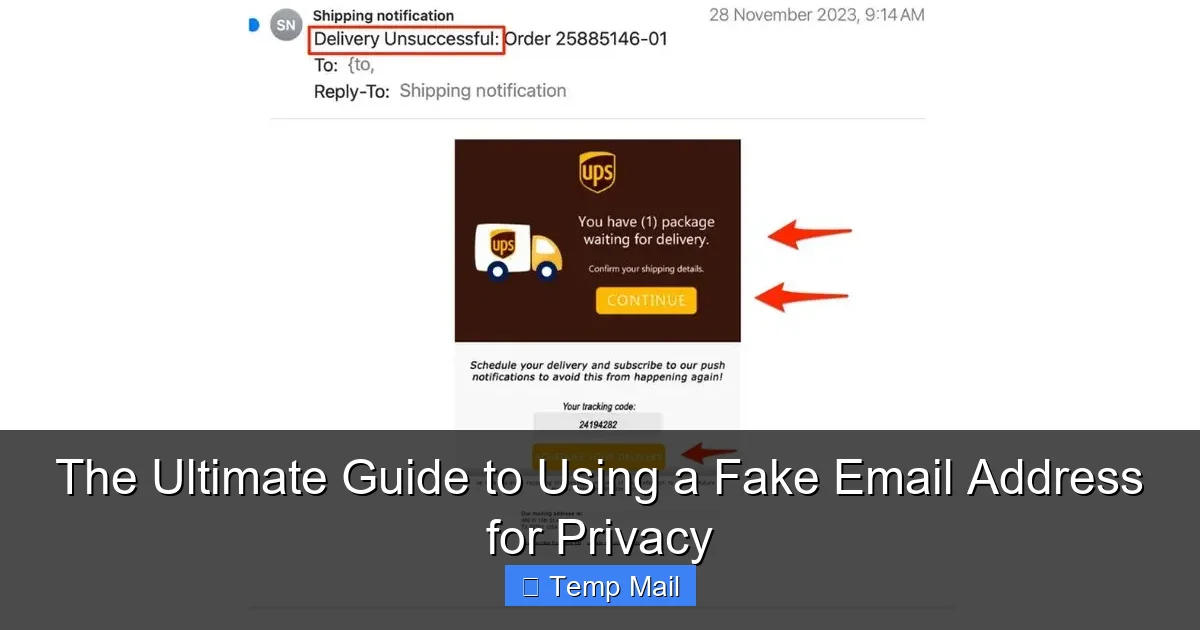
This is the most obvious benefit. That “free e-book” you wanted? The website doesn’t care about you; it wants your email to build its marketing list. By using a temporary address, you get the download link in the disposable inbox, and your main email stays pristine. No more “unsubscribe” links for brands you’ve never heard of. Your primary inbox remains a space for friends, family, and important work, not a marketing dumping ground.
2. Breaking the Tracking Chain
Every time you use your real email on a new site, you create a data point. That site can (and often does) sell or share your email with data brokers. These brokers compile vast profiles on you, linking your online activity across countless sites. Using a unique temporary email for each site makes this profiling impossible. There’s no single, persistent identifier linking all your activity back to you. You become a collection of disconnected, anonymous interactions.
3. A Shield Against Data Breaches
Think about all the websites you’ve signed up for. Many have suffered data breaches, and your email address—often the first piece of personal info stolen—ends up on the dark web. If you used a temporary email for a low-risk forum that later gets hacked, the hackers only get that disposable address, which is already dead. Your primary email, and the accounts linked to it (like your bank or Amazon), remain safe and unlinked to that breach.
4. Testing the Waters Safely
Got a suspicious link from an unknown sender? Need to quickly register on a sketchy-looking forum to check a piece of information? Use a temporary email. If the site is spammy or malicious, any unwanted emails or attempts to phish you are confined to the disposable inbox, which you’ll abandon in an hour. It creates a perfect, low-risk sandbox for exploration.
Perfect Use Cases: When to Break Out the Temp Mail
Knowing *when* to use a fake email is just as important as knowing how. Here’s your practical checklist.
Visual guide about The Ultimate Guide to Using a Fake Email Address for Privacy
Image source: a57.foxnews.com
For Content & Downloads
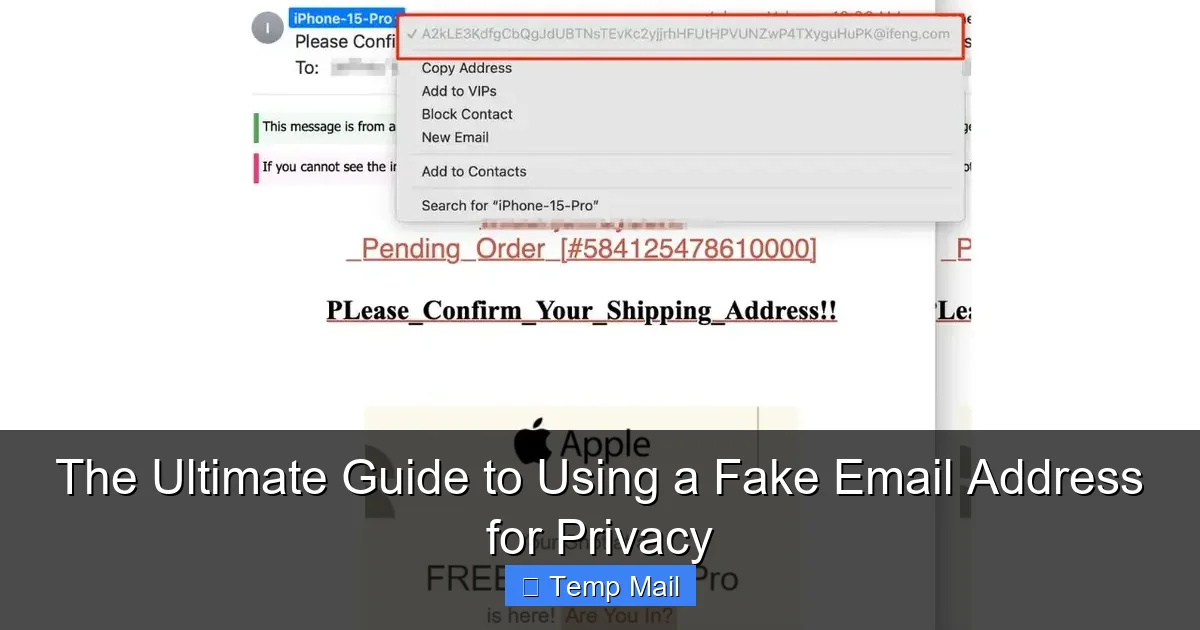
This is the #1 use case. Anytime a website asks for your email in exchange for something—a PDF guide, a webinar replay, a discount code, a template—use a temporary address. The content is usually delivered instantly via email. You get what you need, and there’s no lingering marketing relationship.
- Example: A marketing blog offers a “SEO Checklist” for your email. Use temp mail. The email with the PDF arrives in 2 minutes. You download it. Done.
For One-Time Registrations & Trials
Signing up for a software trial, a forum just to read one thread, or a service you’ll try once? Temp mail is your friend. Many services will send a verification link. The temporary inbox catches it. You verify, use the trial, and walk away with no commitment.
- Example: You want to try a new project management tool for a week. Use a disposable email for the trial sign-up. All login links and welcome emails go there. After the trial, you delete the account (if you remember) and just forget about the inbox.
To Avoid Newsletter Overload
You like a brand but don’t want their weekly sales emails. Sometimes, the only way to get a one-time coupon code is to subscribe to their newsletter. Use a temporary email, get the code, use it on your purchase, and let the inbox expire. No newsletter spam follows you.
For App & Website Testing
Developers and quality assurance testers use disposable emails constantly to create multiple test accounts on the same platform without managing hundreds of real inboxes. It’s a standard industry practice for good reason.
Critical Don’ts: When a Fake Email Will Backfire
Using a temporary email is powerful, but it’s a tool with sharp edges. Misuse it, and you’ll cause yourself major problems.
Visual guide about The Ultimate Guide to Using a Fake Email Address for Privacy
Image source: a57.foxnews.com
NEVER For Primary, Important Accounts
This is non-negotiable. Do not use a temporary email for:
- Banking, Financial Services (PayPal, Venmo), or Investment Accounts. You need secure, recoverable, long-term communication for statements, alerts, and password resets.
- Your Main Social Media Profiles (Facebook, Instagram, Twitter/X). These are your digital identity hubs. Recovery is tied to your email. Lose the inbox, lose the account forever.
- Primary Cloud Storage (Google Drive, Dropbox, iCloud). Same reason as above. These hold your precious data.
- Job Applications & Professional Networking (LinkedIn). It looks unprofessional and recruiters need a reliable way to contact you.
- Any Account with a “Forgot Password” function that emails a reset link. If the inbox is gone, you are locked out permanently.
The Password Reset Trap
Even on less critical sites, if you ever think you might need to recover your account later, don’t use temp mail. That “forgot password” email is your only key back in. If the disposable inbox has expired, you’re creating an account you can never access again—effectively a digital ghost.
Legal & Terms of Service Violations
Most websites’ Terms of Service require you to provide accurate and current contact information. Using a fake email to sign up often violates these terms. While they rarely pursue users for this, it gives them the right to terminate your account without notice. More importantly, using a fake email to commit fraud, harass someone, or evade bans is illegal and unethical. This tool is for privacy, not deception.
Choosing the Right Temporary Email Service
Not all temp mail providers are created equal. Some are better for privacy, some for longevity, and some are just plain sketchy. Here’s what to look for.
Key Features to Prioritize
- No Registration Required: The best services don’t ask for anything from you. You visit, get an inbox, and go. If they ask for an email or phone number to “create” an account, run.
- Clear Inbox Lifespan: The site should state exactly how long your inbox will last (e.g., 10 minutes, 1 hour, 24 hours). Know the clock.
- Multiple Domain Options: Some services offer different domain names (e.g., @tempmail.com, @discard.email). Using different domains for different sites further breaks tracking.
- Simple, Ad-Light Interface: You’re there to check one or two emails. A clean interface with minimal, non-intrusive ads is ideal. Sites covered in pop-ups and misleading download buttons are often lower quality or potentially malicious themselves.
- HTTPS Encryption: Ensure the site uses HTTPS (the padlock in your browser). This encrypts the connection between you and their server, so no one can snoop on the emails in your temporary inbox while you’re viewing them.
Popular & Reputable Providers
Based on longevity, privacy policies, and user trust, here are a few well-known names (this is not an endorsement, but a starting point for your research):
- Temp-Mail.org: One of the most popular. Offers address generation, multiple domains, and inboxes that last until you close the tab (usually a few hours). Simple and effective.
- 10MinuteMail.com: The classic. The name says it all. Gives you a 10-minute inbox, perfect for the fastest sign-ups. Very bare-bones.
- Guerrilla Mail: Offers slightly more features, like the ability to send a reply from the disposable address (useful for one-time confirmations) and a slightly longer default lifespan.
- Mailinator.com (Public Inboxes): A different model. You can use any public inbox (like [email protected]) without generating a unique one. Anyone can view these public inboxes, so never use for anything with personal data. Only for truly anonymous, public info retrieval.
Pro Tip: Keep a list of 2-3 trusted providers. If one is down or slow, you have a backup.
Mastering the Art: Best Practices & Advanced Tips
Using a temporary email is simple, but using it well requires a few habits.
Always Use a Unique Address
This is the golden rule. Don’t reuse the same disposable address for multiple websites. If you use [email protected] for both a gardening forum and a crypto newsletter, those two sites can now link your activity through that shared email. Generate a fresh one for every new sign-up. The whole point is to create isolated, untrackable data points.
Mind the Clock
Before you even generate an address, check how long the inbox will last. If you’re signing up for a service that sends a verification email that might take 5 minutes to arrive, a 10-minute inbox is fine. If you’re downloading a report that might be emailed within 24 hours, you need a 24-hour inbox. Most services are instant, but it’s worth a glance.
Bookmark or Copy the Inbox URL Immediately
Once you get your temporary address, the service will show you a URL to access the inbox (e.g., https://tempmail.demo/inbox/abc123). Bookmark this URL immediately or copy it to a notes app. Do not rely on remembering the random email string. The URL is your direct key to the mailbox. Lose it, and you lose access to any emails sent there.
Check for Attachments & Links Cautiously
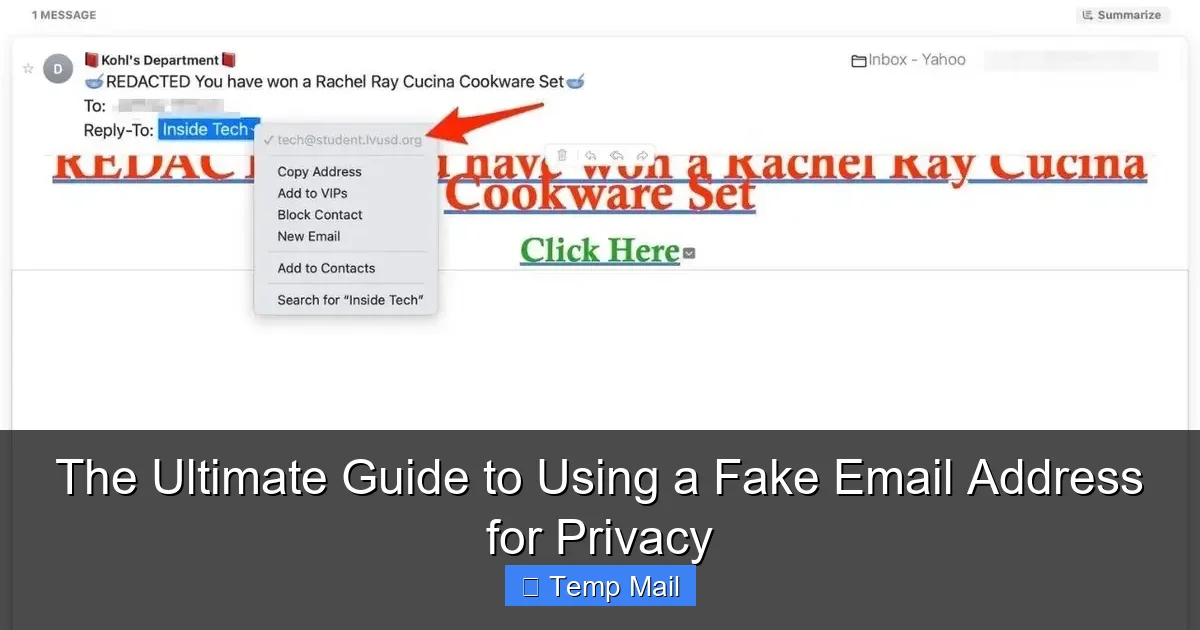
While temporary email services themselves are generally safe, the emails they receive can contain malicious links or attachments. Treat emails in your disposable inbox with the same caution you would your main inbox. Do not click suspicious links or download unexpected executable files (.exe, .scr). The temporary inbox protects your identity, but it doesn’t magically make malware safe.
Use a Privacy-Focused Browser
For maximum privacy, consider using your temporary email service within a privacy-focused browser like Brave or Firefox with strict tracking protection enabled, or even within a private/incognito window. This adds another layer by preventing cookie-based tracking from the temp mail site itself.
The Future & The Bigger Picture: Beyond Just Spam
The rise of disposable email is a symptom of a broken email ecosystem. Email was never designed to be a universal login and tracking tool; it was for communication. Now, it’s the master key to our digital lives. Temporary emails are a grassroots, user-powered solution to this problem.
Is This the End of Email?
No, but it’s forcing a rethink. For low-trust, low-value interactions, we no longer have to sacrifice our primary contact point. This puts pressure on companies to be more responsible with the data they collect. If everyone uses a throwaway address, the value of that massive email list plummets.
Alternatives and the Evolving Landscape
Some browsers and password managers (like Apple’s “Hide My Email” or Firefox’s “Relay” service) are now building email alias functionality directly into their ecosystems. These create unique, forwardable email aliases that are more permanent than a 10-minute mail but still shield your real address. These are fantastic, integrated options worth exploring if you’re deeply embedded in those ecosystems.
The Cultural Shift
Using a temporary email is moving from a “hacker trick” to a mainstream privacy practice. Just like using a password manager or two-factor authentication, it’s becoming a standard part of a savvy digital citizen’s toolkit. It signals that you understand the value of your personal information and are proactive about defending it.
Conclusion: Your Inbox, Your Rules
Your primary email address is a core part of your digital identity. It’s the thread that connects your bank, your family, your work, and your social life. Protecting it isn’t paranoid; it’s essential hygiene. A fake email address—a proper temporary, disposable one—is one of the simplest, most effective tools in your privacy arsenal. It’s the bouncer at the door of your digital life, screening out the spam, the trackers, and the data-hungry services you only want to visit once.
Start today. The next time a website asks for your email just to download a file or read an article, pause. Open a new tab, generate a temporary address, and use that instead. Experience the quiet joy of an inbox that isn’t screaming for your attention. Feel the empowerment of engaging with the web on your own terms, leaving no persistent trail for data brokers to follow.
Remember the rules: use it for the low-stakes, never for the high-stakes. Choose a reputable provider, use a unique address each time, and always be aware of the clock. Used wisely, this simple tool gives you back a precious commodity: control. Now go reclaim your inbox.
Frequently Asked Questions
Is using a fake email address legal?
Yes, using a temporary or disposable email address for privacy protection is completely legal in most jurisdictions. It becomes illegal only if used to commit fraud, evade legal obligations, or engage in harassment. Always review a website’s Terms of Service, as many prohibit the use of temporary emails for account creation.
Can a website detect I’m using a temporary email?
Yes, many websites can and do block known disposable email domains. They maintain lists of domains from popular temp mail services and will reject them during sign-up. This is why using less common or multiple providers can help, but it’s not a guarantee. For sites that require a “real” email, you’ll need to use your primary address.
What happens if I need to reset my password on a site where I used a temp email?
You will be permanently locked out of that account. The password reset link is sent to the disposable inbox, which will have expired by the time you need it. This is why the cardinal rule is: never use a temporary email for any account you might need to access again in the future.
Are temporary email services safe? Can they read my emails?
Safety varies by provider. Reputable services do not require personal information and do not actively read or store your emails beyond the short lifespan. However, emails in the temporary inbox are not encrypted end-to-end and are stored on the provider’s server. You should never send sensitive personal data (like passwords, SSNs, credit card numbers) via a disposable email, as the provider or a hacker could theoretically access it.
How long do fake email addresses typically last?
It depends entirely on the service. Common lifespans are 10 minutes, 1 hour, or 24 hours. Some services keep the inbox active as long as you keep the browser tab open. Always check the provider’s stated expiration time before using the address for something that might have delayed email delivery.
What’s the difference between a temporary email and an email alias?
A temporary email is a completely separate, standalone mailbox that expires. An email alias (like Apple’s Hide My Email or Firefox Relay) is a unique forwarding address. Emails sent to the alias are automatically forwarded to your real, permanent inbox. Aliases are more permanent and manageable for ongoing relationships (like a newsletter you actually want), while temporary emails are for one-off, anonymous interactions.