Classifieds sites are spam magnets. Using a temporary email address is your first and most crucial line of defense. It creates a disposable shield between your real identity and the countless data harvesters, scammers, and relentless marketers lurking on these platforms. This simple, free habit keeps your primary inbox clean and your personal information secure, allowing you to buy and sell with true anonymity. Learn exactly how to implement this vital privacy tool in under five minutes.
Key Takeaways
- Your primary email is a goldmine for data brokers: When used on classifieds, it links your online activity, location, and purchasing habits to your real identity, which is then sold and exploited.
- Temporary email acts as a perfect privacy shield: It accepts verification messages and buyer/seller communications without ever revealing your true identity or cluttering your main inbox.
- The risk isn’t just spam—it’s targeted scams: A leaked email from a classifieds site makes you a prime target for phishing, fake payment scams, and identity theft attempts.
- Reputation management is key: Using a throwaway address prevents your personal or professional email from being associated with a public listing, which can have unforeseen social or career consequences.
- Setup is instant and requires zero technical skill: You can generate a working temporary email address in 10 seconds, use it for a listing, and forget about it once the transaction is complete.
- Not all temp mail services are equal: Choose providers that offer inbox preview, reasonable lifespans (24-48 hours), and no mandatory sign-up to maximize convenience and security.
📑 Table of Contents
- The Invisible Price Tag of Classifieds Browsing
- How Temporary Email Works (The Magic Behind the Curtain)
- Step-by-Step: Using Temp Mail for Classifieds
- The High Cost of Skipping the Disposable Inbox
- Advanced Privacy Hacks for the Classifieds Power User
- Choosing the Right Temporary Email Service
- Conclusion: Your Digital Cloak of Invisibility
The Invisible Price Tag of Classifieds Browsing
You’re about to list your old sofa. Or maybe you’re searching for a used lawn mower. You fire up Craigslist, Facebook Marketplace, or OfferUp, ready to make a deal. It feels simple, direct, and local. But behind that simple interface lies a complex, often ruthless, data economy. The moment you type your real email address into that “Contact” or “Reply” field, you’re not just sharing a way to be contacted—you’re handing over a master key to your digital life.
That email address is the single most common piece of personal data used to build your “profile” across the internet. Data brokers, advertisers, and malicious actors constantly scrape these public listings, harvesting emails like crops. The result? Your primary inbox, the one tied to your bank, your family, and your work, gets bombarded with irrelevant spam, predatory loan offers, and sophisticated phishing attempts that mimic the very classifieds site you used. The “free” service of browsing and posting comes at a steep, invisible cost: your privacy and peace of mind.
How Temporary Email Works (The Magic Behind the Curtain)
A temporary email service is exactly what it sounds like: a platform that provides you with a random, disposable email address for a short period. These services generate an inbox on the fly, often with a random string of characters (like [email protected]), that you can use anywhere an email is required. The magic is in its design: it’s completely decoupled from your identity.
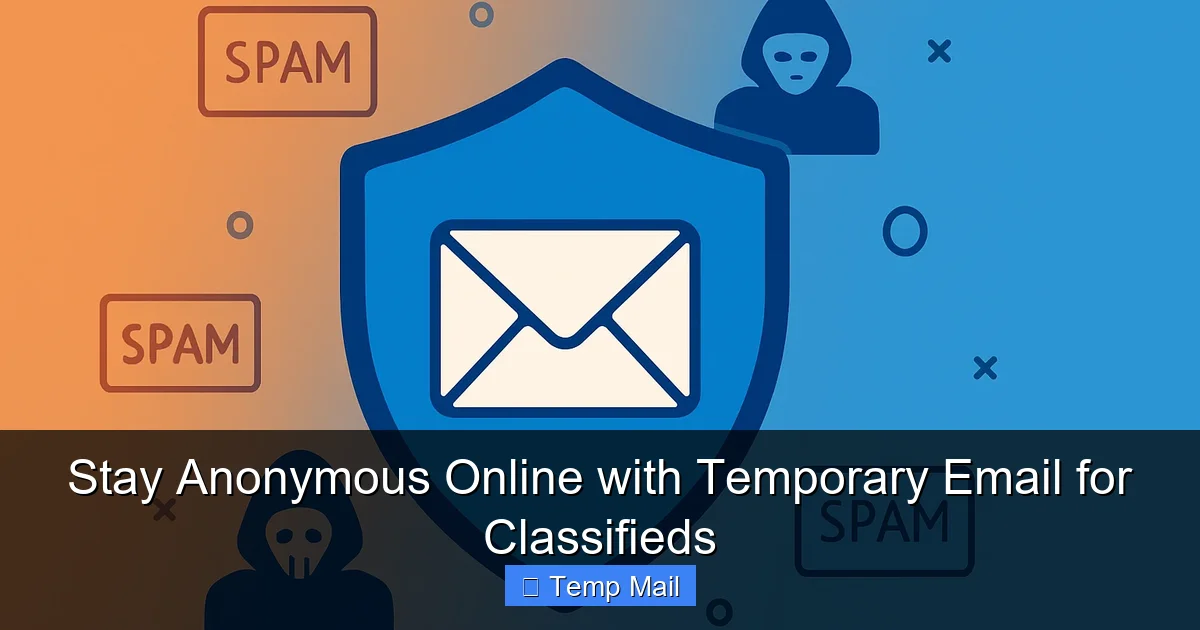
Visual guide about Stay Anonymous Online with Temporary Email for Classifieds
Image source: securitysenses.com
The Core Mechanics: No Trace, No Fuss
When you visit a site like Temp-Mail.org or 10MinuteMail.com, the server instantly creates a new inbox and displays the address right on the homepage. There’s no need to create an account, provide a password, or verify a phone number. You simply copy that address and paste it into the classifieds site. Any emails sent to that disposable address appear in the web-based inbox on the temp mail site. You read them, click any necessary links (like “reply” or “verify”), and then you simply close the browser tab. Within 10 minutes to 48 hours (depending on the service), that inbox and its contents are permanently erased from existence. There is no linkage back to you.
Key Features That Make It Perfect for Classifieds
- Instant Creation: Zero sign-up. The address is ready the moment the page loads.
- Auto-Refresh Inbox: Many services automatically check for new mail every 10-30 seconds, so you see seller/buyer replies in near real-time.
- Limited Lifespan: The inbox self-destructs, ensuring no long-term data residue.
- No Forwarding to Your Real Inbox: This is the critical feature. The communication stays within the temp mail ecosystem, protecting your primary account.
Step-by-Step: Using Temp Mail for Classifieds
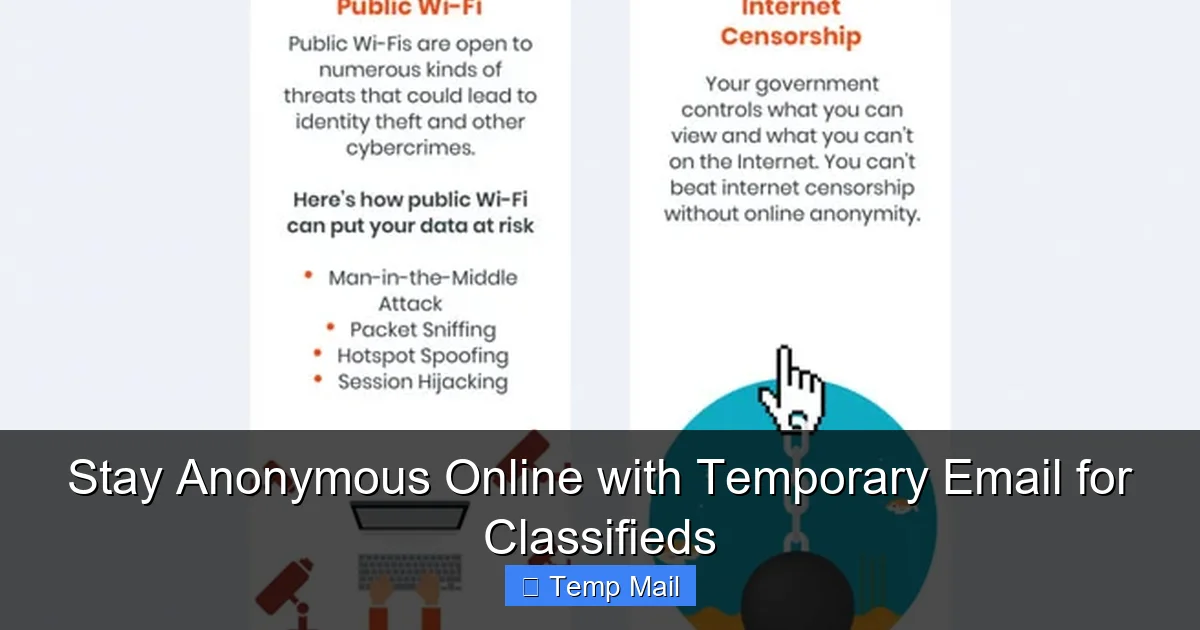
Integrating a temporary email for classifieds into your routine is so simple it should be second nature. Here’s exactly how to do it for both buyers and sellers.
Visual guide about Stay Anonymous Online with Temporary Email for Classifieds
Image source: best-infographics.com
For the Seller: Protecting Your Listing
1. Generate Your Disposable Address: Go to your chosen temp mail provider. Copy the randomly generated email address.
2. Create Your Listing: On Craigslist, Facebook Marketplace, etc., fill out your post. When you reach the “Email” or “Contact” field, paste the temporary address. Do not use your real email here, even if the site offers to “hide” it. The hiding is often just obfuscation; the underlying email is still accessible to those who know how to look.
3. Monitor for Inquiries: Keep the temp mail tab open in your browser. When a potential buyer replies via the classifieds site, their message will land in your disposable inbox. You can read it and reply directly through the temp mail interface or, if the service allows, use a “reply” link that routes through the classifieds site.
4. Close the Loop & Dispose: Once the item is sold and the transaction is complete, simply close the temp mail tab. You may want to screenshot or save any final contact info (like a phone number) before closing. The digital trail ends there.
For the Buyer: Staying Safe While Shopping
1. Generate Before You Search: Have a temp mail tab open before you even start browsing for a “used motorcycle” or “apartment for rent.”
2. Use for “Contact Seller” Forms: When you click the “reply” button on a listing, you’ll often be asked to provide your email to start a conversation. This is where you paste the temp address. This prevents the seller (who may be legitimate or not) from getting your real email.
3. Beware of Off-Platform Scams: A common scam is a fake seller who says, “I’m getting too many emails on Craigslist, reply to me directly at [your temp email].” They then try to get you to send money via wire transfer or gift cards. Using a temp email here is still safe, but it highlights the importance of never sending money without a secure, verifiable transaction. The temp email protects you from follow-up spam if you ignore the scam, but it doesn’t make the scam itself safe.
4. Discard After the Deal: If you buy the item, get the seller’s real phone number for logistics, then close the temp mail tab. If you suspect a scam, just close it. No harm, no foul.
The High Cost of Skipping the Disposable Inbox
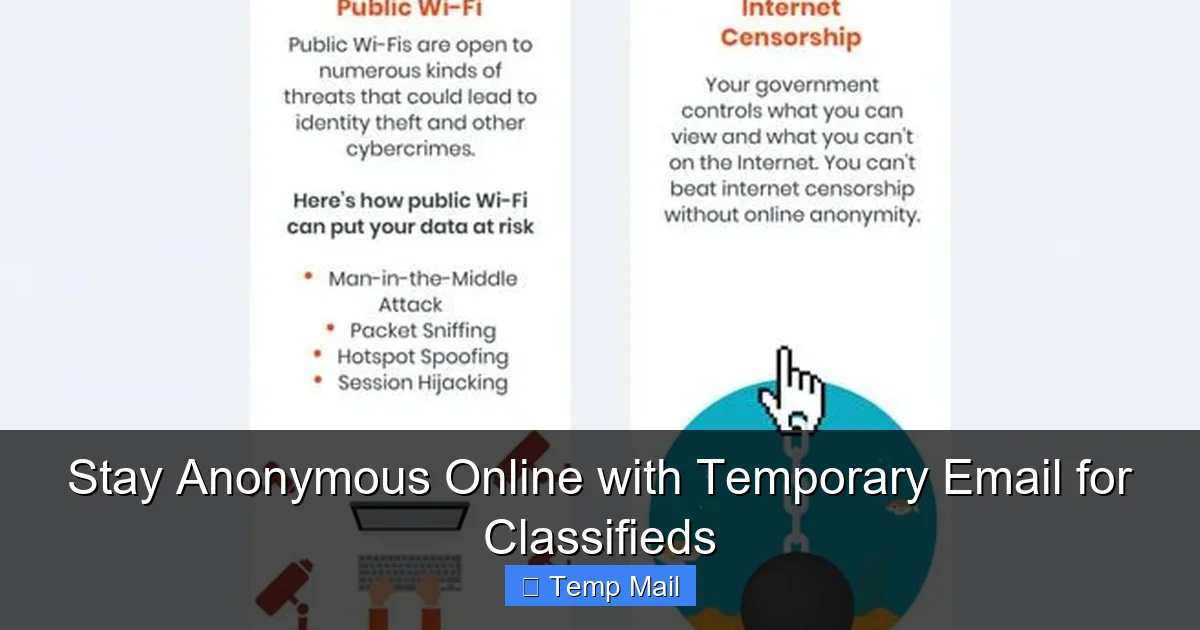
Think of your primary email address as your home address. You wouldn’t post your home address on a public bulletin board for anyone to see, right? Using your real email on classifieds is the digital equivalent. The consequences are real and escalating.
Visual guide about Stay Anonymous Online with Temporary Email for Classifieds
Image source: best-infographics.com
The Spam Avalanche: It’s Not Just Annoying
That first spam email you get after a listing might be a simple “ refinance your home!” offer. But that’s just the tip of the iceberg. Your email gets added to “sale” lists. These lists are sold to other companies, including offshore firms that operate with little regulation. The volume increases. The offers get more aggressive—payday loans, dubious supplements, “you’ve won a prize” scams. Your email filter gets overwhelmed. Legitimate emails from friends, family, or colleagues might get buried. The time spent manually deleting this torrent of junk adds up to hours per month. It’s a direct tax on your productivity and sanity.
The Targeted Scam Ecosystem
When scammers know you’re an active classifieds user, they have a powerful hook. They can craft emails that play on your recent activities: “We noticed you were looking at used cars. Here’s a great deal on a 2015 Camry…” They might spoof a reply from a legitimate site you just used, creating a “conversation” that feels real. These spear-phishing attacks are far more convincing than generic “Dear Customer” scams. They might ask you to “confirm your payment” for an item you were genuinely interested in, leading you to a fake payment page that harvests your credit card details. Your leaked email is the entry ticket for this high-risk targeting.
Long-Term Data Broker Profiling
Data brokers like Acxiom, Spokeo, and Whitepages.com aggregate information from thousands of sources, including public web forms. Your email, linked to a specific location (from your Craigslist ad’s ZIP code) and an interest (“selling mountain bike”), becomes a data point. This profile is sold to anyone from insurance companies (who might raise rates based on perceived risk) to employers (doing background checks). You lose control over your own narrative. Using a temporary email severs this link at the source, keeping your classifieds activity out of your permanent, for-sale digital dossier.
Advanced Privacy Hacks for the Classifieds Power User
Once you’ve adopted the temporary email habit, level up your privacy game with these complementary strategies.
Layer 1: The Burner Phone Number
Just as your email needs a shield, your phone number does too. Use a free VoIP or burner app (like Google Voice, TextNow, or Burner) for classifieds communications. Never post your personal mobile number in a public listing. Give out the burner number only after serious buyer/seller vetting. This prevents your real number from being added to spam call lists and linked to your physical location via carrier data.
Layer 2: The Dedicated “Classifieds” Photo Set
Ever taken a photo of your couch for a listing and accidentally had your GPS location, home street name, or even family photos in the background? EXIF data in photos can reveal more than you think. Before uploading, use a simple tool or app to strip all metadata from your images. Better yet, take the photo in a neutral location—like against a blank wall in your garage—with no identifying features. Consider using a slightly different, less flattering angle than your usual social media photos to avoid cross-platform facial recognition linking.
Layer 3: The “Public” Email Fallacy
Some experts suggest creating a separate, “public” email address (e.g., [email protected]) for this purpose. While better than using your primary, it’s still a long-term, traceable address tied to your name. A truly anonymous temporary email is superior because it’s not a persistent identity. It’s a one-time-use token. If that token gets spammed, you discard it. A “public” email, once compromised, is compromised forever, and you have to manage its spam forever. The temporary option is the truly zero-maintenance choice.
Choosing the Right Temporary Email Service
Not all temp mail providers are created equal. For classifieds use, prioritize these features:
- No Registration Required: The best ones give you an inbox the second you load the page. If it asks for an email to “recover your inbox,” skip it. That defeats the purpose.
- Inbox Preview Without Clicking: You should be able to see the sender and subject line of incoming emails without opening them. This lets you quickly identify a legitimate buyer reply (“Is the sofa still available?”) from spam (“Congratulations! You’ve won an iPhone!”).
- Reasonable Lifespan: 10 minutes is too short for a classifieds negotiation. Look for services that offer 1 hour, 24 hours, or 48 hours. This gives you a full business day or weekend to conduct a transaction.
- Multiple Domain Options: Some services offer a choice of domains (e.g., @tmpmail.org, @dispostable.com). If one domain gets blocked by a particular classifieds site (rare, but possible), you can switch to another.
- Simple, Clean Interface: Avoid sites cluttered with ads that look like download buttons. You want a clear inbox list and a way to reply or copy links.
Recommended starting points: Services like Temp-Mail, 10MinuteMail, and Guerrilla Mail are long-standing, reliable options that fit these criteria. Always do a quick test: generate an address, send a test email to it from your personal account, and see if it arrives and is readable within 30 seconds.
Conclusion: Your Digital Cloak of Invisibility
The online classifieds marketplace will never be a perfectly safe, regulated haven. It’s a digital wild west, built on the principle of open access—and that openness extends to data harvesters and scammers as much as it does to honest buyers and sellers. You cannot control the actions of others, but you can completely control the personal information you hand over. Adopting the use of a temporary email for classifieds is the single most effective, low-effort, high-impact privacy action you can take. It’s not about doing something illegal or sneaky; it’s about conducting ordinary, legal transactions without volunteering your personal data for exploitation. It’s the digital equivalent of wearing a seatbelt—a simple habit that mitigates enormous risk. Before your next listing or reply, take 10 seconds. Get a disposable address. Protect your primary inbox. Protect your identity. Sell and shop with true, anonymous peace of mind.
Frequently Asked Questions
Is using a temporary email address for classifieds legal?
Yes, absolutely. Using a disposable email is perfectly legal. You are simply using a forwarding service to receive messages. It is no different from using a P.O. box for your physical mail. The legality concerns arise only from the content of your messages or transactions, not the privacy tool you use to receive them.
Can a temporary email be traced back to me?
Not by the classifieds site or other users. The service provider does not require any personal information to create the inbox. There is no account, no password, and no personal data linked to that specific email address in their system. Once the inbox expires, the address and its contents are deleted, leaving no traceable path back to your identity.
What happens if a buyer/seller refuses to email a temporary address?
This is a major red flag. Legitimate buyers and sellers on classifieds platforms are accustomed to email communication and are typically indifferent to the domain of the address, as long as they can reach you. Anyone who insists on a “real” email is likely trying to harvest valid addresses for spam or, worse, to perform targeted social engineering. In this case, you are better off finding another transaction partner.
How long should I keep a temporary email active?
Only as long as the specific transaction is active. For a quick sale, 24 hours is often enough. For a longer rental process or high-value item negotiation, choose a service that offers a 48-hour inbox. Once the item is sold/bought and final details (like a meet-up time) are exchanged via a more secure channel (like a burner phone number), close the browser tab and forget about it.
Will I miss important messages if I use a temporary email?
Only if you forget to check the temporary inbox. The habit is: open the temp mail tab when you list an item or send an inquiry, and leave it open in a background tab until the deal is done. Since these inboxes auto-refresh, you’ll see replies in real-time, just like your primary email. The key is to not “set and forget” it completely; just treat it as your dedicated classifieds inbox for the duration of that one activity.
Are there any classifieds sites that block temporary email domains?
Some larger platforms, particularly those with more aggressive anti-fraud systems, occasionally block known disposable email domains to reduce spam postings. This is rare for most local classifieds sites. If you encounter a block, simply generate a new temporary address from a different provider or a different domain offered by the same provider (e.g., switching from @tmpmail.org to @tmpmail.net). This is why using a service with multiple domain options is helpful.