Your permanent email address is a target. Every time you use it online, you risk spam, data breaches, and unwanted tracking. Temporary email instant access provides a disposable, anonymous shield for any online interaction. It’s the fastest, simplest tool to reclaim your digital privacy, clean your inbox, and browse with confidence. You can generate a working email in seconds—no password, no personal details required.
Think about your primary email address. It’s probably been yours for years. It’s linked to your bank, your social media, your family, your work. It’s a digital skeleton key to your life. Now, think about the last time you casually signed up for a free e-book, a discount coupon, a forum discussion, or a one-time online tool. What did you use? If you used your real, permanent email, you handed over a piece of that skeleton key to a stranger. This is the silent, daily erosion of your online privacy. The solution? Temporary email instant access. It’s not a niche tool for tech experts; it’s a fundamental hygiene practice for anyone who uses the internet. This isn’t about hiding nefarious activities; it’s about smart, proactive digital citizenship.
In the next few minutes, we’re going to dismantle the “it’s just an email” mindset. We’ll explore exactly what temporary email instant access means, why the “instant” part is revolutionary, and how this simple habit can save you from a mountain of spam, protect you from data breaches, and declutter your digital life. You’ll learn practical, actionable ways to use it today and why ignoring this tool is costing you peace of mind.
Key Takeaways
- Privacy First: It separates your real identity from online activities, preventing companies from building a profile on your primary email.
- Spam Prevention: Use a disposable address for sign-ups, downloads, or forums to keep promotional junk out of your permanent inbox forever.
- Zero Registration: True instant access means no sign-up, no password, no personal info—just generate and use.
- Truly Disposable: Once you’re done, the address and all its emails vanish, leaving no trace or lingering data.
- Universal Access: Access your temporary inbox from any device, anywhere, with no software to install.
- Enhanced Security: Reduces the risk of your primary email being involved in a data breach or phishing attack.
- Effortless & Fast: The entire process from landing on a site to having a functional email address takes under 10 seconds.
📑 Table of Contents
- The Problem with Permanent Email: Your Inbox is a Battlefield
- What is Temporary Email Instant Access? (The Instant Revolution)
- The Top 7 Benefits of Using a Disposable Address
- Real-World Scenarios: When to Reach for a Temp Mail
- Choosing the Right Service: Features to Look For
- Security & Ethical Considerations: What It Is and Isn’t For
- Conclusion: Make Instant Access Your Default Habit
The Problem with Permanent Email: Your Inbox is a Battlefield
Your primary email address is under constant siege. Every online form, every “free” service, every comment section is a potential breach point. The consequences of using it everywhere are real and measurable.
The Spam Tsunami
You sign up for a legitimate newsletter from a company you admire. A year later, you’re still getting their daily promotions, even after unsubscribing multiple times. That’s because your email was likely sold or leaked to a data broker. These brokers compile massive lists of emails and sell them to marketers, sometimes with questionable adherence to “unsubscribe” laws. Your permanent inbox becomes a public square for advertisements you never asked for. The average office worker receives over 120 emails per day; a significant portion of that is unsolicited. Temporary email instant access creates a firebreak. The spam goes to the disposable address, which you simply delete when done.
The Data Profile You Didn’t Consent To
Every time you use your real email, you’re giving a data point. A company called “Cool Gadgets Inc.” now knows you’re interested in gadgets. A political newsletter knows your leanings. A parenting forum knows you have children. These fragments are stitched together by data brokers to create a detailed, saleable profile of you—your interests, income bracket, family status, political views. This profile follows you across the web, dictating the ads you see, the prices you’re offered (dynamic pricing can use this data), and even influencing content you’re shown. Using a temporary email for low-stakes interactions severs this chain of data collection at the source.
The Breach Domino Effect
Consider this chain: you use your Gmail to sign up for a small local bakery’s loyalty program. That bakery’s website is poorly secured and gets hacked. The hackers steal the entire customer database, including email addresses. Your email is now in a criminal’s hands. What do they do? They use it to try and access your other accounts (password reuse is common), they sell it on the dark web, or they use it in sophisticated phishing attacks pretending to be the bakery or other services you use. Your single casual sign-up has now put your entire digital life at risk. A temporary email is a buffer. If that bakery gets hacked, the only thing compromised is a disposable address you’ve already discarded.
What is Temporary Email Instant Access? (The Instant Revolution)
Not all temporary email services are created equal. The defining feature that separates a useful tool from a frustrating gimmick is instant access.
Visual guide about Why You Need Temporary Email Instant Access Today
Image source: video.newsserve.net
No Registration, No Fuss
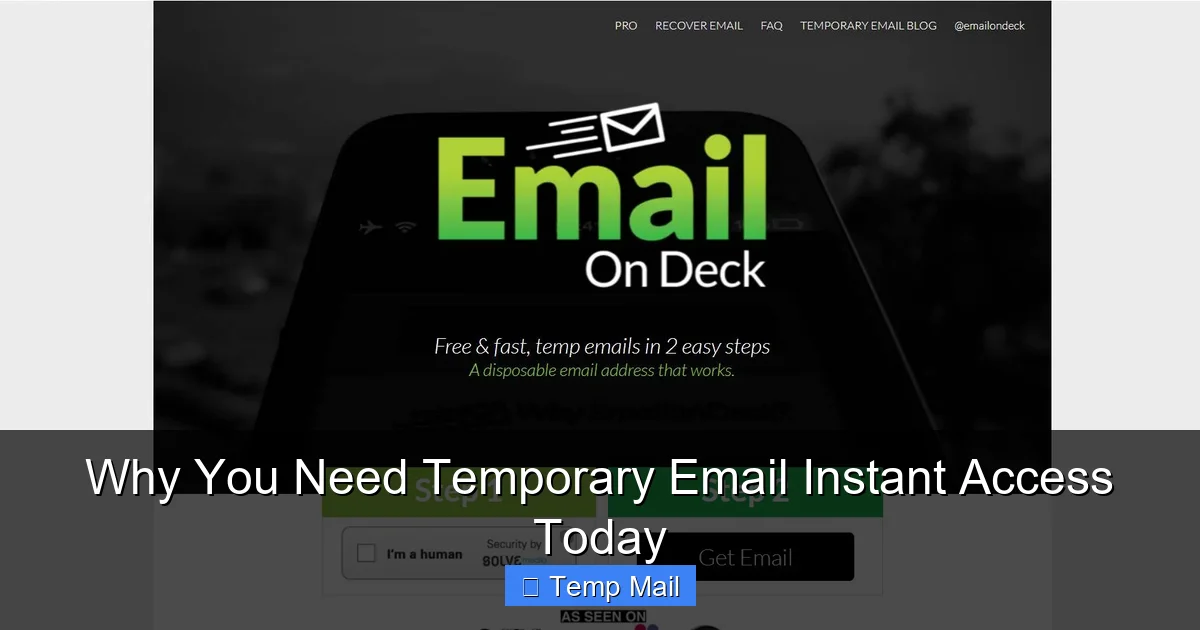
Traditional “disposable email” services often required you to create an account first—ironically, with your real email. The whole point was defeated at the starting gate. True temporary email instant access means you visit a website, and an email address is generated for you immediately. You don’t choose a username, set a password, or verify anything. The inbox for that address is right there on your screen, live and ready to receive emails within seconds. This is critical for workflow. If you’re trying to quickly download a white paper or verify a software trial, you can’t afford to go through a multi-step registration process for the email service itself.
How It Works: The Simple Magic
It’s beautifully simple. These services maintain a pool of pre-generated, unused email addresses. When you visit their site:
- The system assigns you one of these available addresses.
- It opens a browser-based inbox for that specific address.
- You copy that address and paste it into the website you’re signing up for.
- Any email sent to that address appears in the live inbox on the service’s site.
- After a set time (usually 10 minutes to 1 hour) of inactivity, or after a total lifespan (24-48 hours), the address and all its emails are permanently purged from the system.
There’s no connection between you and the address beyond the current browser session. No logs, no passwords, no recovery.
Lifespan & Inbox Management
The “instant” part extends to usage. You don’t log in to check. You simply keep the tab open or bookmark the inbox URL. The inbox auto-refreshes. When the time is up, the page will show that the address has expired. The key is to use it immediately for its intended purpose and then walk away. Don’t use it for important, long-term communications. Its power is in its disposability.
The Top 7 Benefits of Using a Disposable Address
Why integrate this into your routine? The benefits stack up quickly.
Visual guide about Why You Need Temporary Email Instant Access Today
Image source: cdn.tempmailo.co
1. Unmatched Privacy Protection
This is the cornerstone. By never giving your primary email to untrusted or unknown websites, you prevent them from ever having a direct line to your identity. This stops cross-site tracking via email and makes it much harder for your online and offline identities to be linked maliciously.
2. Inbox Zero, Achieved and Maintained
Imagine an inbox that only contains emails from people you know and services you intentionally, long-term subscribe to. No “Confirm your subscription” emails from sites you visited once. No “Special Offer!” blasts. Your permanent inbox becomes a place of utility, not a dumping ground. Temporary email instant access is the filter that keeps the noise out permanently.
3. Bypass “Email Wall” Gating
How many times have you wanted to read an article, download a template, or see a price list, only to be hit with a “Enter your email to continue” wall? Instead of surrendering your real address, use a temporary one. You get the content instantly, and the website gets a dead-end address that will bounce any future emails. It’s a fair exchange for free content.
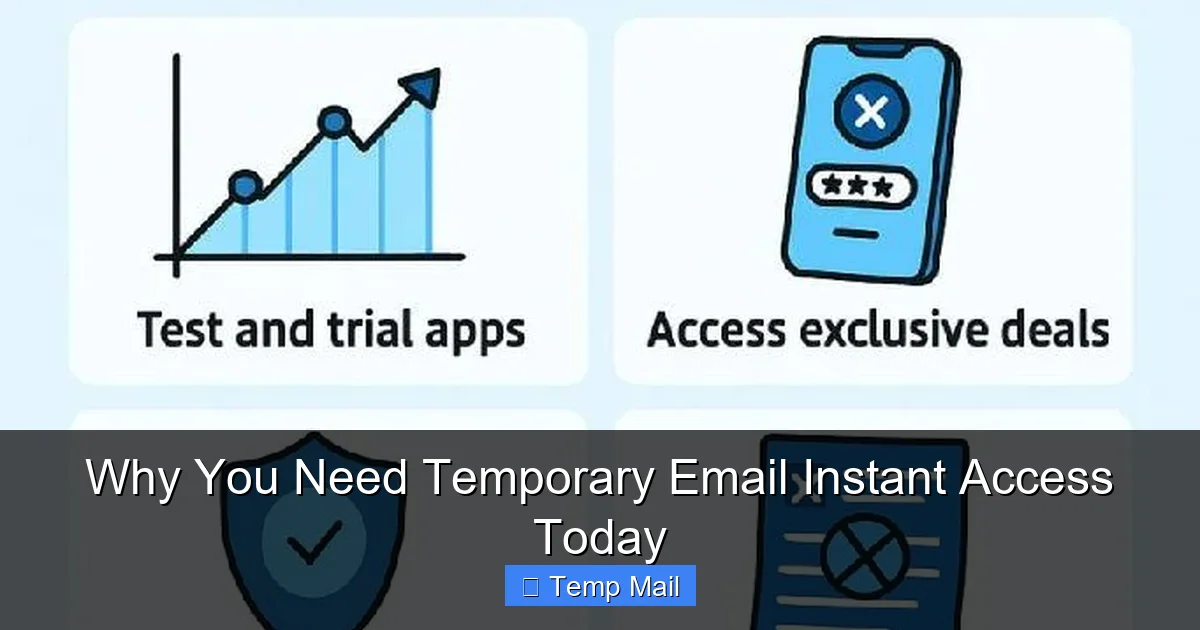
4. Test Websites and Services Risk-Free
Are you wary of a new app or website? Use a temporary email to sign up and explore its features. If it feels sketchy, you can abandon it without any consequence. Your real email isn’t tied to it, so there’s no risk of being locked into marketing lists or having your data sold if the site is unethical.
5. Simplify Account Creation for One-Time Use
Need to create an account to use a one-time online PDF converter, a file compressor, or a temporary cloud storage service? Use a disposable email. The account is meaningless after the task is done. This also applies to creating test accounts for software development or QA testing.
6. Avoid “Password Reset” Loopholes
If you use a temporary email for a low-stakes site and later forget the password, it doesn’t matter! You can’t reset it because the inbox is gone. This is actually a security feature—it means you can’t accidentally regain access to an old, forgotten account that might have weak security. It encourages you to use strong, unique passwords for important accounts and abandon the chaff.
7. Speed and Convenience
The instant access model saves precious seconds and clicks. No mental energy spent on creating yet another password. No fear of using a password you’ve used before. It’s a frictionless tool that removes a tiny but persistent annoyance from your digital day.
Real-World Scenarios: When to Reach for a Temp Mail
Knowing the theory is good. Knowing exactly when to use it is better.
Visual guide about Why You Need Temporary Email Instant Access Today
Image source: ttfs.com.au
Scenario 1: The Content Gate
You’re researching for a project and find a fantastic industry report behind an email gate. You want the PDF, but you don’t want the newsletter spam for the next five years. Solution: Open your temporary email instant access tab, generate an address, paste it, get the download link in the disposable inbox, and close the tab. The report is yours; your primary inbox is safe.
Scenario 2: The “Free Trial” Trap
A SaaS tool offers a 14-day free trial. The catch? You must enter an email and sometimes a credit card. You want to test the tool, but you’re not ready to commit. Solution: Use the temporary email for the sign-up. For the credit card, use a virtual card from your bank (if available) or a service like Privacy.com. This combination gives you a full, risk-free trial. When the trial ends, the account is effectively dead because you can’t log in (no email access) and the payment method can be canceled easily.
Scenario 3: The Forum or Comment Section
You want to post a comment on a news article or participate in a niche forum to ask a question. The site requires account creation. You have zero interest in being part of their community long-term. Solution: Sign up with a disposable address. Post your comment or question. Never look back. Your identity is protected from any potential trolling, data harvesting, or future spam from that community.
Scenario 4: The App or Game Download
A cool mobile game or utility app asks for your email “for updates.” You just want to try it. Solution: Use your temp mail. If you love the app and want to keep it long-term, you can often later add a real email in the app’s settings. But for the initial try, there’s zero commitment.
Scenario 5: The suspicious “Win a Prize!” Pop-Up
You’re on a website and a flashy pop-up says you’ve won a gift card and need to “claim it now” by entering your email. This is almost certainly a lead-generation scam. Solution: If you’re curious how the scam works, use a temporary email to see what they send. You’ll likely get a torrent of spam immediately, which will die with the disposable address. Never, ever use your primary email.
Choosing the Right Service: Features to Look For
Not all temporary email instant access providers are reliable. A bad one can be frustrating or insecure. Here’s your checklist.
Core Requirement: True Instant Access
Visit the site. Is there an email address and inbox waiting for you on the landing page? If you have to click “Create” or “Generate” first, that’s one step too many. The best services show your address and inbox immediately upon loading.
Inbox Auto-Refresh & Notifications
The inbox should refresh automatically every few seconds to show new mail. Some services offer a browser notification sound when an email arrives—a handy feature if you’re multitasking.
Multiple Domain Options
Some sites block known disposable email domains. A good provider offers several domain choices (e.g., @tempmail.net, @disposable.com, @throwaway.email). If one domain is blocked, you can quickly generate an address from another.
No Captcha or Honeypots
A service that makes you solve a Captcha to *get* a temporary email is adding friction you don’t need. Avoid these. Also, be wary of sites that have “hidden” fields or tricks to log your IP—these may not be truly anonymous.
Clear Lifespan Information
The site should clearly state how long an inbox lasts (e.g., “Emails are stored for 1 hour” or “Address expires after 24 hours”). Know the rules of your tool.
HTTPS & Privacy Policy
The site must use HTTPS (look for the padlock). Read the privacy policy (briefly). It should state they do not log IP addresses, do not share data, and purge everything regularly. If the policy is vague or non-existent, move on.
Recommended & Reliable Providers
Services like Temp-Mail.org, 10MinuteMail.com, and Guerrilla Mail are long-standing, reputable options that embody the temporary email instant access model. They have clean interfaces, multiple domains, and clear terms. Always test a new service yourself before relying on it for an important sign-up.
Security & Ethical Considerations: What It Is and Isn’t For
With great power comes great responsibility. Using a disposable email is straightforward, but it’s important to understand its boundaries.
What It IS For:
- Privacy preservation from commercial entities.
- Spam prevention for your primary inbox.
- Testing and exploration of online services.
- Bypassing gated content you have a legitimate interest in.
- Protecting your identity on public or unfamiliar platforms.
What It Is NOT For:
- Illegal activities: Using it to sign up for fraud, hacking, harassment, or to evade bans on platforms where you’ve violated terms of service is unethical and often illegal. The service provides anonymity, but you are still traceable by law enforcement if involved in serious crimes.
- Important, long-term accounts: Do not use it for your bank, primary cloud storage, main social media, or work accounts. You will lose access permanently if the address expires.
- Password recovery: Since you can’t access the inbox after expiration, you will be locked out of any account tied to it. This is by design, so only use it for accounts you don’t care about recovering.
- Receiving critical, time-sensitive documents: A legal notice, a medical test result, or a flight itinerary should never go to a temporary address. Use your real, monitored email for anything important.
Understanding the Limitations
A temporary email is a shield, not a fortress. It protects you from casual data harvesting and spam, but it won’t make you invisible to a determined actor with legal authority. Also, because these addresses are public and shared (the pool system), you should never use them for two-factor authentication (2FA) or password resets on important accounts—someone else could potentially get the code if they are assigned the same address later (though reputable services minimize this risk by not reusing addresses quickly).
Conclusion: Make Instant Access Your Default Habit
Your email address is more than a communication tool; it’s a unique identifier that, in the wrong hands, can be used to profile you, bombard you, and even compromise your security. The habit of reflexively using your permanent email everywhere is a relic of a less privacy-aware internet. In 2024 and beyond, temporary email instant access should be your go-to, default action for any online interaction that isn’t explicitly important, personal, or long-term.
The power of this tool lies in its utter simplicity and speed. It takes no time to set up, no memory to maintain, and no cost to use. It’s a frictionless act of self-defense. By adopting this one small habit—pausing to ask “Is this worth my real email?” and then using a disposable alternative—you take a massive step toward controlling your digital footprint. You’ll watch your spam folder shrink, feel more confident exploring new websites, and gain peace of mind knowing your primary identity is better shielded. Start today. Open a new tab, search for “temporary email instant access,” and generate an address. Use it for the next website you visit that asks for an email. Experience the freedom. Once you do, you’ll wonder how you ever browsed without it.
Frequently Asked Questions
Is using a temporary email legal?
Yes, using a temporary email service is completely legal for legitimate purposes like protecting privacy, avoiding spam, and testing websites. It becomes illegal only if used for fraudulent activities, hacking, or to circumvent legal bans.
How long does a temporary email last?
It varies by provider, but most temporary emails last between 10 minutes and 48 hours. The inbox typically expires after a period of inactivity (e.g., 1 hour) or at a set time from creation (e.g., 24 hours). Always check the specific service’s stated lifespan.
Can I send emails from a temporary address?
Most temporary email instant access services are designed primarily for receiving emails (like verification links). Sending capability is often limited, disabled, or requires a paid upgrade. They are meant as a receptive tool, not a full email replacement.
Will a temporary email work for social media sign-ups like Facebook or Instagram?
It might work initially for account creation, but major platforms often block known disposable email domains. More importantly, using it is against their Terms of Service, and you will be locked out if you ever need to recover your account, as you cannot access the recovery email.
Are temporary emails safe from hackers?
They are safer for your *overall* security because they isolate your primary email from breaches. However, the temporary inbox itself is not secure for private communications. The provider may see the emails, and since the address is often publicly shared in a pool, it’s not private. Never use it for sensitive information.
How does a temporary email service make money?
Most free services show ads on their site. Some offer premium plans with longer inbox lifespans, custom domains, or sending capabilities. Others may sell anonymized, aggregated data about email traffic patterns (not the content of your specific emails) to advertisers. Always review their business model if concerned.